
Rapid advances in artificial intelligence are impacting many aspects of modern life. What’s more, the pace of change wrought by AI will only accelerate. So, how are these developments affecting the world of photography, and are they good or bad? When it comes to AI and Photography, are they friends or foes?
I consider myself an AI-enthusiast. Having rubbed shoulders with exceptionally smart machine-learning engineers in the closing stages of my career, I am probably more willing to embrace what artificial intelligence systems have to offer than the average punter.
This is certainly the case when it comes to my photography.
I have written several articles about the impact of AI on photography for Macfilos. These include tongue-in-cheek prognostications about DALLE-2 dooming photography, and Lightroom’s new AI-Denoise and Lens Blur features.
So, I would place myself firmly in the camp that believes AI and Photography are friends, rather than foes.
Creator
Recently, I took that friendship to a new level; I became a creator of AI-enabled photography tools, rather than just a consumer.
With so many helpful, commercially available tools available, you might wonder why would someone go to the trouble of building their own?
I decided I would benefit personally from this experience in various ways. Many articles I had read about the remarkable recent advances in AI models urged readers to familiarise themselves with these systems by using them to do things. Moreover, it is widely held that learning new skills is good for your cognitive health.
And, I could immediately think of several tools that would be especially helpful for my particular photography interests. So, I concluded that using an AI model to build myself some cool apps would be both good for my photography and good for my brain.
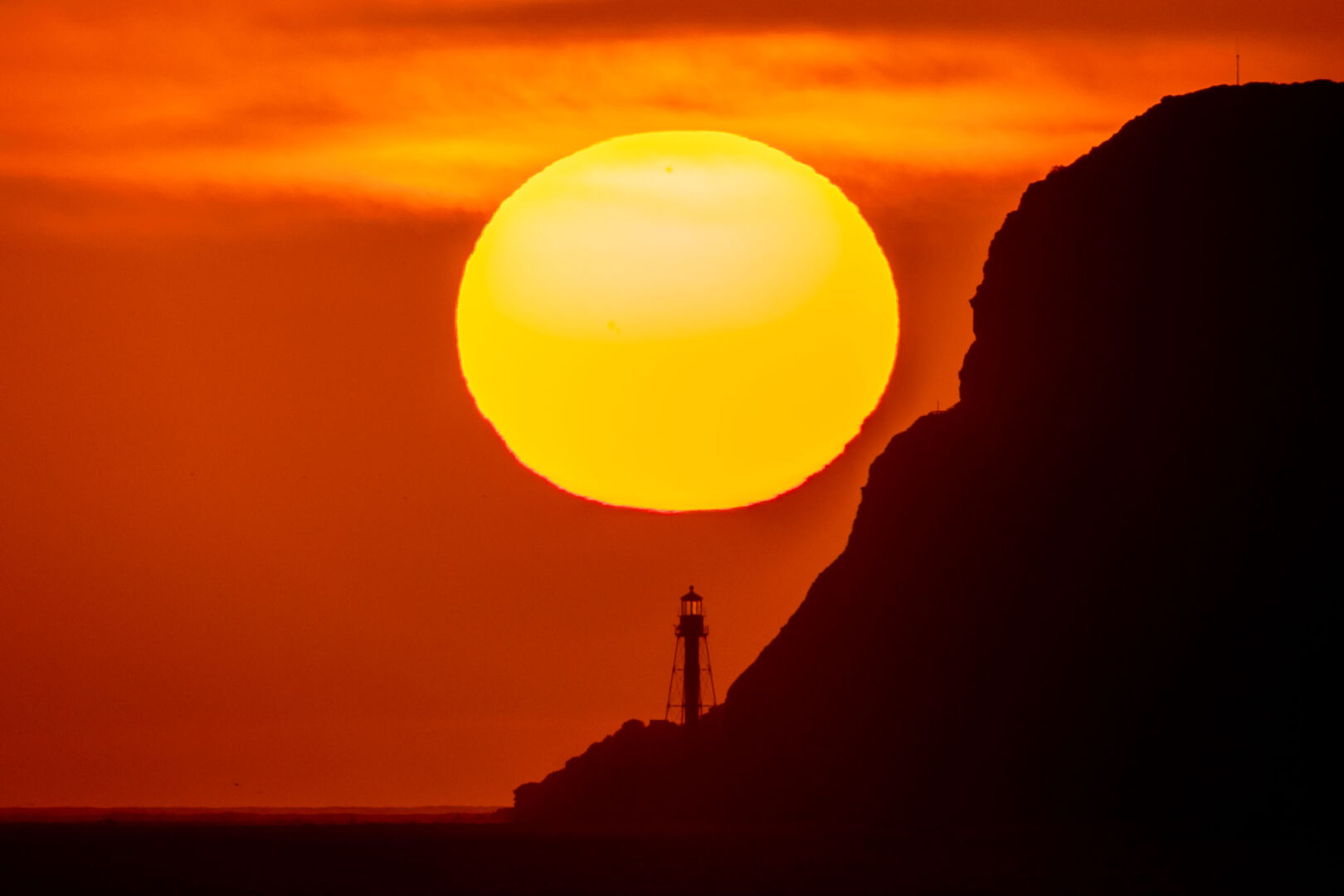
For example, a few weeks ago, I tried to take a photograph of a setting sun in very precise alignment with a terrestrial landmark. It took considerable experimentation, over many attempts, leading me to realise that I needed a planning tool to help me with such projects.
Additionally, I had read that even non-coders (like me) could ‘vibe-code’ programs, using natural language prompts submitted to large language models (LLMs) such as Anthropic’s Claude. So, why not use Claude to build an app to help me with this, and other photography projects?
I took a deep breath, registered as a user, and dived in.
It will take several articles to describe the entirety of my experience as a vibe coder, building personal photography apps using Claude. So, I will start with a simple example.
Let’s crop
I am sure that many readers will have cropped their images, digitally zooming in to the subject of interest.
But, have you ever wondered what the effective focal length of your cropped image is? Putting it another way, what focal length would you have needed to directly capture that enlarged final image?
I have often wondered about this, especially when it comes to telephoto shots I have taken and subsequently cropped.
So, Claude and I (note the sharing of credits here…) built an Effective Focal Length Calculator, which now sits on my laptop as an HTML file. Here is a screenshot of the app.
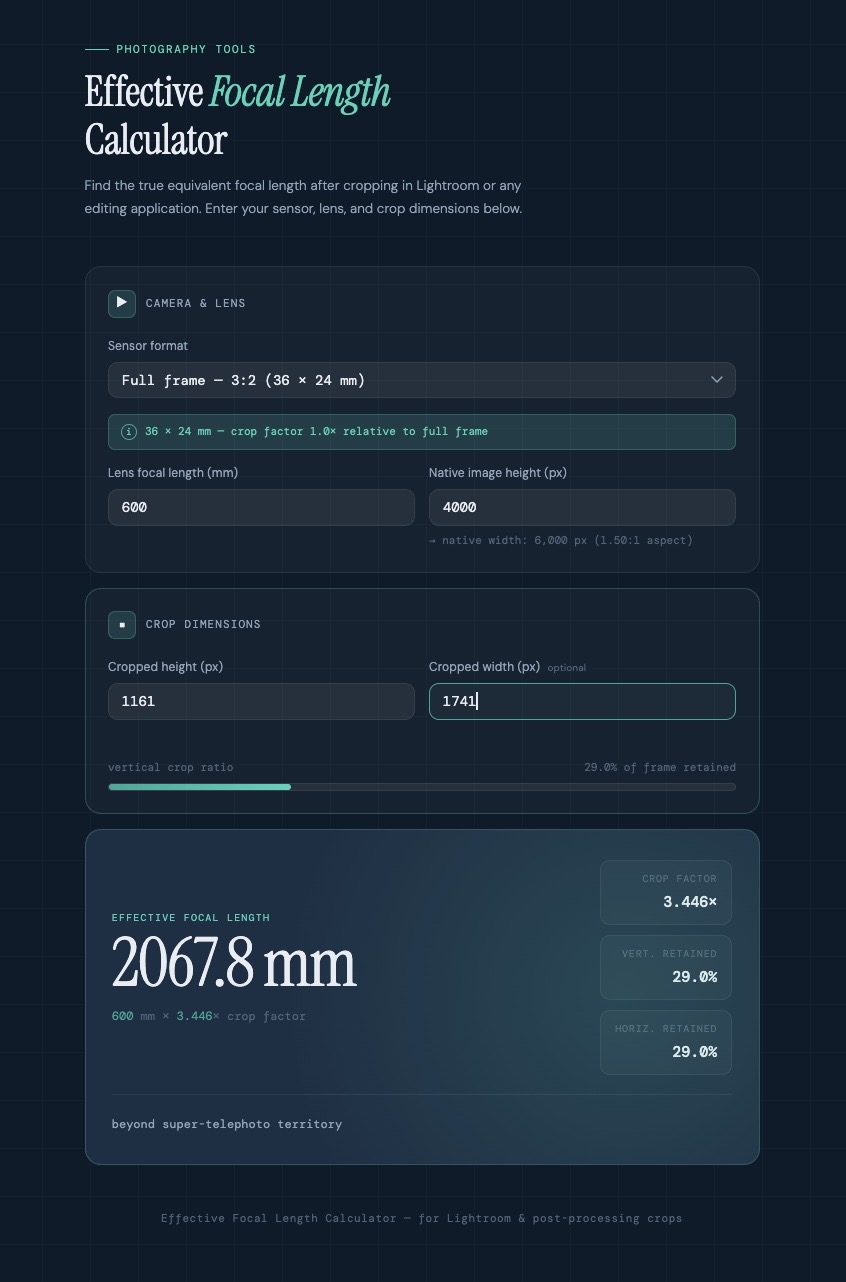
I plug in the following information: the native focal length at which I took the shot; the vertical dimension of the original image; and the vertical dimension of the cropped image (both in pixels). The app then tells me the effective focal length for the cropped image.
Pretty slick, I reckon.
Prompter
Here is the prompt I used to instruct Claude:
I would like to create a new app, to help me with my photography. When I crop an image in Lightroom, I would like to know what the effective focal length of the resultant image is. As an example, if I am editing an image taken at 400mm on a camera with a full-frame, 3×2 sensor, and I crop it so that I reduce the vertical dimension from 4000 pixels to 3500 pixels, what is the effective focal length of that cropped image? I assume the app would need to have input fields for sensor format, lens focal length, and image vertical dimension in pixels. The output would be an effective focal length. Can you build this app for me?
Claude certainly could.
I will allow myself some credit for composing a prompt sufficiently detailed and coherent that Claude could act upon it. I suppose this is why prompt engineering is now ‘a thing’.
AI and photography
Stepping back for a moment, I think it’s remarkable that a machine could take my prompt, written in plain English, and code up a very stylish-looking app that does exactly what I want. Claude chose the layout and colour scheme for the app all by itself.
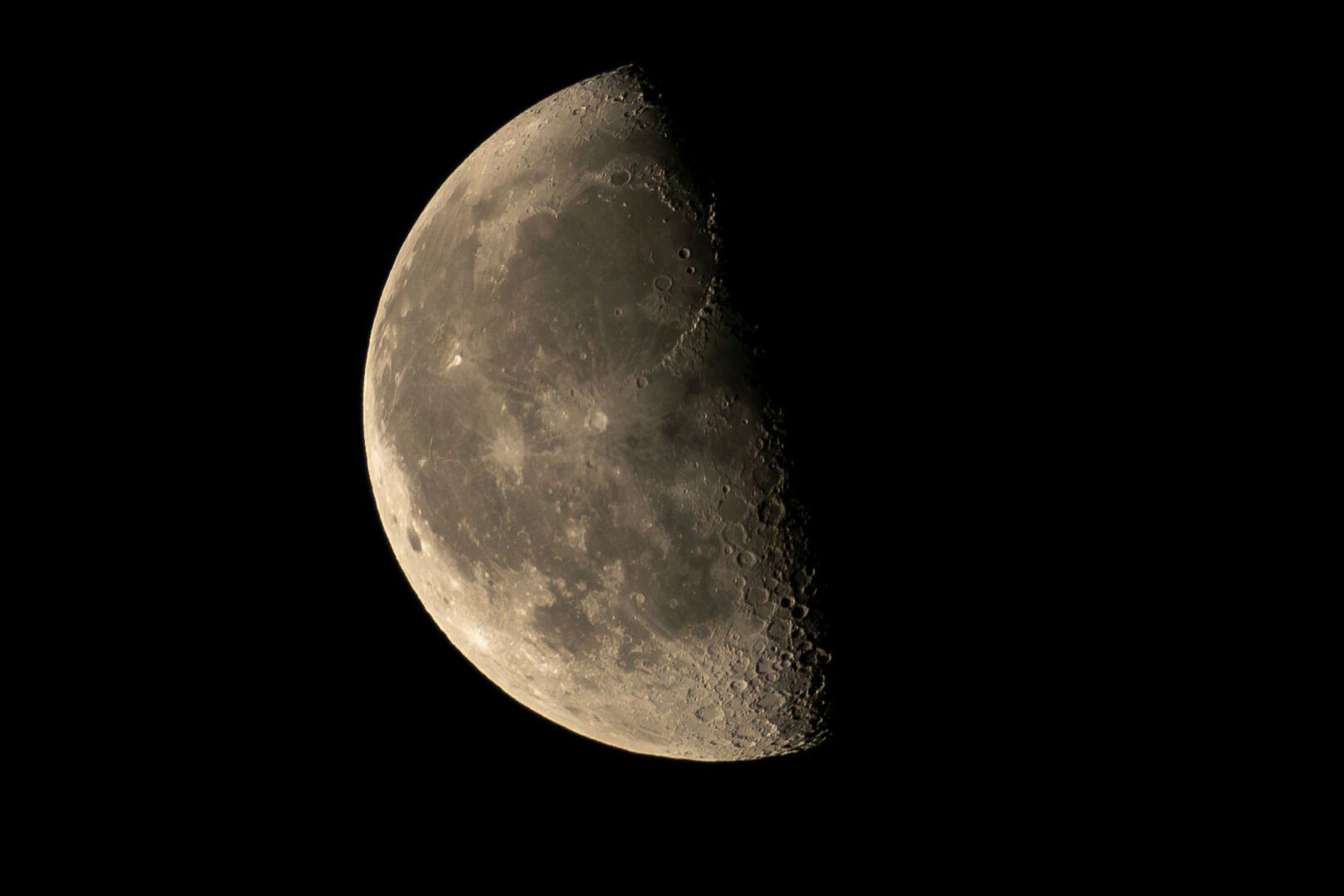
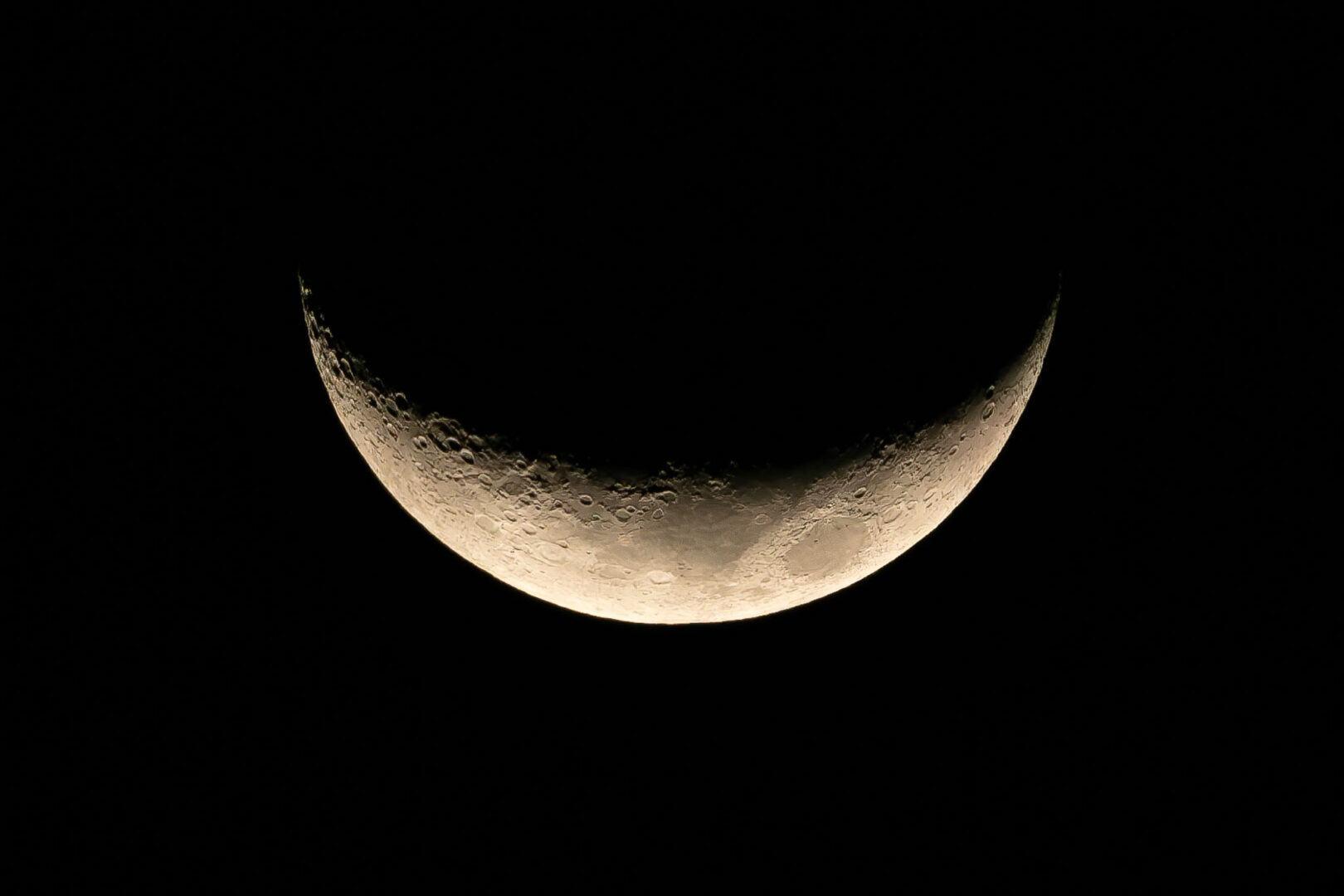
So, I now know that the shot of the half moon I took recently with a 600mm set up (400mm on an APS-C camera) and subsequently cropped, is really an image at an equivalent 2,107mm focal length.
I would welcome the inclusion of effective focal length information on cropped images posted on photography sites. Perhaps Adobe will eventually incorporate this feature into the Lightroom crop tool.

Imagine what other personal photography apps we photographers could ask Claude to build. I have begun to do just that. To date, I have used the free version of Claude. The apps I built are stand-alone programs which reside on my computer, operating completely independently of Claude itself.
And in future articles, I will share more examples of these apps, demonstrating that AI and photography can be firm friends, rather than foes.
Do you have any experience with vibe coding, or building personal apps using a large language model? And which handy apps are we photographers currently lacking? Let us know in the comments below.
Make a donation to help with our running costs
Did you know that Macfilos is run by five photography enthusiasts based in the UK, USA and Europe? We cover all the substantial costs of running the site, and we do not carry advertising because it spoils readers’ enjoyment. Any amount, however small, will be appreciated, and we will write to acknowledge your generosity.
Well done, the “AI in the Sky” may spare you when other mere mortals are discarded!
More seriously, I would also like to be able to convert an existing image into an alternative focal length – for example, if I take an image on my Q3 at 28mm, to what crop / pixel measurements would I need to change the picture to mimic the result if taken at 35mm / 50mm / 75mm / 90mm etc. Could be helpful when talking about the effect of different lenses on composition.
… another vibe coding test for you!!