
Rapid advances in artificial intelligence are impacting many aspects of modern life. What’s more, the pace of change wrought by AI will only accelerate. So, how are these developments affecting the world of photography, and are they good or bad? When it comes to AI and Photography, are they friends or foes?
I consider myself an AI-enthusiast. Having rubbed shoulders with exceptionally smart machine-learning engineers in the closing stages of my career, I am probably more willing to embrace what artificial intelligence systems have to offer than the average punter.
This is certainly the case when it comes to my photography.
I have written several articles about the impact of AI on photography for Macfilos. These include tongue-in-cheek prognostications about DALLE-2 dooming photography, and Lightroom’s new AI-Denoise and Lens Blur features.
So, I would place myself firmly in the camp that believes AI and Photography are friends, rather than foes.
Creator
Recently, I took that friendship to a new level; I became a creator of AI-enabled photography tools, rather than just a consumer.
With so many helpful, commercially available tools available, you might wonder why would someone go to the trouble of building their own?
I decided I would benefit personally from this experience in various ways. Many articles I had read about the remarkable recent advances in AI models urged readers to familiarise themselves with these systems by using them to do things. Moreover, it is widely held that learning new skills is good for your cognitive health.
And, I could immediately think of several tools that would be especially helpful for my particular photography interests. So, I concluded that using an AI model to build myself some cool apps would be both good for my photography and good for my brain.
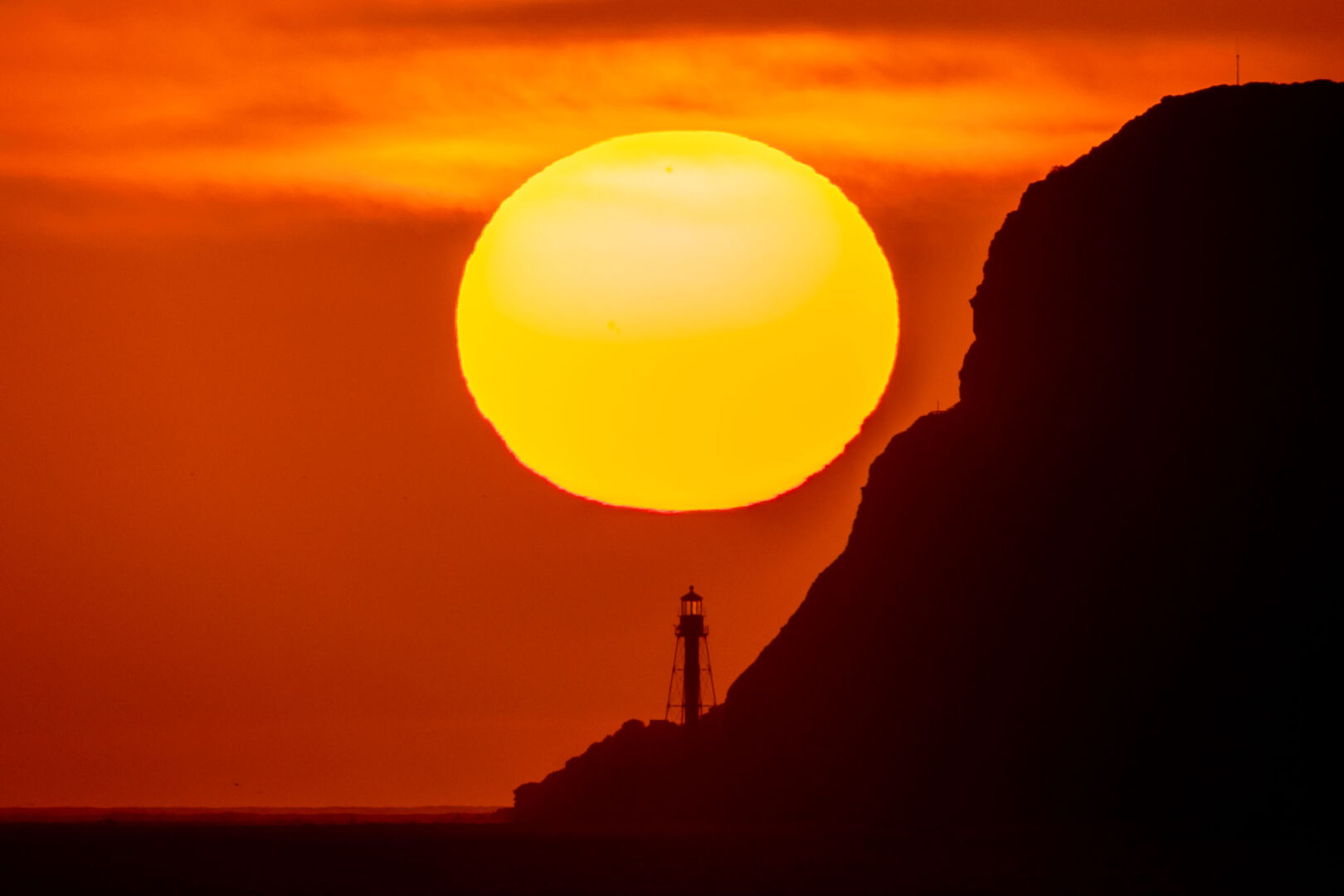
For example, a few weeks ago, I tried to take a photograph of a setting sun in very precise alignment with a terrestrial landmark. It took considerable experimentation, over many attempts, leading me to realise that I needed a planning tool to help me with such projects.
Additionally, I had read that even non-coders (like me) could ‘vibe-code’ programs, using natural language prompts submitted to large language models (LLMs) such as Anthropic’s Claude. So, why not use Claude to build an app to help me with this, and other photography projects?
I took a deep breath, registered as a user, and dived in.
It will take several articles to describe the entirety of my experience as a vibe coder, building personal photography apps using Claude. So, I will start with a simple example.
Let’s crop
I am sure that many readers will have cropped their images, digitally zooming in to the subject of interest.
But, have you ever wondered what the effective focal length of your cropped image is? Putting it another way, what focal length would you have needed to directly capture that enlarged final image?
I have often wondered about this, especially when it comes to telephoto shots I have taken and subsequently cropped.
So, Claude and I (note the sharing of credits here…) built an Effective Focal Length Calculator, which now sits on my laptop as an HTML file. Here is a screenshot of the app.
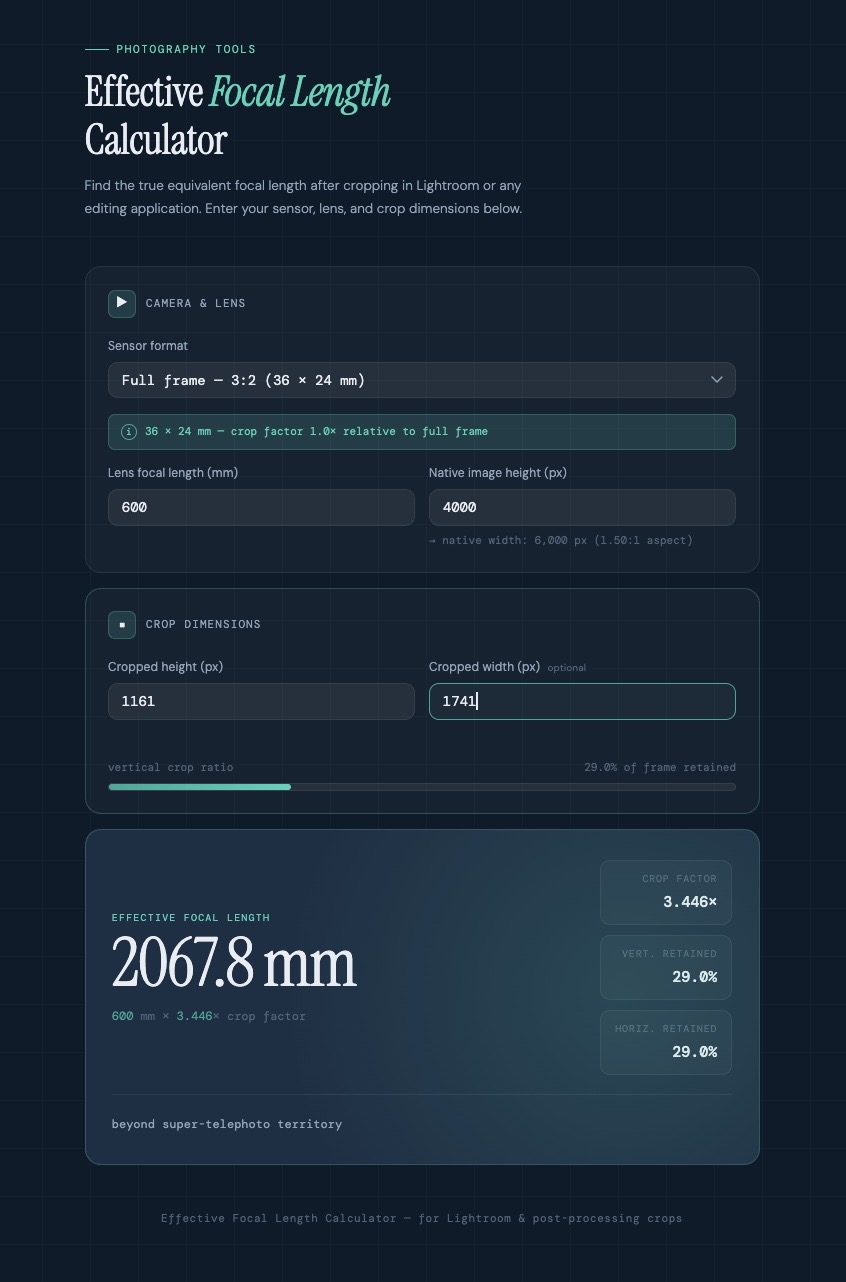
I plug in the following information: the native focal length at which I took the shot; the vertical dimension of the original image; and the vertical dimension of the cropped image (both in pixels). The app then tells me the effective focal length for the cropped image.
Pretty slick, I reckon.
Prompter
Here is the prompt I used to instruct Claude:
I would like to create a new app, to help me with my photography. When I crop an image in Lightroom, I would like to know what the effective focal length of the resultant image is. As an example, if I am editing an image taken at 400mm on a camera with a full-frame, 3×2 sensor, and I crop it so that I reduce the vertical dimension from 4000 pixels to 3500 pixels, what is the effective focal length of that cropped image? I assume the app would need to have input fields for sensor format, lens focal length, and image vertical dimension in pixels. The output would be an effective focal length. Can you build this app for me?
Claude certainly could.
I will allow myself some credit for composing a prompt sufficiently detailed and coherent that Claude could act upon it. I suppose this is why prompt engineering is now ‘a thing’.
AI and photography
Stepping back for a moment, I think it’s remarkable that a machine could take my prompt, written in plain English, and code up a very stylish-looking app that does exactly what I want. Claude chose the layout and colour scheme for the app all by itself.
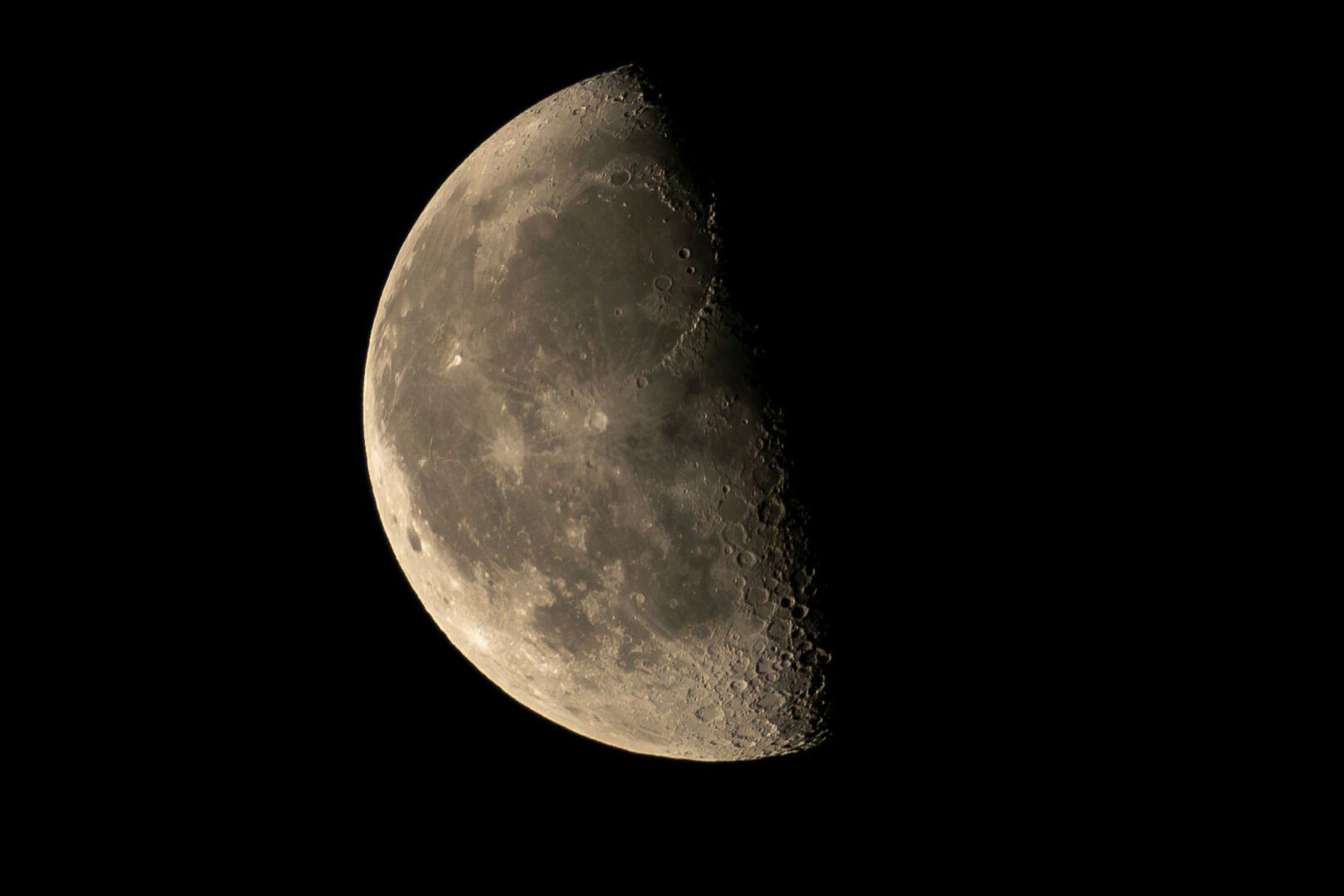
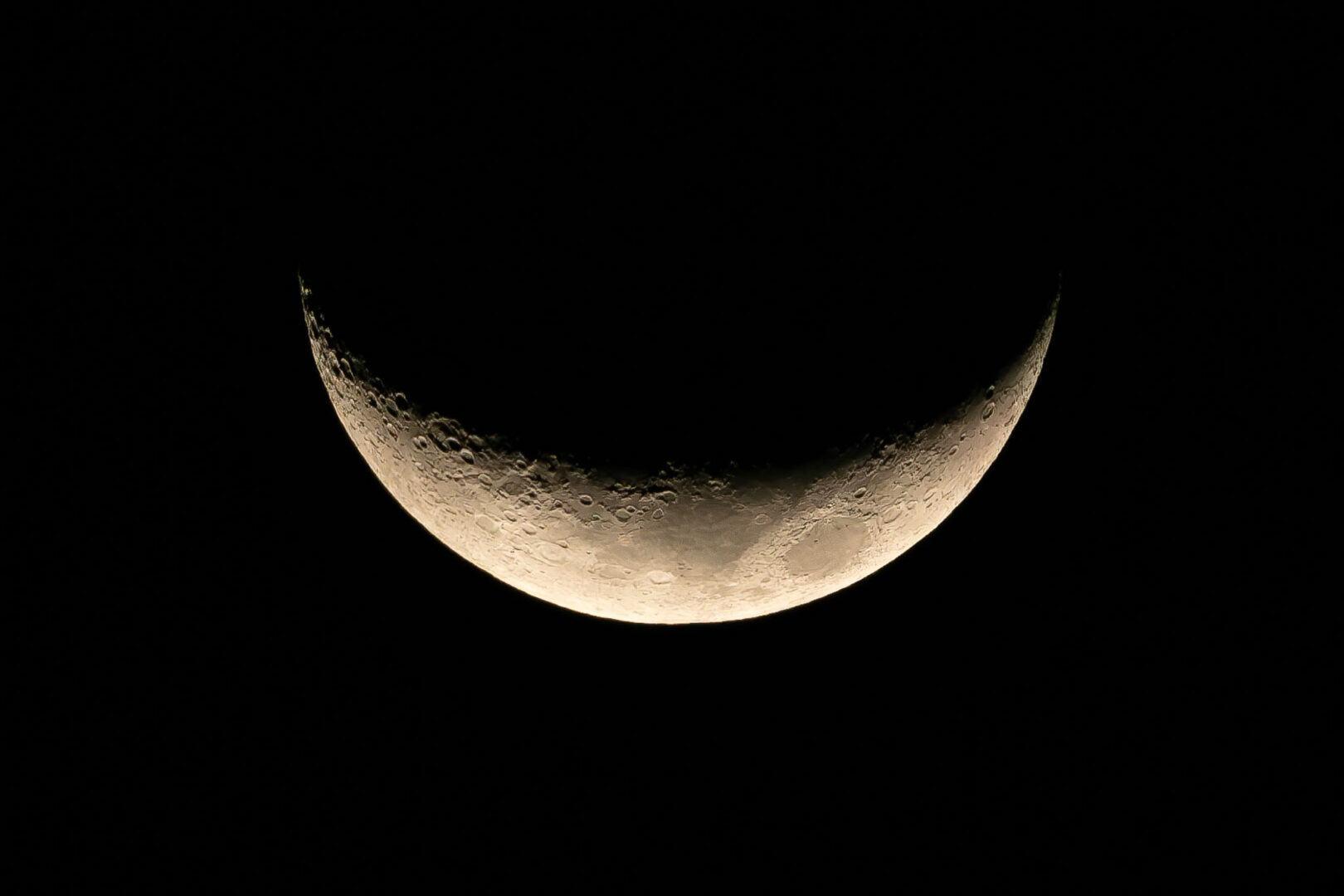
So, I now know that the shot of the half moon I took recently with a 600mm set up (400mm on an APS-C camera) and subsequently cropped, is really an image at an equivalent 2,107mm focal length.
I would welcome the inclusion of effective focal length information on cropped images posted on photography sites. Perhaps Adobe will eventually incorporate this feature into the Lightroom crop tool.

Imagine what other personal photography apps we photographers could ask Claude to build. I have begun to do just that. To date, I have used the free version of Claude. The apps I built are stand-alone programs which reside on my computer, operating completely independently of Claude itself.
And in future articles, I will share more examples of these apps, demonstrating that AI and photography can be firm friends, rather than foes.
Do you have any experience with vibe coding, or building personal apps using a large language model? And which handy apps are we photographers currently lacking? Let us know in the comments below.
Make a donation to help with our running costs
Did you know that Macfilos is run by five photography enthusiasts based in the UK, USA and Europe? We cover all the substantial costs of running the site, and we do not carry advertising because it spoils readers’ enjoyment. Any amount, however small, will be appreciated, and we will write to acknowledge your generosity.
Comments: Please add a comment to this article. Our comments section is a thriving community and everyone is treated with respect. In addition, please identify yourself (and add an email address, which will not be published, if you would like to see answers to your posting). Our system will automatically delete any “anonymous” posts on the basis that they are likely to be spam.
Excellent article! The debate between AI and traditional photography is fascinating. As someone working with AI image tools daily, I can see both sides. AI tools like AI photo enhancers and generators are becoming indispensable for certain workflows, but the soul of photography still lies in the human perspective behind the lens. Your vibe coding experiment is a great example of how photographers can embrace AI as a creative partner rather than a threat.
Thanks, David. I am glad you enjoyed the article.
I continue to be impressed with the ability of Claude to take natural language prompts and code up a bespoke application for me. Some of my more recent efforts have involved cooking and cocktail recipe generation apps. I won’t be covering those on the pages of Macfilos, but some friends and I have launched a local AI club, together with a website where we are sharing our vibe-coding exploits with interested parties.
All the best! Keith
I remember from my Latin lessons at school the phrase, “Reductio ad absurdum”. So, in answer to Keith’s question, “when it comes to AI and Photography, are they friends or foes?” My answer is that AI is definitely a friend of photography. With AI software such as PIXLR, one doesn’t even need a camera to create fascinating photographs.
Chris
Ah, Chris, the question is, are they photographs? My personal bare-bones definition of photography is ‘Capturing a representation of the real world, on a light-sensitive material, using a focusing device of some kind’. If an image has not been generated through that technique, perhaps its just graphic design! All the best, Keith
Keith you have clearly put a good deal of effort into the question, and it was an interesting read…
But in my view, using AI with photography takes the photography bit out of the equation.
Many years ago, Mike publicised an exercise that was first set by Mike Johnston from ‘The Online Photographer’ blog, it was called… One Camera, One Lens, One Year, shortened to OCOLOY. The detail involves taking a film Leica (Johnston insisted thus), I reckon that any camera will do… Now use that camera with black and white film for one year keep the same lens mounted, and shoot as much film as you can, with the time and money that you have.
At the end of the year, look back at your snaps and know that you are a much improved photographer, in every way. You will learn about composition, you will learn about tone, and you will learn about yourself.
Alternatively, you can play with a computer, use a camera as if it was an input device and cobble together some illustrations that have nothing to do with photography, and learn little or nothing about the art/craft of photography.
Sorry Keith, but that is my contention.
Hi Stephen, thanks for your comment, which ranges far and wide, but seems only tenuously connected to the content of my post. I suspect there are many photographers who view post-processing their digital images as an integral part of modern photography, and not an exercise in cobbling together an illustration. And, increasingly, AI-assisted tools are becoming a common feature in post-processing workflows. As we know, even esteemed film photographers of yesteryear used techniques such as dodging and burning in the darkroom to create an image that reflected their creative vision.
Finally, the OCOLY approach may or may not help a photographer become more skilled, but it is certainly not the only approach to becoming a better photographer.
All the best, Keith
And, OCOLY isn’t the approach for the editorial staff of a photography blog, who need to write about a wide range of equipment, photographic genres and associated events. If we spent a year writing articles on one camera, one lens, we’d have no readers left.
I had an interesting AI experience yesterday; I managed to capture an improbably lucky photo of a deer and raven together against a background of rocks, water, mountain forest and high snow capped mountains. A friend suggested I was playing with AI (makes perfect sense). What convinced him was my pointing out the heavy CA fringing the deer.
I’m happy to say it was the imperfections that made the photo mine:)
I could go on about photos all taking on the same look, but it does depart from the intent of your article!!
Using AI needs boundaries. Entering a prompt into a Photoshop generative AI tool invites photo material that is not yours. Example: Entering “pond” on a bare ground image will place an image of a pond that someone else originated. Just because it came from the “cloud” does not eliminate the issue. I have encouraged photo clubs with which I discuss AI to create policies to avoid using other people’s art. Removals seem to be fine, replacing an object with the background. Another useful tool which I think is allowable is Generative Extend, where the photo editor extends the boundaries of the original crop. Adding an alligator to an image of a lake should not be allowable without some admission that it is an AI construct.
Hi Bill, I studiously avoided discussing generative AI manipulation of images, of the kind you refer to. There is a big discussion to be had about where one crosses a line when using such technology. Local photography competitions in my area forbid any use of AI manipulation of images, other than denoising in LR. My interest in the use of AI in photography is primarily exploring how I can build personalized tools to support my photography interests. So far, I have been taken aback by how a non-coder, like myself, can take on such projects. All the best, Keith
Well done, the “AI in the Sky” may spare you when other mere mortals are discarded!
More seriously, I would also like to be able to convert an existing image into an alternative focal length – for example, if I take an image on my Q3 at 28mm, to what crop / pixel measurements would I need to change the picture to mimic the result if taken at 35mm / 50mm / 75mm / 90mm etc. Could be helpful when talking about the effect of different lenses on composition.
… another vibe coding test for you!!
Hi Andrew, and thank you. The calculations you refer to — determining the dimensions of a cropped image that would correspond to a particular focal length — would in effect be the inverse of those I can do with my app. I think it would be quite easy, with the help of Claude, to put such an alternative app together. When I have a spare moment, I will give it a whirl. I would have to come up with a different name for it though. Perhaps it would be a crop to focal length converter. All the best, Keith