
Our local arts commission recently invited submissions for an intriguing new exhibition: Rhythm and Form. Isn’t that a terrific theme? It leaves plenty of room for interpretation by artists working in any medium. I was determined to participate, but rather than submit individual photographs from my existing collection, I decided to take a different approach. Here was an opportunity to sharpen up my skill at masking in Photoshop.
What comes to mind when you think of rhythm and form? I ask because that’s the question I faced when weighing up a potential entry for a local exhibition based upon those themes.
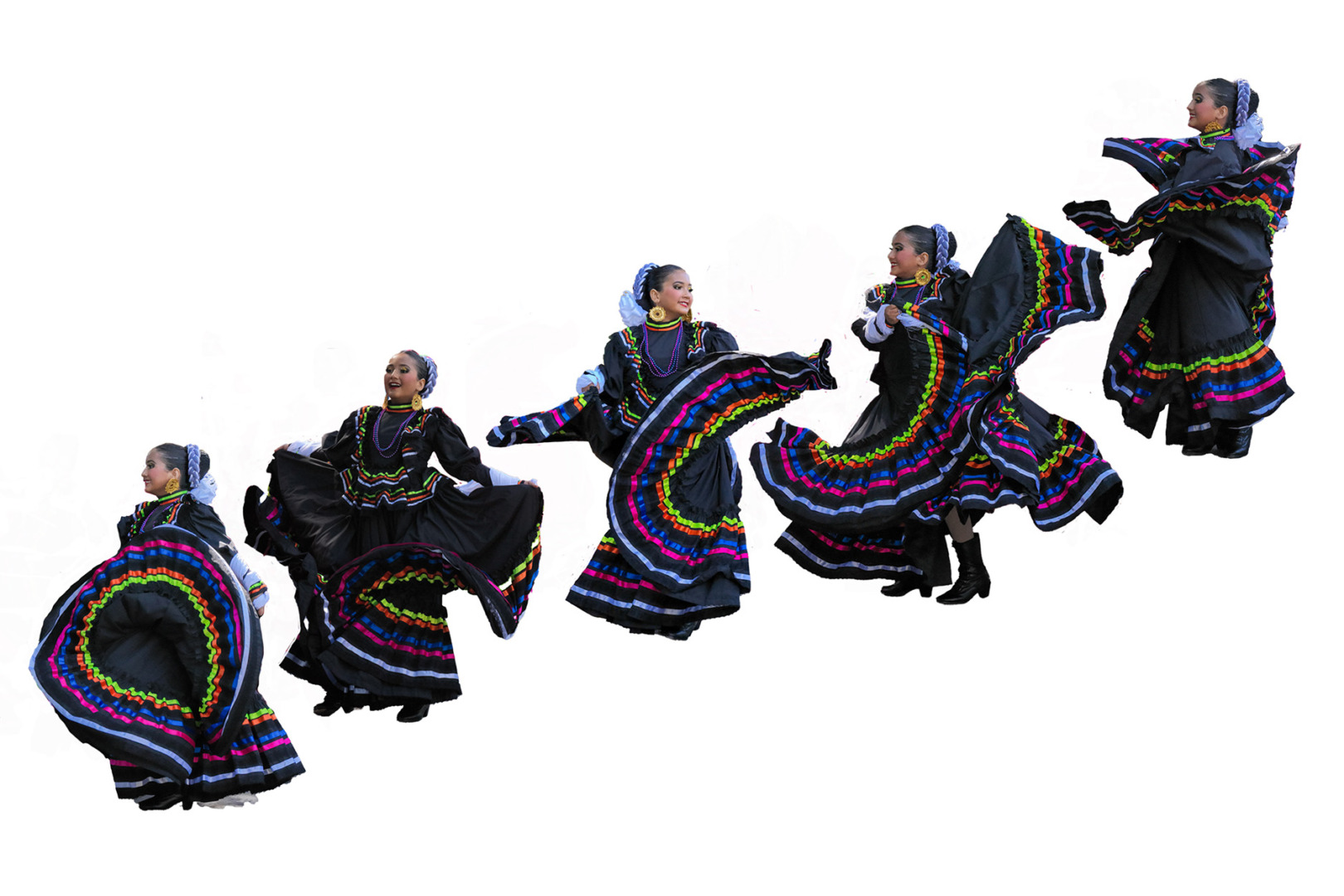
Since rhythm is the basis of music, and ‘following the form’ is an essential requirement in all musical styles, especially jazz improvisation, perhaps musicians in action would fit the theme? Better still, dancers in action. Dancing involves rhythmic movement, its exponents often adhering to a specific form, as in ballroom dancing.
So, perhaps photographic representations of people dancing along to music could fit the theme. These would also have the added benefit of incorporating the human form – surely the ultimate photographic subject.
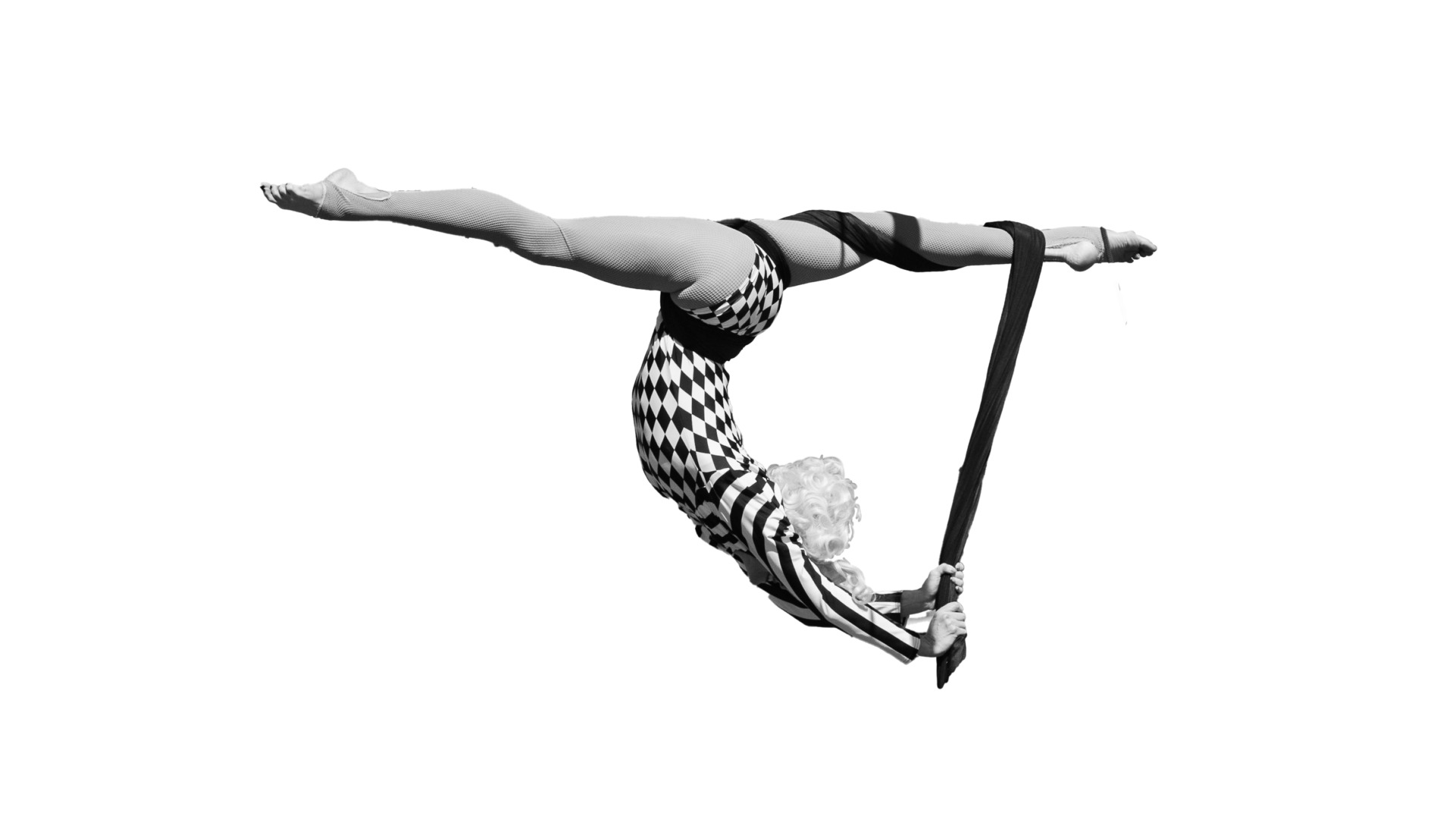
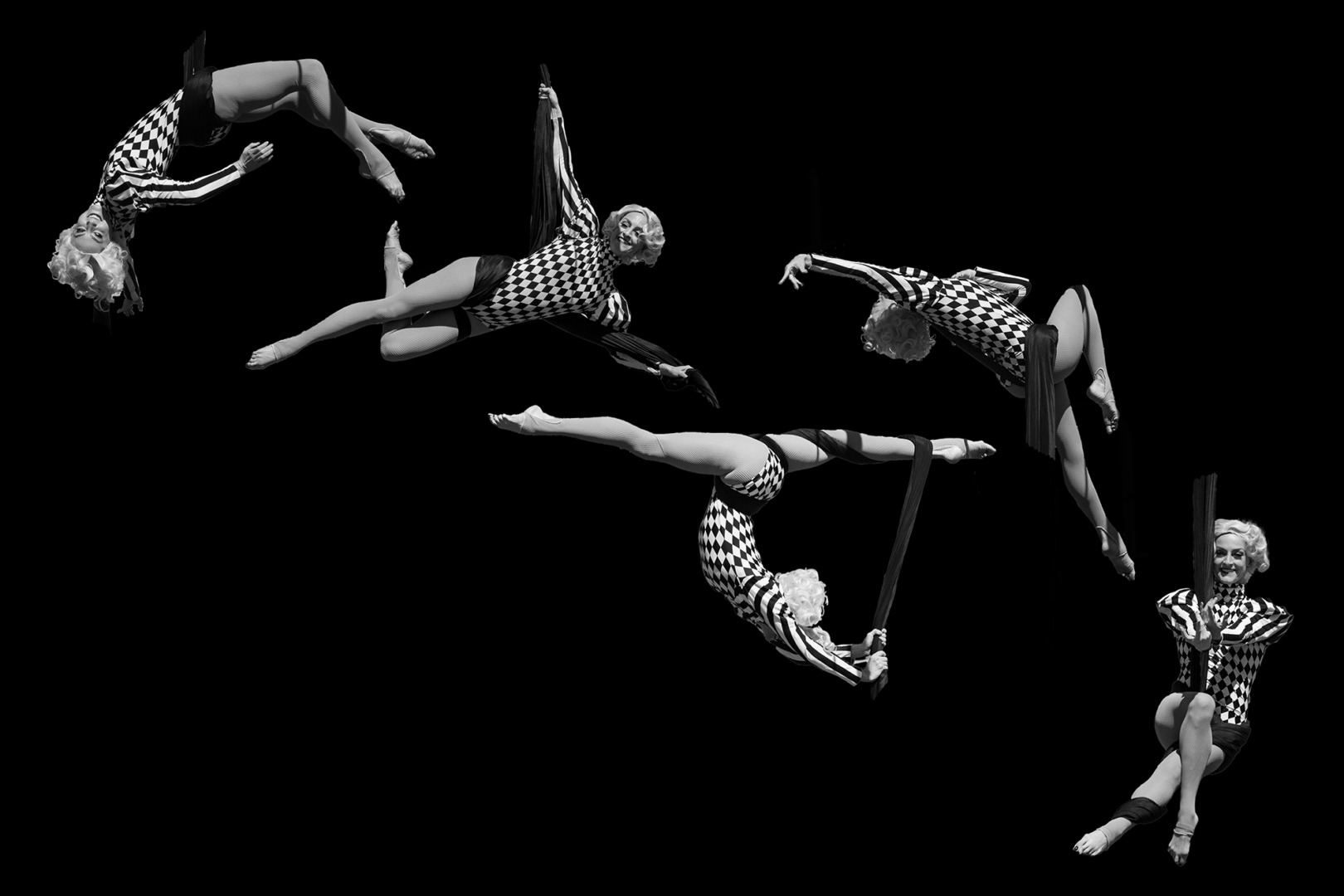
Another field reflecting these two thematic requirements occurred to me. Smooth, rhythmic progression through a sequence of eye-popping poses is a hallmark of some types of acrobatics – another human-centric art-form.
I therefore added photographic representations of acrobats to my short-list of options.
A composite composition
But how could I get my hands on photos of musicians, dancers, and acrobats? Happily, within my large Lightroom image database, I had examples of all these performing arts. I therefore turned my attention to the challenge of how best to use the raw material at my disposal.
I decided a sequence of images, within a single frame, would reinforce a sense of rhythm. Even better, a cadence of images, each depicting a different pose, could blend the two themes of rhythm and form. So, a composite image it was to be.
To reduce these ideas to practice, I realised I would need to excerpt subjects from an original photograph, discarding the background in each case. Furthermore, I would need to employ a technique relatively new to me, masking in Photoshop. So, I assembled sets of three to five photographs, each depicting a slight variant in the form adopted by the performer. I then set about creating masks.
Masking in Photoshop
In case you are not familiar with this concept, in photo editing and traditional darkroom printing, a mask is a non-destructive layer or physical block used to hide or reveal specific parts of an image. What I had in mind was a mask that would conceal the background in a photograph of a person, leaving the subject visible.
Photoshop offers an AI-assisted subject-selection option as a first step in creating a mask. Perhaps this works well with a simple, isolated subject, but in my case, the resulting selection required considerable manual editing.
I did this by selecting a brush option from the menu, alternating between ‘add to mask’ and ‘remove from mask’ options as I made the edits. It is straightforward, but finicky and time-consuming. Masking in Photoshop certainly requires patience, and a steady hand.
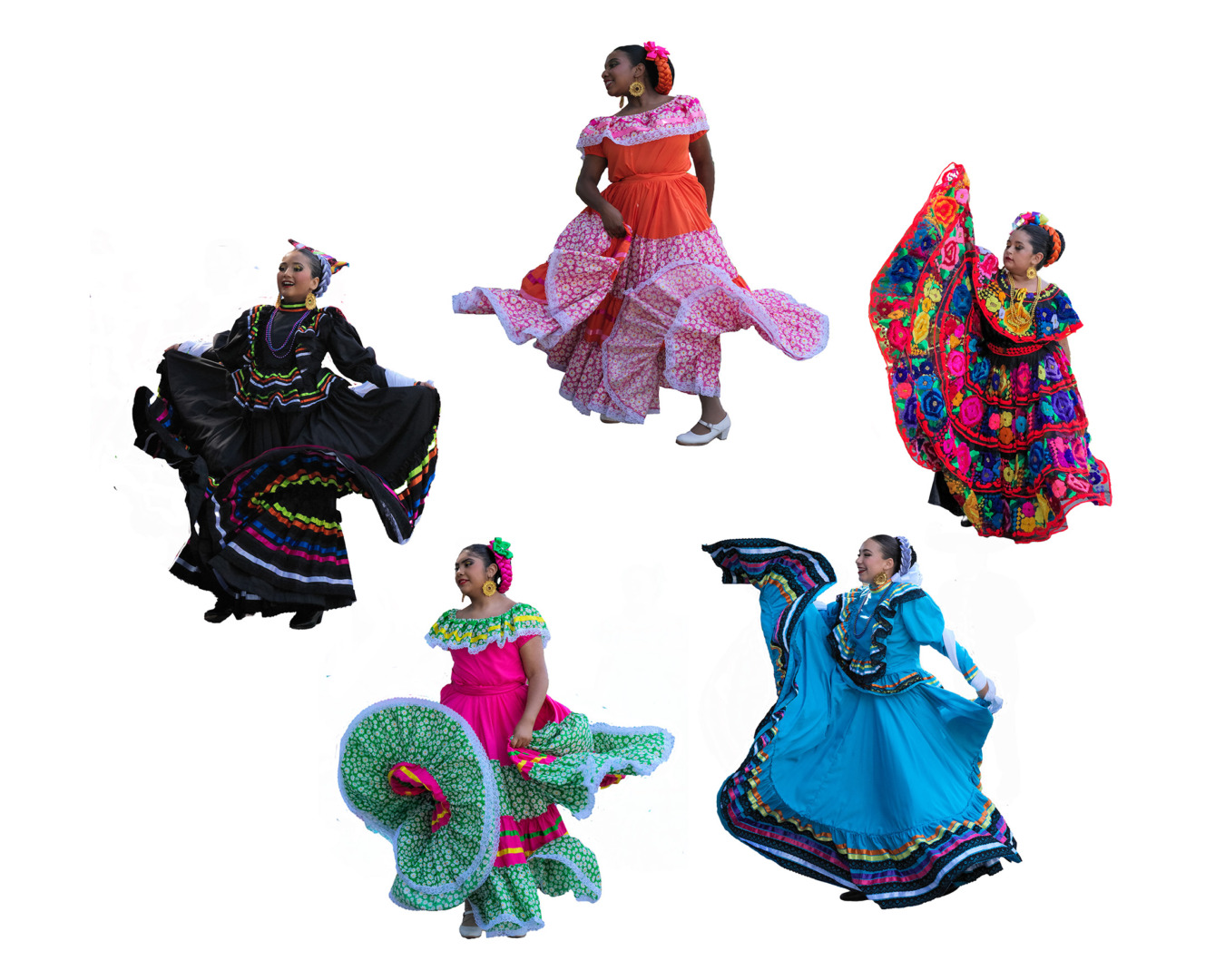
Eventually, I was in possession of a collection of masked versions of my images, the subject cleanly extracted in each case.
Making arrangements
I next created a new, background ‘layer’ in Photoshop, which would become the canvas onto which I would place my set of images. Although my preference would have been a wide, panoramic frame, submission requirements set a maximum size limit of 20” x 16” for each piece. I therefore went for a 3 × 2 aspect ratio, which would sit behind an 18” x 12” matt in a 20” x 14” frame.
The final step in the process involved arranging the images on the canvas to create an aesthetically attractive composite picture which reflected the theme.
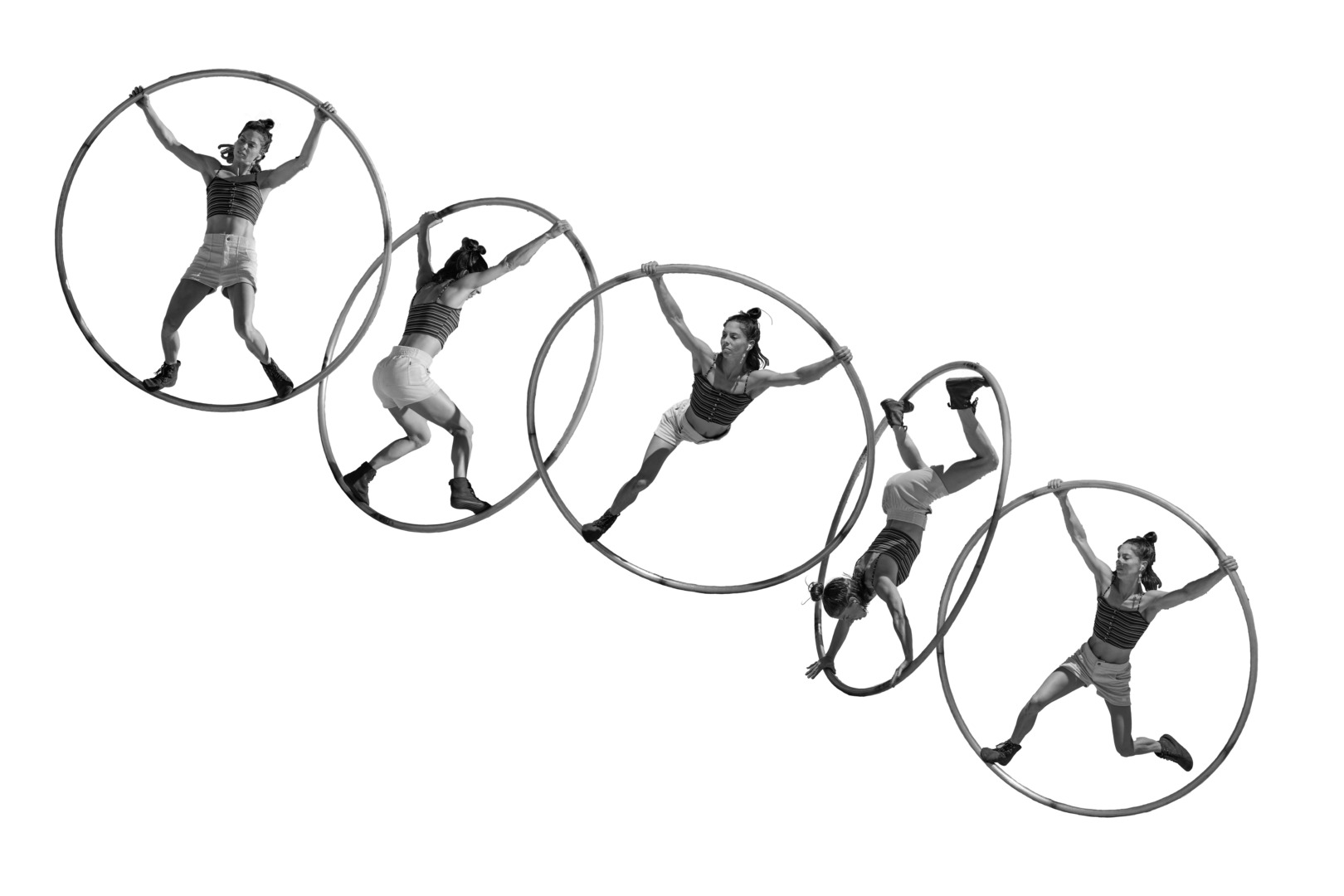
There are a mind-numbing number of permutations for five objects arranged on a two-dimensional surface. So, I chose an arrangement in each case that suggested a progression. This might be from left-to-right, diagonally, or circularly. I also tried to interlock the individual images, so that gaps were minimized and progression looked smooth.
And the result is…
The dancers I included wore brightly coloured dresses, and so I selected colour for composites based on those subjects. The acrobats looked better in black and white, placing the emphasis on the shapes they adopted. In a few cases, I thought a black background worked best.
I have included the final images throughout the article.
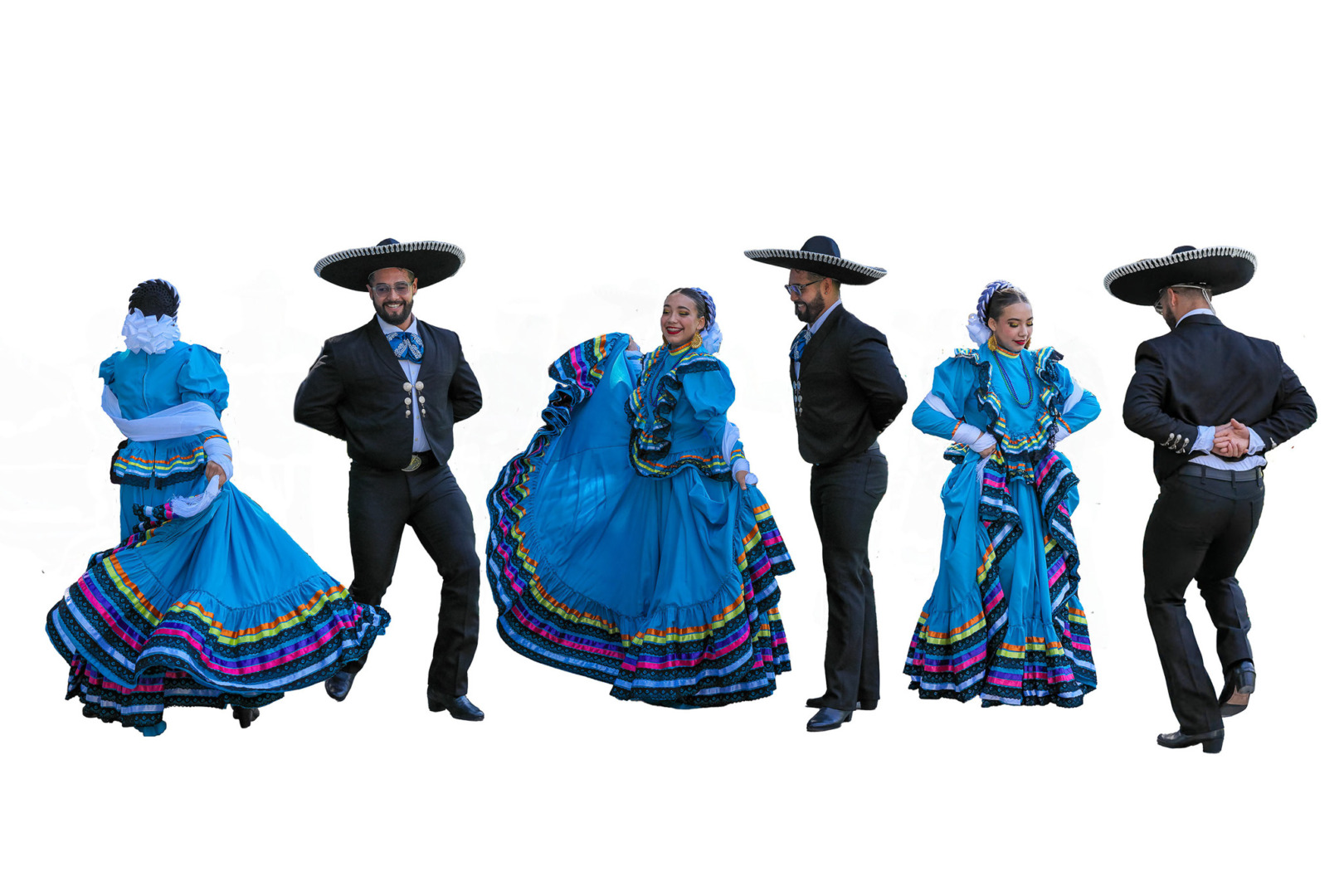
I think the composite photographs look great, and are a natural progression beyond the diptychs and quadriptychs I have made previously. And now that my skill at masking in Photoshop has been tuned up, I am already thinking about other ideas for composite images.
Rhythm and Form
As with any submission for consideration in an exhibition, you never know which, if any, the jury will decide to include. But, as I have learned from previous examples, for me, the satisfaction comes from creation of the artwork, especially if it involves learning something new, or solving a practical problem.
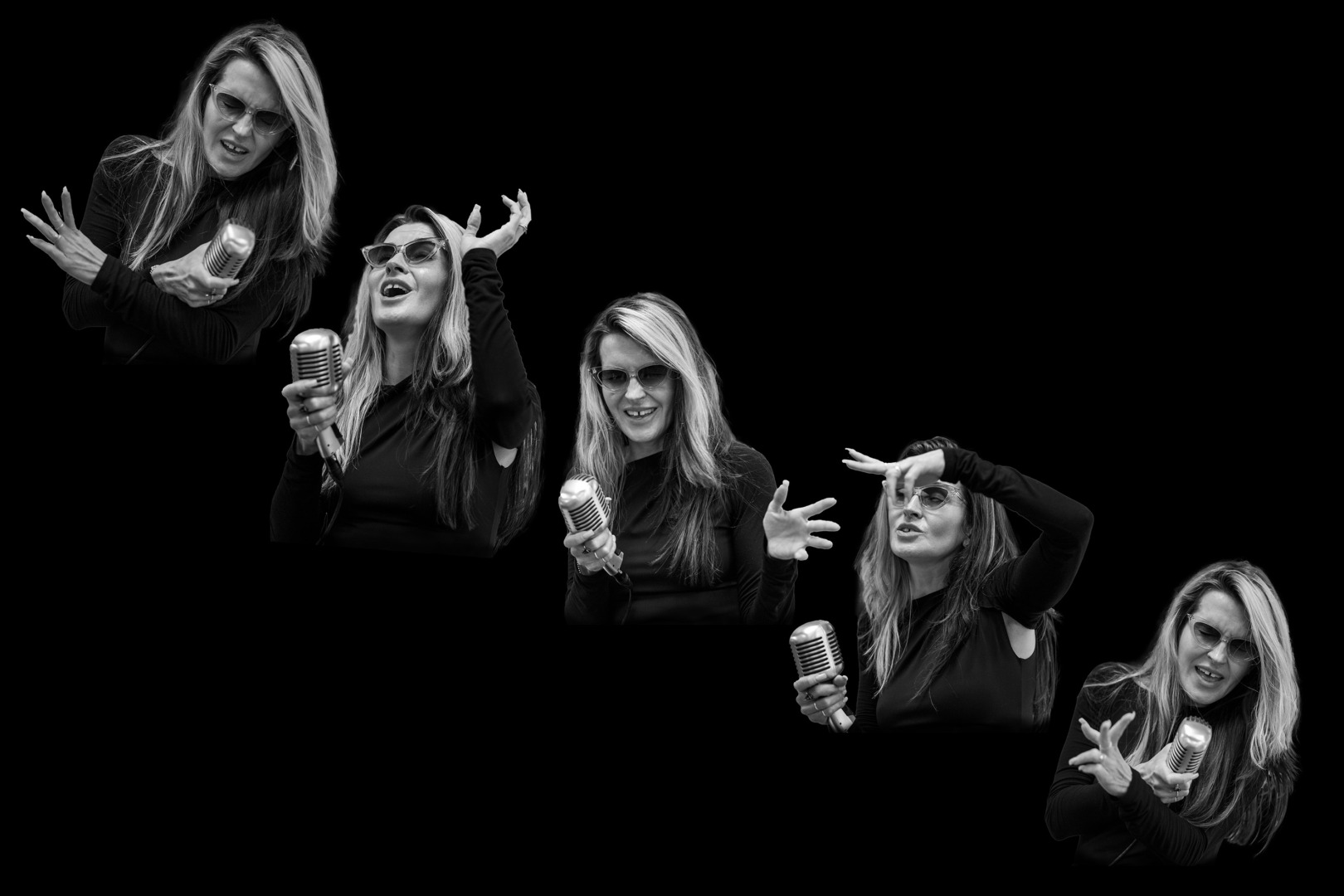

How would you interpret the theme, Rhythm and Form, photographically? Have you submitted examples of your photography to an exhibition recently? And, have you had any experience creating composite images? Please let us know in the comments below.
| Read more about diptychs | An article about quadriptychs |
| Placing images on a background in Photoshop | Placing multiple images in a Photoshop frame |
Make a donation to help with our running costs
Did you know that Macfilos is run by six photography enthusiasts based in the UK, USA and Europe? We cover all the substantial costs of running the site, and we do not carry advertising because it spoils readers’ enjoyment. Any amount, however small, will be appreciated, and we will write to acknowledge your generosity.
Excellent. Love the attitude toward new skills and creative photographic expression. I have wondered how to do this. I’ll hopefully have time to do a few.
Keith – wow, what a terrific series, and such a creative way to convey rhythm and form! One of my (many) still unrealized photo projects is a whole series on dances from around the world; luckily I live in a part of the US with a lot of diverse communities and cultural festivals. I just haven’t made the time to go them. I also feel like I need to shoot dancers in a “proper” environment, i.e. , a theatrical stage with proper lighting and no distractions. However, most of the festivals are very busy and raucous affairs in the center of towns, so the best I have been able to pull off in the past are photos of dancers with distracting backgrounds. Your approach is very clever, and something I now want to try out. It will force me to become better at Photoshop as well!
Many thanks, Ed. I took these photos long before I had the idea of using them to create a composite image. I am fortunate that I happened to take multiple shots of each performer, and that the sequence of shots captured the subject in a slightly different pose in each case. Now that I know this type of composite is possible, I will be much more purposeful when photographing performers in future. All the best, Keith
Keith
Thank you for posting an intriguing article. As you say, the enjoyment comes from creation of the artwork and pleasing the jury, for me at least, would be a bonus.
You said you printed at 18″ x 12″. What paper did you you use and was it printed at home? Did you consider printing on “canvas”?
Chris
Hi Chris, and many thanks. I use a local print shop, called Chrome Digital, for all my printing. They have always done a superb job. A 12″ x 18″ print will cost me ~$17 on Fuji Crystal Archive matt paper. They have also made several canvas prints for me, which were mounted on a 1.5″ stretcher. They were also suprisingly sharp. All the best! Keith