
Over the years, I’ve flip-flopped on my attitude to taking JPEGs in addition to RAW images. Fortunately, I have never shot JPEG only. But, I have often used RAW+JPEG, sometimes as a belt-and-braces approach, sometimes to try out various in-camera presets. Occasionally, I admit, simply because I thought I might just need them — totally without logic. Nevertheless, is it really necessary to create in-camera finished images?
Perhaps this is heresy these days, as camera manufacturers focus increasingly on processing recipes, film simulations and every possible means of creating a perfect image right there in the camera. It’s what you expect from a smartphone — instant gratification — but what if you never need instant results? What if you rely entirely from choice on post-processing RAW images, as I do?
Maybe I’m in a minority, and this article is by way of a prompt to ask readers their preferred workflow — JPEG only, JPEG and RAW, or RAW only. I realise there is no clear answer. It’s a matter of personal preference and of individual requirements. The big other question, is what do you intend to do with the images you have shot? However, it does no harm to consider whether creating an off-the-peg tandem can be wasteful.
RAW only
I can manage perfectly well shooting RAW only. Apart from the fact that I never need to share images, except after “developing” back at base, there’s less clutter when processing pictures, and a significant saving in disk space.
Over the past two years, however, I went through some doubts. I was at peak JPEG last year, largely because of reviewing the Fujifilm X100VI and GFX100RF. Both cameras, true to Fuji practice, major on excellent “film simulations”, a Fujifilm strong point.
Indeed, the RF actively encourages the choice of in-camera treatment, especially when the options are available on the focus ring at a flick of the wrist. It seemed churlish to review these cameras if I couldn’t discuss the film simulations, so I decided to embrace them.
Simulations and recipes
In reality, though, it isn’t necessary to keep changing film-simulation presets with Fuji cameras unless you want to share them immediately, as you might, for instance, with a smartphone image, or with a “real camera” image connected to a smartphone.
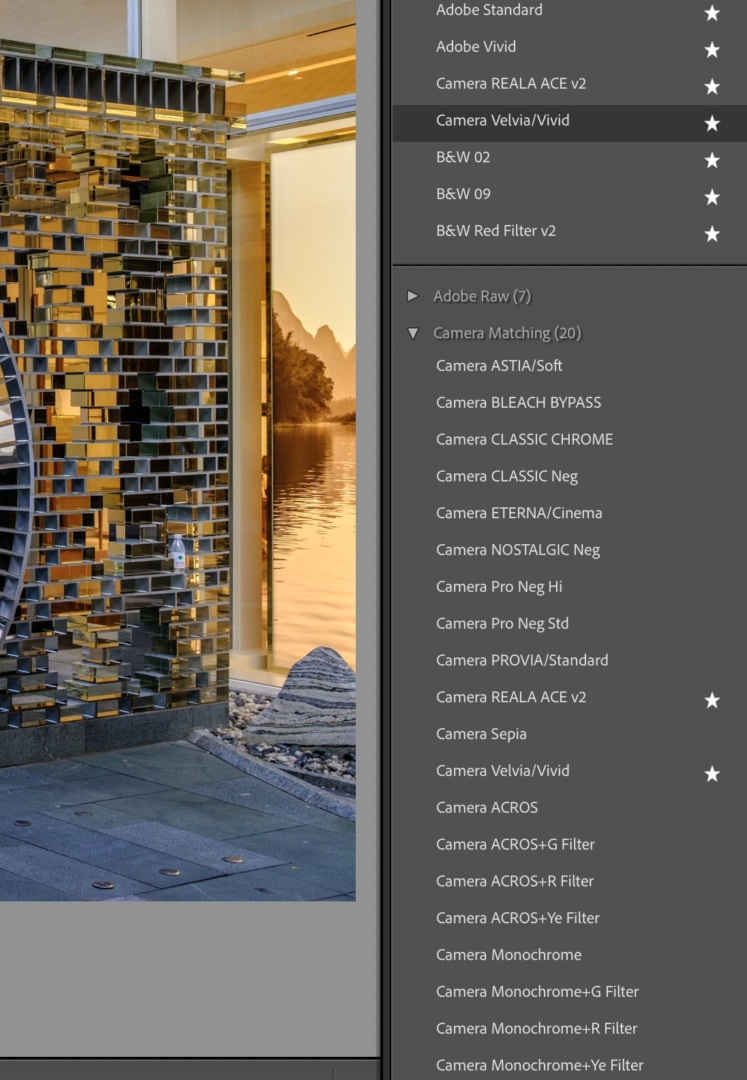
Lightroom users can access all of Fujifilm’s in‑camera simulations during post-processing and apply them retrospectively to any photograph as required. The same principle applies to Capture One for Fujifilm, Fujifilm X RAW Studio, and Fujifilm’s own Silkypix-based converters. However, while Adobe and Fujifilm have collaborated to produce Adobe RAW Fujifilm presets, there are likely to be some differences between results. If you use a Lumix camera, you can access all the camera LUTs you have downloaded from within Lightroom.
It’s fun to experiment and work out which of the settings provides the best starting point for further tweaking if necessary. I prefer to transfer the decision from shooting to post-processing. There’s more time to consider the options and create the most compelling images.
Moving to Leica, I truly enjoy the Leica Looks and the built-in JPEG styles on Leica’s latest cameras. Unfortunately, similar freedom to apply recipes in post-processing is not yet available for Leica. Furthermore, only a sub-set of available Looks can be loaded into the camera at once, and they are applied at capture time rather than during RAW development in the computer.
The terminology
Incidentally, a word on terminology for less experienced readers, since the subject can be confusing. I realise that most of our readers are experienced photographers and that this is basic stuff. But it does no harm to repeat. If you know all this, fast-forward to the next section.
A RAW file is an unprocessed format containing all data captured by the camera’s sensor. People often refer to it as a “digital negative” because it preserves maximum detail, dynamic range, and full colour information. RAW (or, perhaps more accurately, “raw”) isn’t an acronym and simply refers to an “uncooked” state, ready for the chef’s ministrations.
File extensions vary from manufacturer to manufacturer, such as .ARW for Sony, .RAF for Fuji and .RW2 for Panasonic. Leica and Ricoh, however, use Adobe’s open-source DNG (Digital Negative) standard, which is growing in popularity, and in general is more convenient. For one thing, it isn’t necessary to wait for post-processing packages to add the ability to handle non-standard RAW files.
A JPEG (named after the Joint Photographic Experts Group which developed these important standards) or JPG (taken from the file-name extension) file compresses image data to produce a specific, pre-determined result. It occupies less space than the RAW file and is ideal for sharing. HEIC is a similar image format, which is the default on Apple devices, and optional for example in newer Fujifilm and Lumix cameras, capable of storing more information than JPEG in a more compressed form.
What are the advantages and, if any, the disadvantages of using RAW only?
Saving RAW only or RAW+JPG
Let’s look first at the advantages of out-of-camera JPEGs. If you wish to have instant processed images to share, without waiting for post-production, then JPG or HEIC output is for you.
You can easily understand these advantages if you need to share pictures immediately and don’t have the time (or inclination) to post-process the session before needing the shots. I think this is a decision any of us can make, depending on our workflow.
Here on the Macfilos team, for instance, we have differing approaches. Jörg-Peter Rau, as a working photo journalist, finds additional JPEGs essential because he requires instant access and cannot wait to get back to base to process the day’s pictures. I suspect this applies to many news professionals where time is important.
Another colleague, Jon Cheffings, takes the opposite view and shoots entirely in RAW because he prefers to rely on post-processing and seldom has an urgent need for a particular picture. His Lightroom database is unencumbered by tandem JPEG files.
The advantages of turning off JPEGs are substantial in space-saving, especially now that high-resolution sensors in full-frame and medium-format cameras are the norm. The Fujifilm GFX100RF, with its MF sensor, is one of the biggest offenders in my workspace when it comes to file size. RAW files are roughly 70-120MB, depending on compression, and full-quality JPEGs vary between 10-40MB. This soon mounts up.
Halfway house
I have lived in a halfway house for some years. I have often gathered JPEG files for no real reason, especially in the past, when I didn’t really worry about space restrictions. That is no longer the case, and I now question the need for automatic collection of JPEG conversions. However, I do frequently harvest JPEG files when reviewing cameras so I can provide examples of results based on a set camera standard which anyone can reproduce.
In most cases, nevertheless, I don’t really need JPEG files but often leave them turned on in camera settings out of laziness. I have frequently reasoned, illogically, that they might come in useful, even though I know that they won’t — and that I can recreate them instantly from the RAW image.
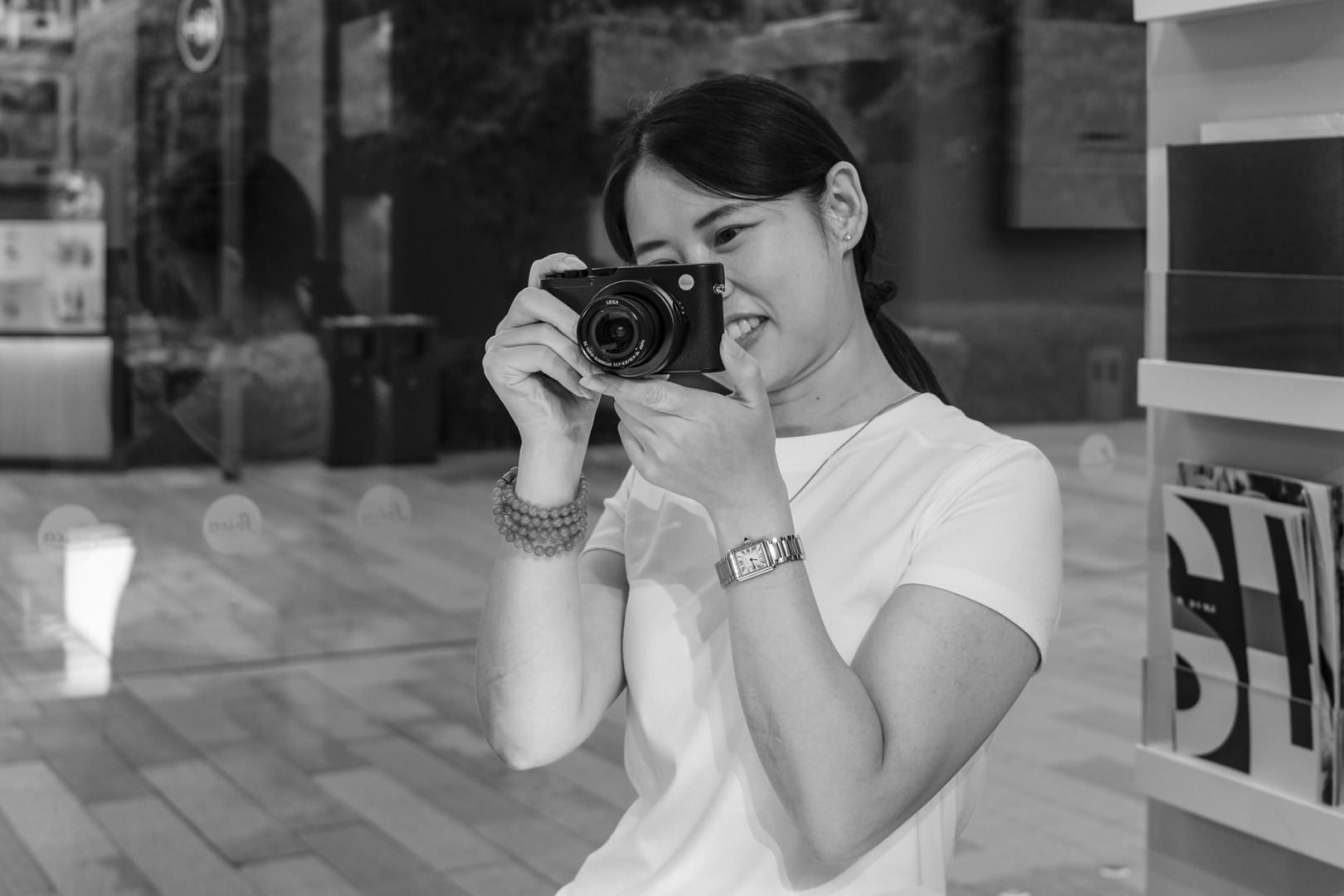
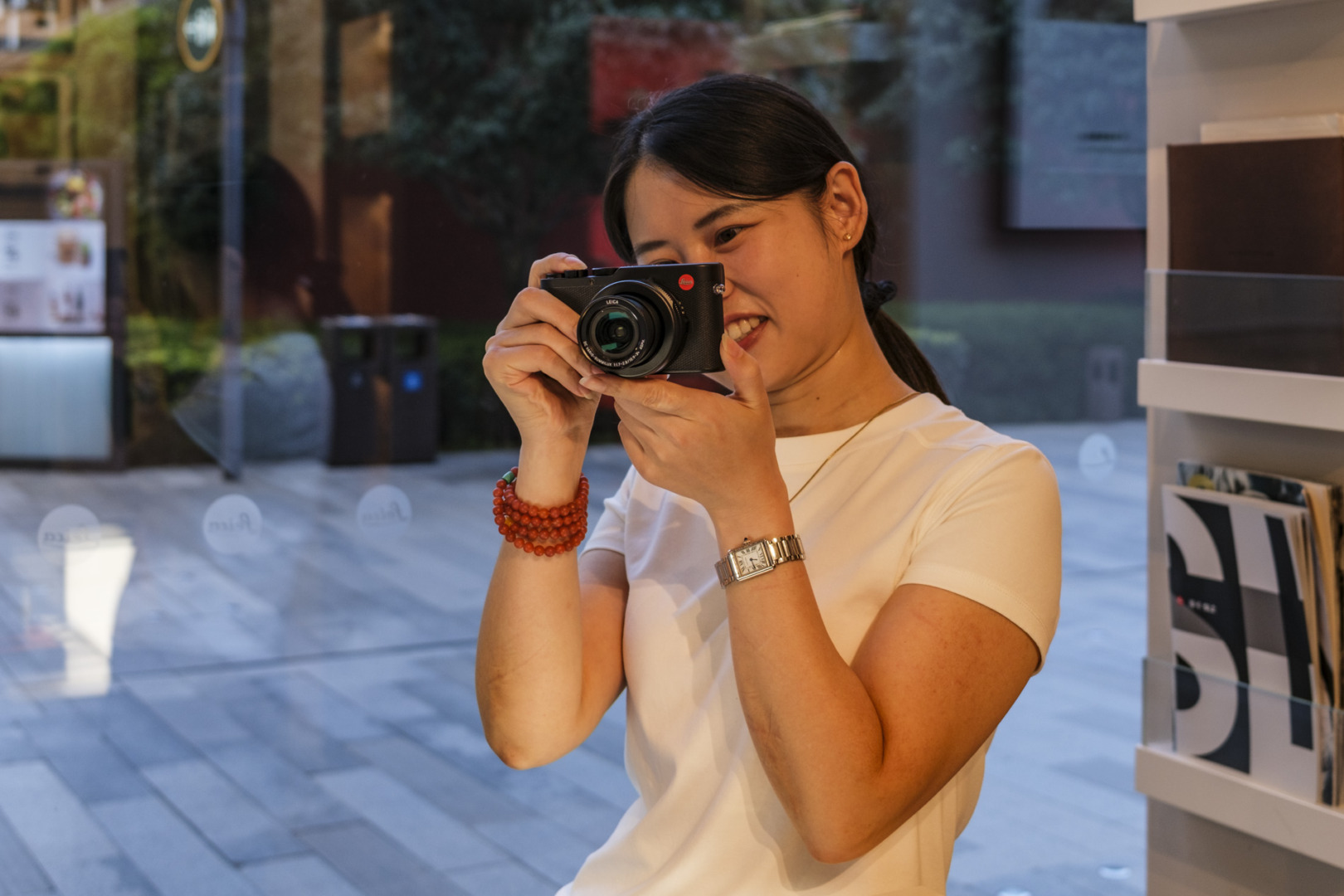
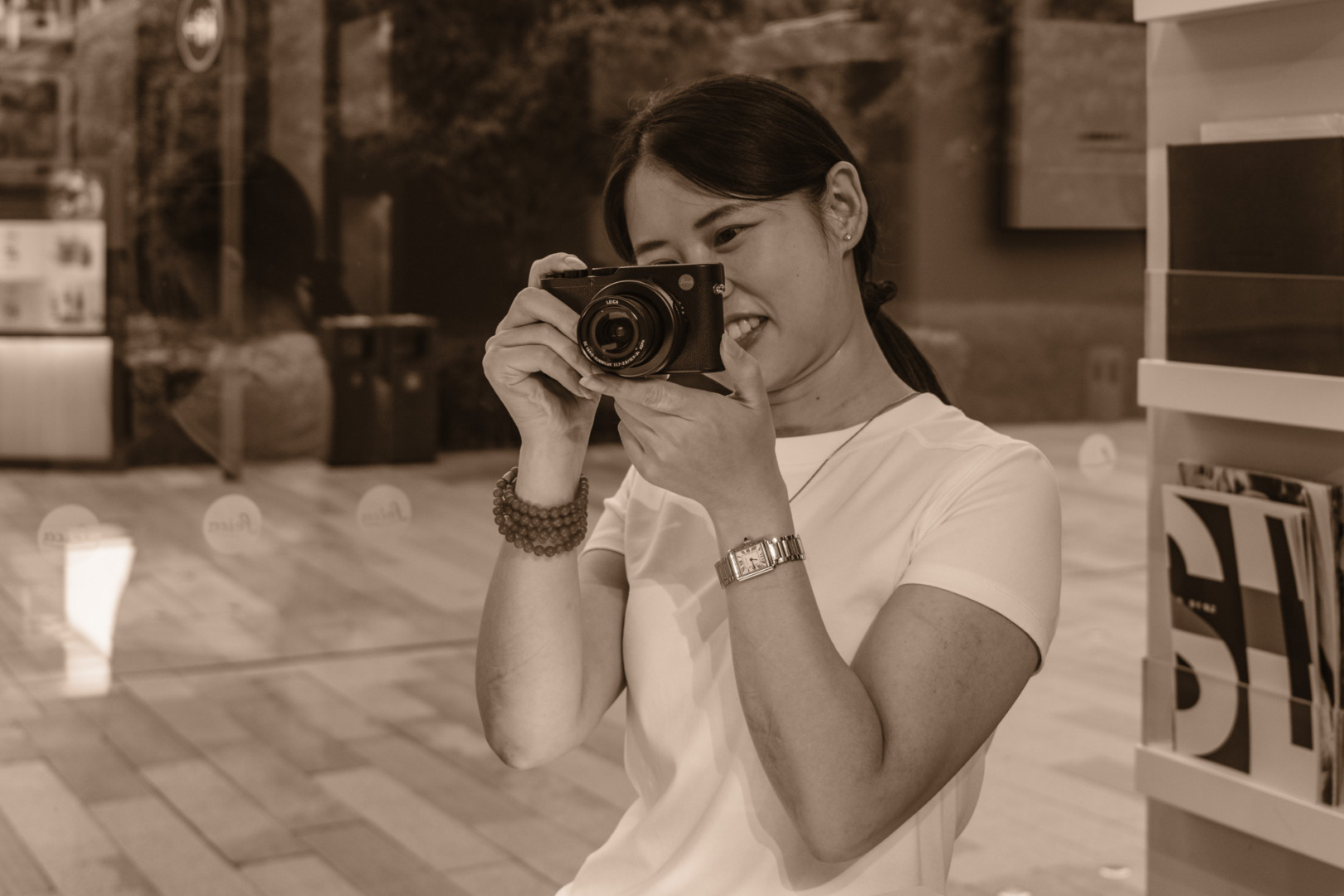
Space Saving
There are additional ways to save space, even with RAW files. Most manufacturers use (optionally) lossless-compressed RAW. Sony was a notable outlier for years, with only lossy compression on many models, and later added lossless options on newer bodies and via firmware — but not all models gained it.
In principle and in practice, proper lossless RAW compression does not reduce image quality. Once decompressed, the RAW data are bit-for-bit identical to uncompressed RAW from the same source.
Nevertheless, even in compressed mode, the average Leica SL3 RAW file uses between 70 and 80MB of disk space, while JPEG sizes vary wildly with resolution and subject, but are typically in the 10-30MB range at the full 60MP resolution. That’s serious disk space over the course of a year.
It is particularly relevant if, like me, you are reluctant to delete anything even if I’ve decided not to give it even a one-star rating. It might be useful, sometime, I think… (again, a false assumption and I need to try harder).
Even smaller sensor cameras are capable of producing clutter. Fujifilm’s X100VI with its 40MP sensor is no miser when it comes to file sizes. RAW files can range from 40 to over 80MB, depending on compression settings, and between 10 and 20MB for full-quality JPEGs.
While using compressed RAW files brings no penalties, shooting JPEG instead of RAW typically results in a significant loss of editable data. That impacts dynamic range and colour flexibility. While JPEGs can look almost as good as RAW in certain conditions and at smaller sizes, the fact remains that they are compressed 8-bit files.
Electronic view
One reason to have a warm feeling for in-camera processing is that most cameras are focused on JPEG settings, and there’s a tendency to feel you are missing something, or failing to take full advantage of the camera’s capabilities.
It is especially so when cameras such as the Fujifilm GFX100RF and the new X-E5 have dedicated access to film simulations. It seems like a crime not to use them. On the other hand, switching to RAW only makes vast swathes of your camera’s menu redundant, enabling you to concentrate on what’s vital.
However, JPEG recipes can come in useful even if you are set to shoot RAW only. The film simulations and recipes control the image in the viewfinder or on the screen, so you can flick around to set the scene to best advantage.
Vivid, nostalgic, cinematic, sepia or monochrome, you can set the JPEG and view the scene. I find it helps to visualise your finished output, especially if you intend to convert from colour to monochrome. And, as I said earlier, you can add the simulations in post-processing.
Furthermore, many people prefer setting the viewfinder to a monochrome version because, often, black and white can help with visualisation. If you haven’t tried it, give it a go.
Housekeeping
My Lightroom database, which goes back about 20 years, is cluttered with JPEG images which are duplicates of RAW files and which I will never need again. I imagine many of us are in a similar position. I have recently done housekeeping on earlier years, and I plan to remove all unnecessary JPEGs, but I admit I am one of the biggest offenders in not keeping up to date.
In general, I have a tidy mind, although my lofty ideals of order do not always correspond with reality. Periodically, I have to kick myself to clear up the clutter and return to a state of organised bliss. This is a principle that I need to apply more to my photographic library.
Shooting tandem JPEG files might be comforting (there’s always the nagging suspicion that you’re missing out on something) but is certainly not necessary.
RAW images give you maximum quality and editing flexibility, while JPEG bakes in decisions (often, in the case of presets, someone else’s preferences) and discards data at the moment of capture. I can’t imagine a time when I would use a high-resolution camera and shoot only JPEGs. RAW files preserve all the sensor information, which you can then interpret properly in post-production and use in the future if you wish to re-edit and publish a cherished image. And you can change your mind if you don’t get it right first time.

Image quality and dynamic range
As we all know, RAW files provide maximum available detail in shadows and highlights, and a wider usable dynamic range. This is particularly valuable in high-contrast situations, such as backlit subjects or bright skies with dark foregrounds. Furthermore, in low light, RAW allows sharpening and denoising algorithms and much more detail to work with.
In modern editors, RAW workflows are non-destructive. The system stores adjustments alongside the original data, allowing you to create multiple versions of a single frame without degrading the original. JPEGs, by contrast, serve as the finished product and work best for quickly sharing images before post-production — or when post-processing isn’t needed or possible.
Exclusively RAW
Working exclusively in RAW definitely simplifies file management because you can avoid RAW+JPEG tandems and the annoyance of multiple versions per frame. It also makes for a consistent, pre-determined workflow. And, of course, there is the big advantage of saving at least a third of the space occupied by every photograph you take.
Modern software makes handling RAW eminently practical, so the traditional speed argument for creating JPEGs is less valid than it once was. If you care about extracting the maximum quality, deciding on RAW-only shooting is a sensible and obvious choice.
We are grateful to reader Michael Farley for his invaluable contribution to polishing some of the more technical aspects of this article.
What’s your view? Do you shoot RAW only, or always add a JPEG for good measure? And if so, why? Many photographers, as I’ve mentioned, absolutely do need tandem JPEGs for instant access and sharing, but does this apply to you?
| Review of Fujifilm X100VI | Review of Fujifilm GFX100RF |
| Shoot film — the real negative | Pure monochrome or conversion? |
Make a donation to help with our running costs
Did you know that Macfilos is run by five photography enthusiasts based in the UK, USA and Europe? We cover all the substantial costs of running the site, and we do not carry advertising because it spoils readers’ enjoyment. Any amount, however small, will be appreciated, and we will write to acknowledge your generosity.
Comments: Please add a comment to this article. Our comments section is a thriving community and everyone is treated with respect. In addition, please identify yourself (and add an email address, which will not be published, if you would like to see answers to your posting). Our system will automatically delete any “anonymous” posts on the basis that they are likely to be spam.
The food metaphor works well because the real choice is between flexibility later and a file that is ready to share now. Your discussion of Fujifilm simulations also shows why RAW+JPEG can be sensible despite the extra storage and sorting: the JPEG may be finished, while the RAW remains insurance for a different interpretation.
Thanks, Jake
What a fascinating conversation! To each his own. 🙂
I started with 8/16-bit .TIFFs from film when I couldn’t justify a darkroom, then scanned to JPG, but only for a while. When I bought my XE-2 I used .JPG-only for a while, realised what I was missing and changed to .JPG + RAF(RAW) . These days, shooting film in my M3 or IIIf I once again scan to 8 or 16-bit .TIFFS. It’s important to remark on how far scanning technology has progressed in the ensuing (good few) years since I first started and the outputs from those alone has changed the useaability of TIFFs as a real form of digital neg.
With the Fuji, whatever I workflow I intend to follow and whether or not I am using Fuji or Leica lenses on it, I too always use -0.5 EV – it really diminishes the risk of blown highlights.
An issue that I find with applying filter recipes in the XE-2 is that using a filter with the B&W recipes tints the RAW files, which means that I the RAW file is not recoverable to its “natural” state.
As an aside, I have spent the past few days testing a Q3 Monochrom, shooting pure DNG in order to save space and they are excellent. While I haven’t converted any to JPGs for sharing or printing I have no doubt that any issues will probably be my fault!
Thanks for adding to the conversation, Peter. This is proving to be a barnstormer of opinions. Each to their own… Mike
Great comment from Peter Dzwig, and interesting to note that you have returned to real photography again.
I would be interested to know which model of scanner you are employing? Before I ditched my film cameras following my brain injury, I was using the Hasselblad SWC, along with a Leica M2, a Fuji 690 and some MF pinhole cameras from Ondu, it was necessary for me to have a scanner that could scan both 120 and 135, so I had the big PlusTek, I forget the model number, this replaced an old Nikon scanner which could not handle 120.
In the future, I will be using 135 only, the obvious choice would be another, smaller scanner from their range. I have tried using my Q2 on a tripod, with a very good head, which for some extraordinary reason has no form of identification on, I just remember that it was very expensive, and the process was to be frank… clunky.
I remember William Fagan writing here about his use of Iridient a few years ago, and more or less at the same time that the conversation was proceeding Adobe, decided to change their business model to a subscription system.
For the amateur who might want to scan two or three films in a month, that is an expensive prospect and following William’s recommendation here, purchased a copy of Iridient and learnt it. I have kept up to date and I am now using version 5.5..
To me one of the great things about it is that if one has an issue and requires advice, an email to the company is read and replied by Brian Griffith the owner of Iridient. Clearly it is a small company that values its customers.
Stephen,
Sorry, I think you misunderstood me! 🙂
I don’t scan myself, I get mine done commercially. Many years ago I did scan films myself – so long ago I can’t remember what machine I used. Dedicated scanners were too expensive then for the quality that I wanted and the number of times that I needed to scan.
IMHO with commercial scanners there is always a risk element. Years ago I used to use one particular guy who did a really good job. It was personal. He retired. I have had quite a few issues since, but things are slowly getting better as I have found a professional team with high standards,
Peter
Firstly, it was a pleasure to help Mike with the article in whatever way I could. An apparently straightforward topic, there are underlying complexities and Mike has struck the right balance without going into unnecessary detail about the technical issues.
I shoot Raw only to optimise quality and review the results in Lightroom, which is the digital equivalent of reviewing contact sheets. With the many enhancements Adobe has made over the years, it is often possible to process images to completion without the need for any other applications. The main exception is Silver Efex Pro for mono conversions.
Michael, thank you again for your knowledgeable assistance. I started writing and then got bogged down in too much detail. But, thanks to your clear view, we got there in the end. It seems that our readers appreciate all the effort.
Mike
Thanks Mike for this article that gives food for thought. I’m in the raw+jpegs camp as my old Leicas and Ricohs do not offer the raw or jpeg options only. I process both and quite often a fine tuned jpeg version of my Leica X is more pleasing than a developed raw. With the GXR I process the raw files and delete the jpeg files.
I looks like there are not two options here — there are hundreds. And everyone has an individual take on the process. I am astonished that what started off as a “filler” article — it has been languishing on the shelf for at least two months — seems to have gained such attention. Perhaps we should look deeper into the process, as William says, and come up with some new stuff. Thanks for your comment, Jean.
What an excellent article Mike, I thoroughly enjoyed reading it and the subsequent comments. To me, with my brain fog issue, I particularly appreciated the first comment from William Fagan, regarding his use of an old Leica film camera.
Previous to that, I had already decided that my two Foveon sensor cameras had to go, I found that these cameras only produced usable ‘files’ between ISO100 and ISO400 (much like film), unlike film, the output starts to break from there onwards, fortunately neither of them were bought new, so I haven’t lost too much of my pension with the following events. One of them, the Quattro DP0 was only acquired to simulate the wide angle output from the wonderful Hasselblad SWA/SWC cameras, however, instead of producing the fantastic snaps that those cameras can, there was prodigious distortion.
A couple of weeks back, I traded those cameras for a 1957 Leica iiig along with an attached Version 1 collapsible (non Thorium) Summicron from 1956. Both items are what Ivor at RedDot calls Excellent++. So I now have an old Leica film camera to accompany my Q2, along with the beautifully crafted Ondu pinhole cameras.
The Leica iiig is akin to owning a piece of jewelry that will live forever, it has no light meter and absolutely no electronics.
On reviewing the final output from the SD cards that I removed from the Sigma’s, I found a snap that I really liked in B&W (although not too shabby in colour either) and I decided that I wanted a physical print. So I first went to Boots to use one of their CEWE machines. I walked over 10 miles, up and down my local high street with different media and differently saved files, the .X3F files as produced by the old Sigma cameras are not supported anywhere except in their clunky proprietary software package ‘PhotoPro’. I tried .png .tiff and .jpg and those machines would rather stubbornly not see any on-board images.
As it happens last night I downloaded the CEWE software, so that I could mess with it on my computer, which at least saved me from those increasingly hot perambulations from one end of the high street to the other. I soon managed to process the file and zapped it off to CEWE who will return a (7×5) print via the Royal Mail.
Although I have a roll of Adox HR50 and a roll of Leica Monopan 50 to develop, these very high quality films will be unlikely to pass through the Leica iiig from here on, I am finding the whole home developing procedure more and more difficult. I am intending to go to the Photographer’s Gallery just off of Oxford Street down some steps into Ramillies Street, to pick up a couple of rolls of Ilford XP2s chromogenic film (other vendors are everywhere), which will mean that I can get the likes of Snappy Snaps to use their machine to develop/scan/print the same, with reliable, acceptable output. If I need an enlargement of any snap, I can get them or ‘The Printspace’, ‘Aperture’ or ‘Bayeaux’ to do that too on the paper or fibre of my choosing.
Although the iPhone has plenty of light meter apps, I have just purchased an English made Weston meter, as used by Ansel Adams.
So for me, so-called Analogue is the way forward.
As an old mobile phone merchant declared, the future is Orange… Er, EE.
There is no doubt that Leica has been making wonderful cameras for more than a century, so going backwards for me is progress.
NB: “Although the iPhone has plenty of light meter apps, I have just purchased an English made Weston meter, as used by Ansel Adams.”
If it turns out that this meter is not very good, both Sekonic and Gossen make excellent new analogue meters.
Thank you, Stephen. I also have a IIIg and I think it is the most beautiful last-blast for the LTM Leicas. I’ve always assumed the “3” in M3 was inspired by the III. They could hardly go back to the M1, after all (although they did regress in later years, with the M2 coming after the M3). William will know if this is so. Thank you for your kind comments on the article and I’m glad it provides some inspiration. Mike
Cameras with Foveon sensors are not the easiest to use, as you have found, but with care are capable of excellent results. Iridient is the only third party Raw application that supports .x3f Raw files, but the Sigma software does have the benefit of being free. Most people use it to do some basic processing and save the image as 16 bit TIFFs which can be edited in other applications or JPEGs, depending on what they plan to do with the image.
As I mentioned in my initial comment, I have already left Foveon behind when I traded them for the Leica iiig.
However, I am going to continue using Iridient to ‘develop’ my Leica Q2 files where needed and also with the other mostly redundant digital image makers, the Panasonic LX5 pocket camera and the old Canon Ixus, both of which are lurking in a box somewhere, possibly in the attic.
I agree, that excellent snaps could be coaxed out of the Quattro’s but they were not easy to carry, develop with PhotoPro or with Iridient and for that matter.
Dear Mike, thank you very much for the interesting article and for examining the various aspects.
I belong to the “RAW” camp and consider it as a great privilege of the digital photography that I can fully develop, edit, or alter my images. And if I’m buying high-quality photography hardware, I want to get the absolute most out of the files.
The “film looks” offered by camera manufacturers don’t appeal to me because they lack individuality.
One editorial note: Photoshop includes a “Camera Raw” filter that allows you to edit JPEG files in much the same way as RAW files.
Everyone to his own, and that’s the beauty of the modern digital photography world. I quite like recipes and simulations because they provide a good starting point for further tweaking if necessary. Admittedly, it’s just as easy to set up your individual recipes. However, when testing cameras, I find that the “lack of individuality” in (for instance) Fuji film simulations is an asset. It provides a reference point to judge the output to a great extent. Mike
I will start by saying I am not a Leica user; Nikon Df instead. I choose the image format based on the type of photography. For most of my work, JPEGs are sufficient. After all, I do have the ability to tweak how the camera creates the JPEGs. And raw takes up a lot more room. I select JPEG + RAW for those images that are made for art’s sake. I started out recording JPEG + RAW for every image, but soon found most of the raw files I did not use.
My Df can also record TIFFs. I have used that format for some B&W IR photography, with very satisfactory results. Those files are even larger than raw. Alas, the Df won’t record JPEG + TIFF, but at least I can save JPEGs from the TIFFs after the fact.
Thanks, Martin. We are by no means hung up about Leica. Members of our team use many cameras; and in DSLR days I was a committed Nikon user. The same principles apply whatever digital camera we use. Mike
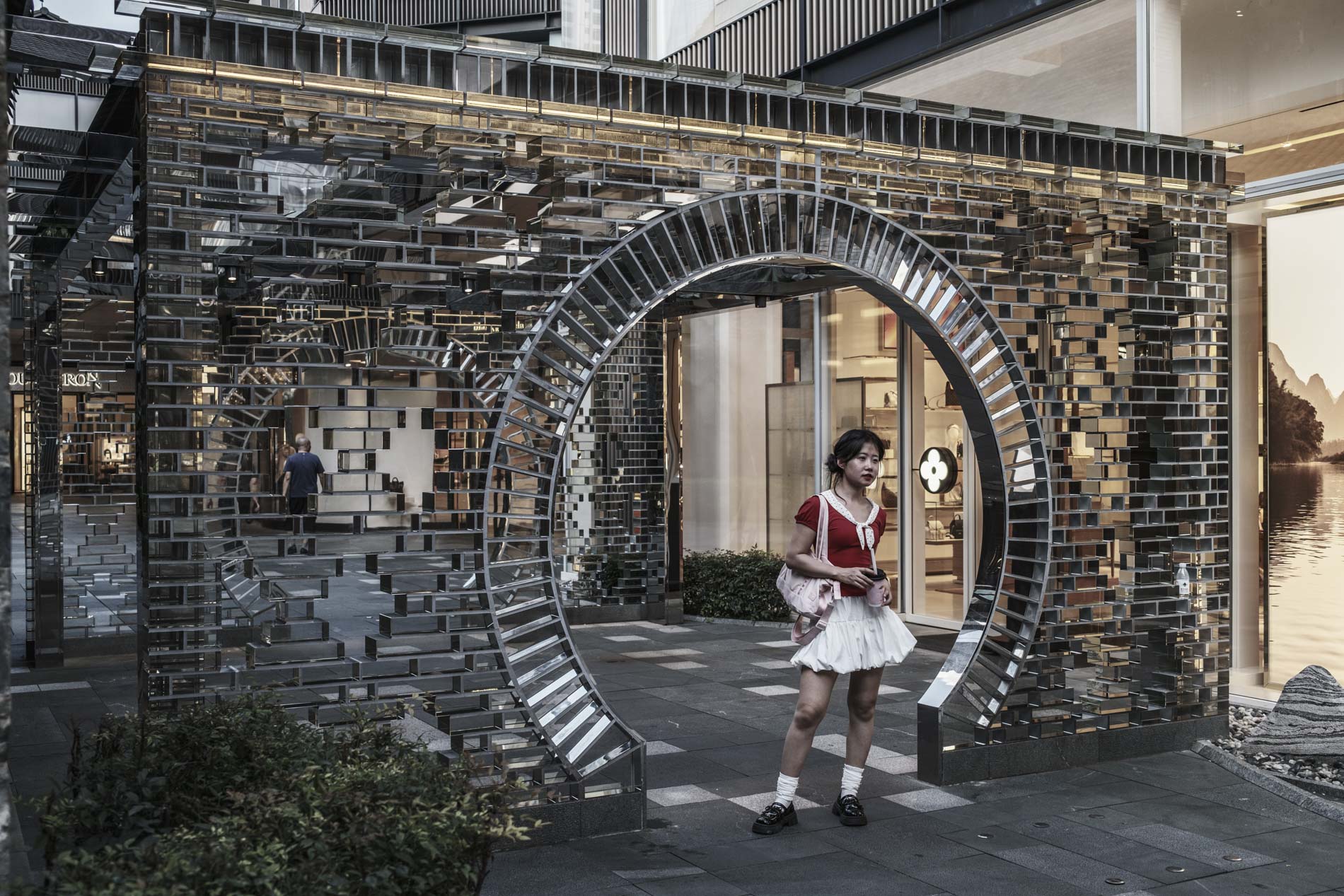
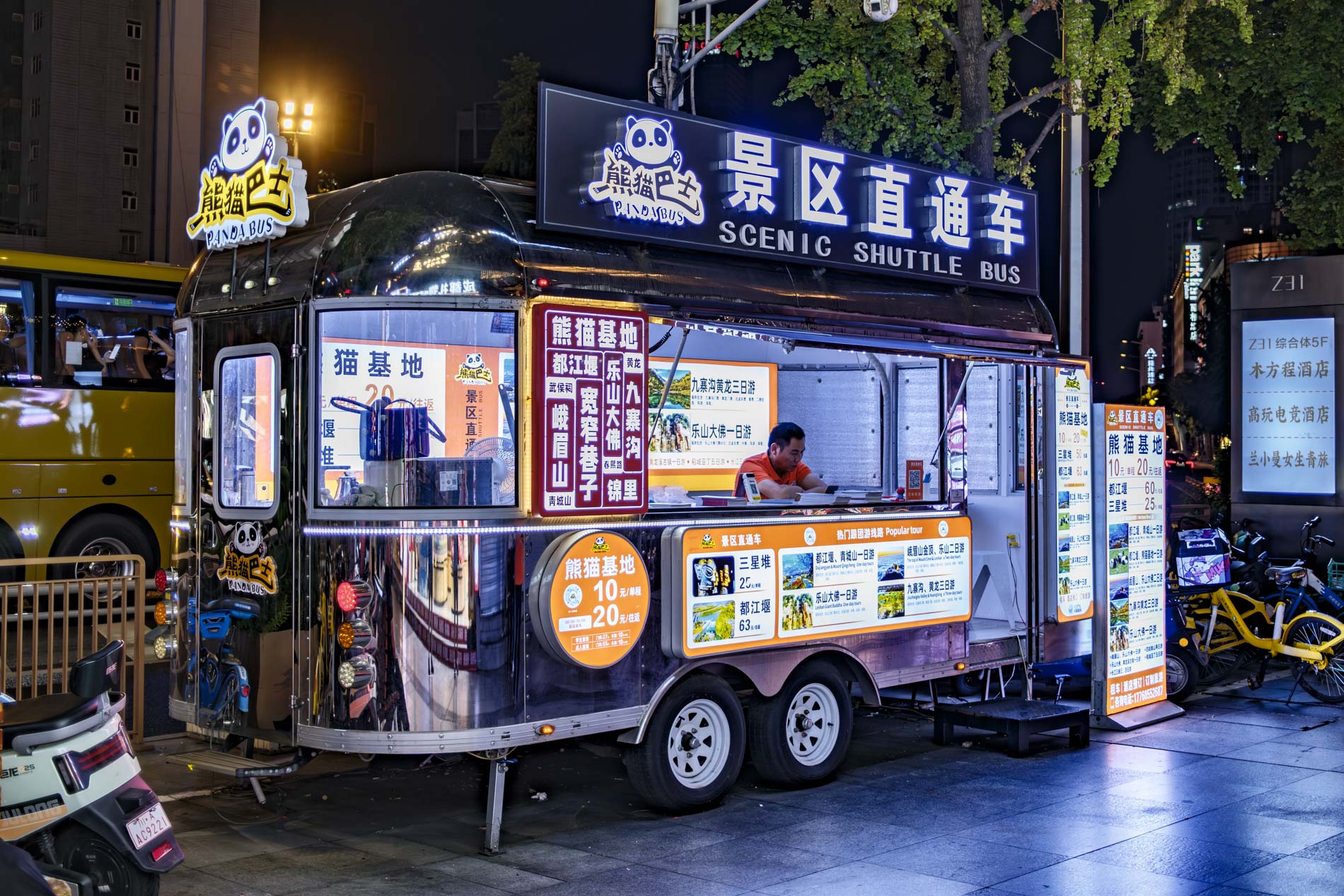
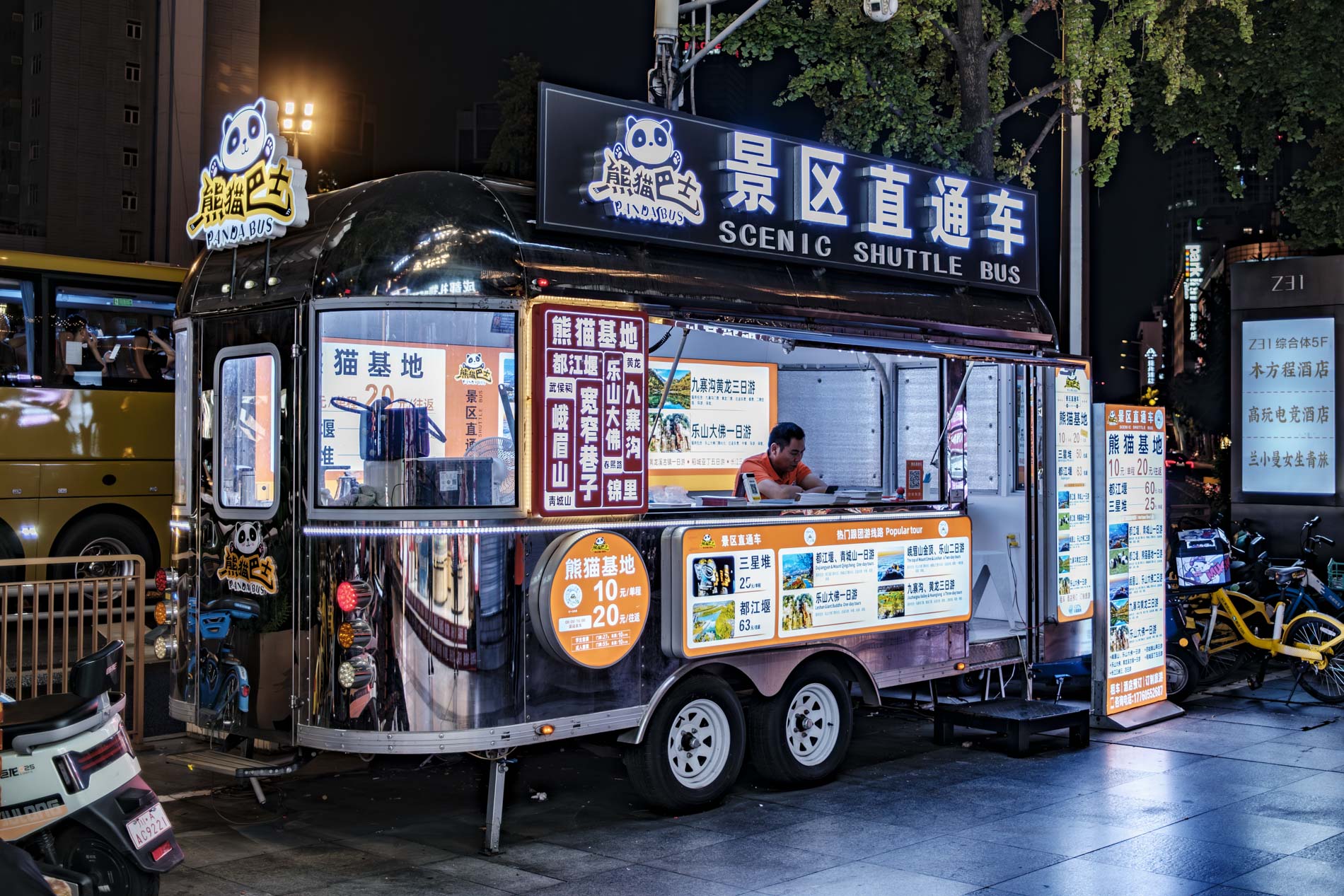
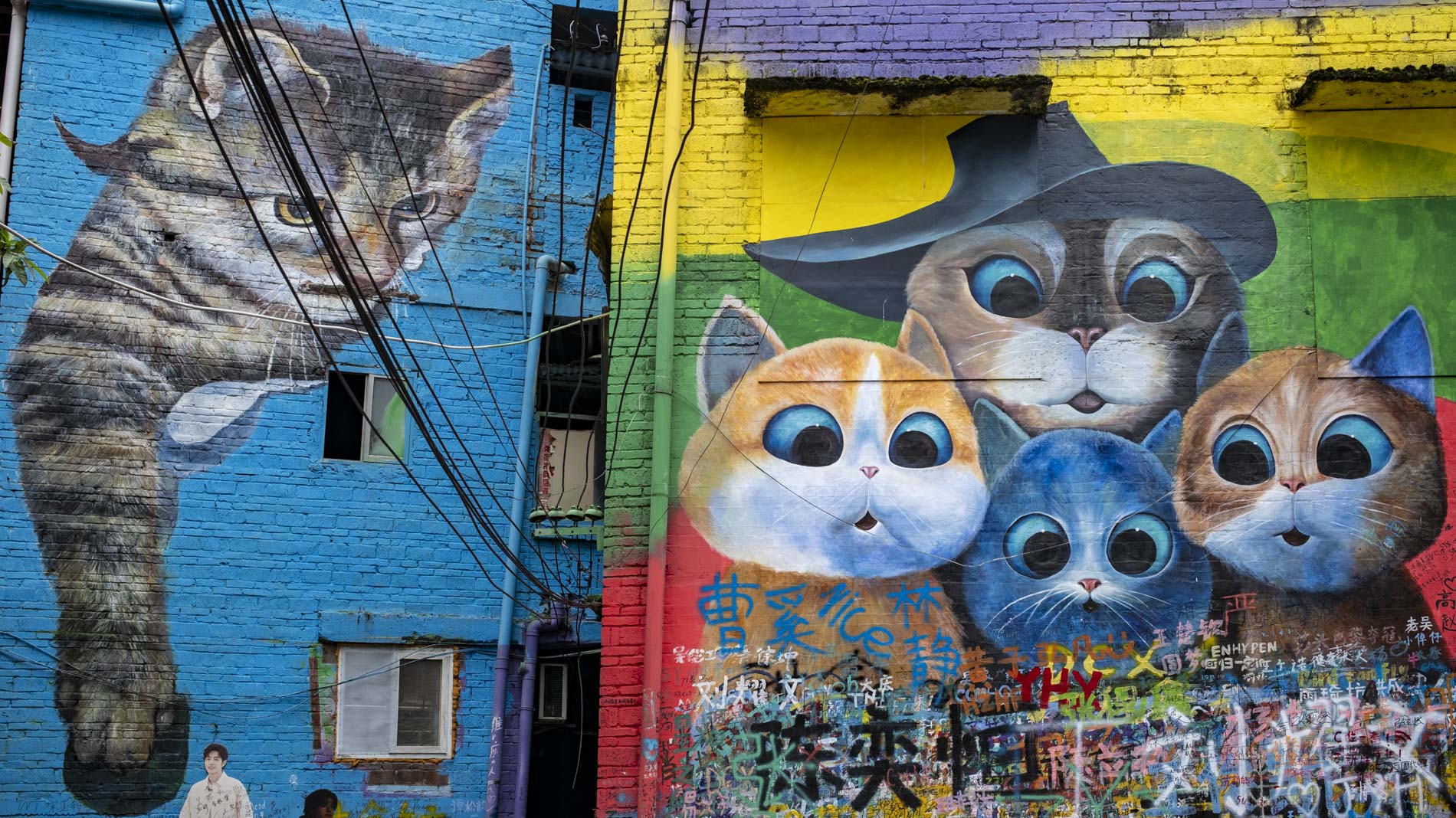
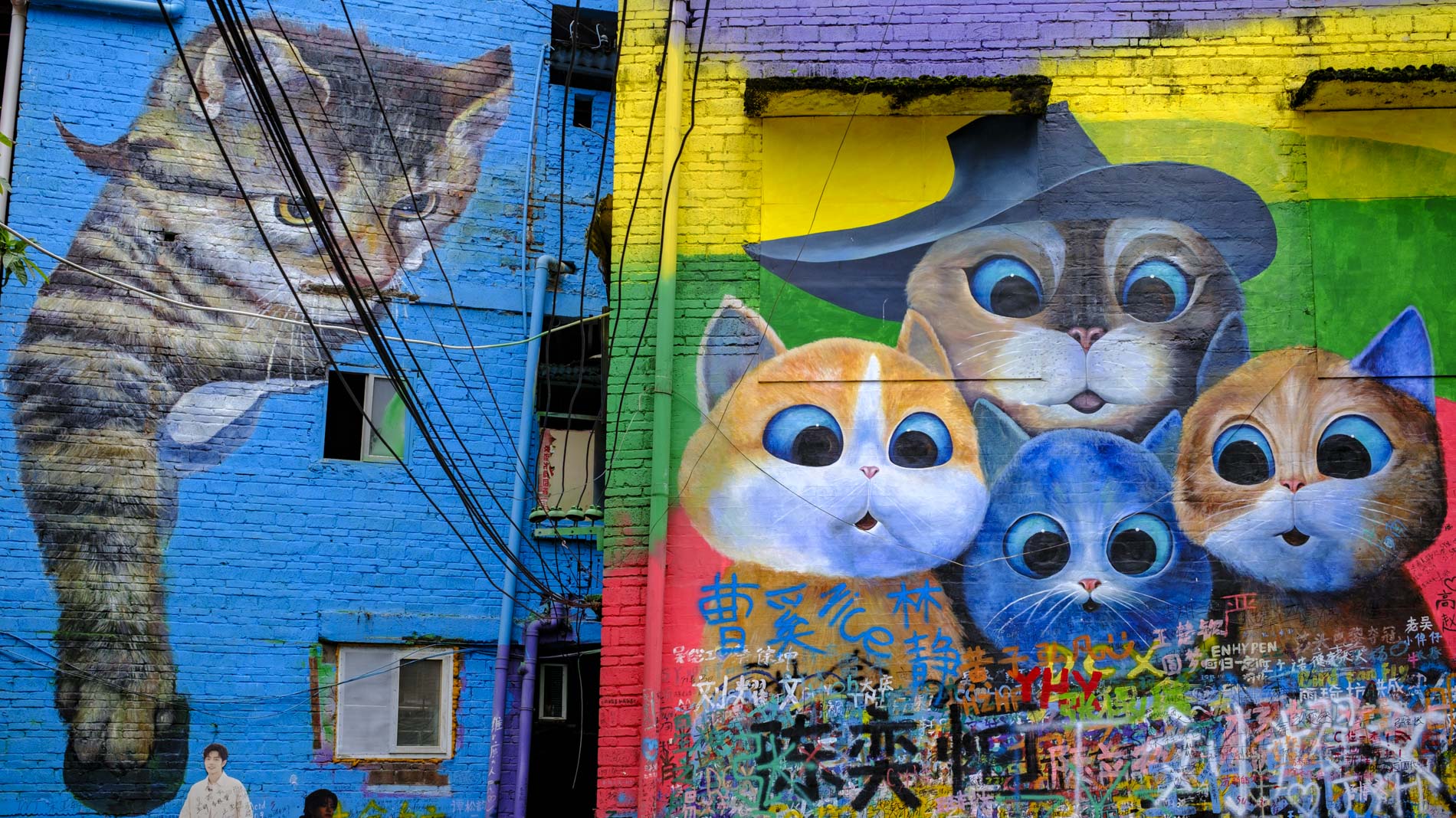
Thanks for this article! And, we get to see some of the long-delayed “China Tour” photos 🙂
“RAW’ is, in one way, not that at all — for many cameras, the photo captured is processed already by a Bayer filter. For Fuji, it’s an X-Trans filter, and for the latter, there’s then the question of which RAW processor one should use: will software designed for Bayer also be very good at X-Trans?
This sort of thing is way above my pay grade, but Sean Reid has an analysis of the issues. I suspect if one is seriously using Fuji equipment, it’s well worth the money to subscribe to Reid Reviews (not an ad!! More my personal experience).
I use RAW + JPG or RAW + HEIF, load them side by side on the computer screen, and use the smaller files to cull the RAW files, process to taste, and save as TIFF. I believe (more an article of faith than knowledge) that today’s monitors are good enough to distinguish between TIFF and JPG. After all, when I’m using a very high resolution sensor, why discard data?
As always, de gustibus….
Dear Kathy, thanks for your positive comment as usual. Indeed, some China pictures keep cropping up. My problem is that I’ve rather left it too late. I have loads of usable photographs, but never got around to putting the text together. Admittedly, it was something of an “elephant task” and I failed to cut it into elephant steaks for easier digestion. I shall have to try harder and, perhaps, you will see something in the future. Mike
Maybe I am just lazy but also I just do not enjoy post processing and rather as I used to do with film do not overshoot anyway so for some years now my system has been to shoot everything on both RAW (or DNG) and JPEG simultaneously then after downloading do a very quick run through of the JPEGs (rather than the DNG’s or RAWs as they were simpler to look at) and then immediately delete any not deserving to live on. .
To save my time, computer space and most of all my keeping pictures which I know in my heart of hearts I also knew I would never actually do anything more with I would then go into full scale delete mode meaning I not only deleted that JPEG itself but also its matching DNG or RAW file. And in fact to this day I continue doing this without doing any actual post processing on any until I have whittled the entire shoot down numerically to the best few
Then I used to delete all of the JPEGs good bad or whatever, but if the pictures were deemed as being good enough I kept the RAW or DNG images of those few which I liked. Since then however I have almost completely reversed that situation and nowadays I am far more likely to keep the JPEGs rather than the DNG’s or RAWs.
This I know must seem like a massive change of heart, but I would argue perhaps THE biggest benefit from the massive development which have happened in more recent camera sensor designs and internal image processing engines have has been to vastly improve straight out of camera image outputs from JPEGs . I.E. Aimed really for majority amateur sales and usage.
In short I now consider, and personally find the out of camera JPEG image quality from such as my own Leica’s or my Fuji’s need so little if any extra post processing work from me that I can and do now delete the memory sapping DNG’s or RAWs rather than the JPEGs. On the now very rare occasions however where I do think I have a shot which might actually live on I will though keep both files, but sadly now that likelihood is increasingly rare .
Dear Don, keeping track of all those RAW and JPG files is a nightmare. As I said in the article, I have thousands of JPG files that could be deleted without harming my overall stock. It’s just a matter of getting around to it. I don’t have any down on JPGs, of course, and they certainly have their place. As technology progresses, they become better and better. Again, this is simply a matter of personal preference and the article was intended to stimulate discussion — which it has done! Mike
You ask, “is it really necessary to create in-camera finished images?” I would reverse the question and ask, is it really necessary to create unfinished images? I always shoot RAW plus JPEG with the idea that there is always a backup or an alternative in case of some untoward mishap or accidental deletion. But actually all I ever see or use are the JPEGs. My photography dates back to prehistoric times—you know, film. I mostly took color slides, and so the picture I took is the picture I got. Today’s mirrorless cameras are better in that you can see your results and retake photos if necessary. But beyond that, I have no interest in altering the photographic event—that is to say, the individual photograph. I like to take pictures, and that is why I own cameras, but I have no interest in manipulating the resulting images on a computer. I think I once heard Ralph Gibson say something like, “The more I use PhotoShop, the more my photos look like the work of somebody who’s good at PhotoShop.” For me, I’m just a photographer, not a Lightroomer or a PhotoShopper. 🙂
All good advice, Arthur, and I can’t disagree with what you say. Everyone seems to have a different view on process, and that’s a good thing. It proves we are thinking logically… Mike
I usually shoot RAW only on the Q3, but if I want B&W images from a particular session, then it is very useful to shoot with both RAW and JPEG, with the latter set to B&W high contrast. That way the viewfinder shows the scene in B&W. It produces colour RAW files for conversion and B&W JPEGs. The JPEGs are very useful for triaging and selecting the most promising RAW images for conversion. Occasionally, I have found that I prefer the out-of-camera JPEG to the converted RAW file, but that might just be a reflection of my LR skills.
I concluded my slide scanning project about twelve years ago and I now have about four thousand images stored on my PC. Did I save them to JPEG? no TIFF. No lossy images here!
However back to the here and now and I shoot both RAW and JPEG. I have just started using DXO 9 which is time consuming but great fun. JPEGs can be convenient when I am feeling a bit idle.
Chris
Everyone seems to be mentioning DxO 9, so perhaps it’s time for me to put my foot into the water. Thanks for your input, Chris.
Much ado etc. It is user’s preference that counts. I recently took a photo of a scene with a Q3 43 at ISO 50 and converted it to B+W from RAW with Nik Silver Efex. At the same time I took an image of the same scene with a Leica IIIa with a Summar lens from 1935 with Leica Monopan 50, got a jpeg scan of that and then processed it with Nik Silver Efex. Both are excellent and I slightly prefer the more contrasty film image, from a 90 year old camera.
When I comes to ‘Fuji looks’ I think of using Velvia transparency film back in the 1980s (showing my age) rather than electronically processed images. About 10 years ago I tried the Fuji ACROS + Red Filter look and that’s very good for certain types of scenes. It is possible to get the same effect with Nik Silver Efex
I use RAW only with digital cameras as, like Keith, I enjoy doing the processing. Leica FOTOS will produce a tiny little jpeg thumbnail, but that is only of use for sending out quick images to family members.
We have now reached overload with digital photographic process both in cameras and in software being way more than most people need or can use. Indeed, Dunk makes a very good point about this. We find that in holding competitions many people don’t know how to process or handle digital files (I hate that word!) they are getting from their cameras. In some cases people were trying to upload 55Mb RAW files which would be much inferior to 5Mb processed JPEGs. We have addressed this with some simple basics which Jono Slack has drafted for us.
‘Das Wesentliche’ should rule, but I am constantly amazed by the number of digital photographers, including some close to my own age, who have never used a simple film camera and learnt the basics of photography that way.
Probably all a bit confusing, but my advice is to learn the basics of photography/light first and then find the 5% of the processing that you actually need. If JPEGs can do that for you then stick with them. If you think you can go further with RAW then go for that. I can’t see the point of doing both, but whatever takes your fancy! Photography is a democratic art/practice.
William
Thanks for giving us the benefit of your experience on this, William. It was intended to be a discussion point and, in that, it looks like we’ve succeeded. This could run and run! Mike
Thanks, Mike. I avoid over-complication whenever possible. I know the tweaks which give me the results that I want. It does not matter what I start with, a RAW or a JPEG from a scan of a negative, I more or less use elements of the same process most of the time. If we could post images here I could show some examples.
Dunk’s point is valid. Could Macfilos do a ‘Dummy’s Guide to Post Processing’? I have the impression that a lot of people have expensive cameras that confuse them as they have features which they don’t really need to use. I’m not implying here that some photographers are ‘dummies’ just that many cameras today have more features than most photographers actually need. It is same with PP software. I suggest that get Jono Slack involved as he knows the main features of Leica digital cameras from having tested them .
William
William, thanks for the suggestion of a dummy guide. It’s a good idea, but it would need an expert (with knowledge of several of the major PP packages) to put this together. Speaking as a dummy myself, I certainly wouldn’t have the knowledge to tackle this. Mike
I have to agree, raw only is what I use, and I make JPEGs from Lightroom or Ps when needed for posting or email. The problem with JPEGs from the camera is the file is created by the camera firmware (software engineers), which is fine for snapshots but not for me. As pointed out, jpegs are compressed 8 bit files, with a loss of dynamic range and detail. With the large files produced by newer cameras, including my M11M and Q3 43, I do not need to use up even more storage space with jpegs for each shot.
Quite right Bill. Recently, I’ve been doing more with APS-C (Fuji) and you need to be more careful to avoid blown highlights than with a full-frame sensor — at least, that’s my experience. I find that I have to dial down the EV a further half or one stop to make sure. And that’s where the added DR of RAW files is helpful when processing. You simply have more latitude to bring back the detail from the shadows. Mike
Unless I have a specific “assignment”, RAW images from my M10s or M11 are imported into my iPad’s Apple Photos as RAW, and I usually work on them there. From time to time, I back up the SD card onto an external HD also.
It is only the occasional image that I find the desire to open in LR and PS directly. Most of my images are used either for sharing with others, or for an article I am writing. What Apple Photos does to them is sufficient for my purposes. Or now for viewing on my Leica Cine Compact 1 – wonderful!
Only the exceptional image that I make do I find, well “exceptional” and want to do more with.
And if I am given an assignment, I will work specifically in RAW and LR / PS.
Ed, thanks for your sage comments. It’s good to know how photographers approach this RAW/JPG issue. Mike
For images taken with my M bodies it is RAW only for two reasons. Firstly I enjoy making any worthwhile (to me) image as good as possible through post processing in preparation for printing. Secondly, in the ever optimistic hope I may capture something stunning I would want it in RAW.
That said, I occasionally use a Delux 6 which has no RAW capability and I am always impressed by the quality in terms of the sharpness and colours it produces.
Dear Keith,
You hit the nail on the head there: “in the ever-optimistic hope I may capture something stunning”. I think most of us have that hope. It’s one of the reasons I don’t make more use of the iPhone… just in case. I haven’t yet had my hope fulfilled, but it’s nice to know you have the resolution available if you need it. Mike
The question has possibly opened a ‘can of worms’. Both JPEG and RAW image files have their uses when e.g., a Leica camera generates / offers each, or a combination of both. However, when using my Leica X series APS-C digital compacts, I regard the JPEGS as a type of ‘proof’ – only accessed briefly to ascertain which of the ‘RAW’ DNG image files have the better potential (on that particular day!) for the required fully processed image. Next day I might change my mind and process another / slightly different, DNG file of the same subject. I’ll very rarely process just the JPEG unless in a hurry. However, when a Leica SL series camera’s menu options offer a choice of DNG and JPEG, or solely DNG, I prefer to produce and work with just the DNG option. The various ‘in camera processed’ JPEG options do not interest me as files to be minimally processed for generation of the final image. I’m aware that some photographers prefer to work only with ‘in camera processed’ JPEGS. That’s their choice but they’re likely ‘missing out’ on being able to realise the full potential of their images – especially when using high ISO. When possible, I always work with the live view histogram to try and optimise exposure via the ETTR (‘expose to the right’) technique; the important histogram is (to the best of my knowledge) generated from an ‘in camera’ generated JPEG file. My workflow does therefore, ‘utilise’, JPEG files. Some photographers have, for whatever reasons, never ventured into RAW image processing – which to some Leica enthusiasts raises the question: “Why spend e.g. c. £9K and more! (inclusive of a Leica lens) if you’re only planning to produce b—– JPEGS!!” They’d possibly obtain just as good and possibly better JPEG images from a Leica digital compact? Furthermore, when the next generation Leica M camera is released, they’ll likely PX their ‘old’ M at a significant loss, to acquire their ‘latest and greatest’ M with its ‘new bells and whistles’. However, will their JPEGS be of any better quality? However, that’s how ‘mint’ examples of used M cameras benefit those of us with shallower pockets!
Dear Dunk, it’s always good to open a can of worms. That’s what we’re here for. Thanks for your thoughtful addition to the discussion. I agree that there’s not much point in spending all that money unless you are going to experiment with processing RAW files.
Mike
RAW only is my preference. I’ve never been a Fuji user and therefore not been ‘encouraged’ by a vast array of film simulations to play with alternative jpeg versions – whether that be in camera or during post processing.
I think my practice is so ingrained now that without that Fuji-style incentive, jpgs don’t offer any particular advantage to me and, consequently, I’ve not been particularly swayed by the Leica Looks either.
I can understand the attraction of taking jpegs for those people who want an instant result and/or don’t want/need to spend time editing – but, I’ve learned to (most of the time) enjoy the editing process – and, besides, having just downloaded a trial version of DxO PhotoLab 9, I need lots of RAW files to practice on!
I fully understand, and we all have our preferences. Oddly enough, since I wrote this article (several months ago, it has been on and off the shelf several times until it achieved success this morning), I have been experimenting with aspect ratios. Both Keith James and I have become hooked on the X-Pan 65:24 aspect ratio, and we’re finding it useful to have the camera set to display this AR during shooting. It makes composition easier, even though we know we can alter this in PP. On the GFX100RF (and also on other Fujis, I believe), it is necessary to have JPG switched on to work with the ARs. So, contrary to all my pontifications, I am currently shooting both. At least we have the flexibility.
Thanks for this “Horses for Courses” topc review, Mike. I must say that I have always been a RAW – or I should say DNG – chap.. Lightroom catalogue therefore not cluttered with JPEGs – but also, I really enjoy the nearest thing to working in the darkroom through using the “lightroom” to make the small adjustments my files require.
I agree, Tony. For my photography, I am seldom desperate to fire off ready-made shots to all and sundry. Like you, I prefer the process of selection and individual processing. However, it does no harm occasionally to go back to basics.