
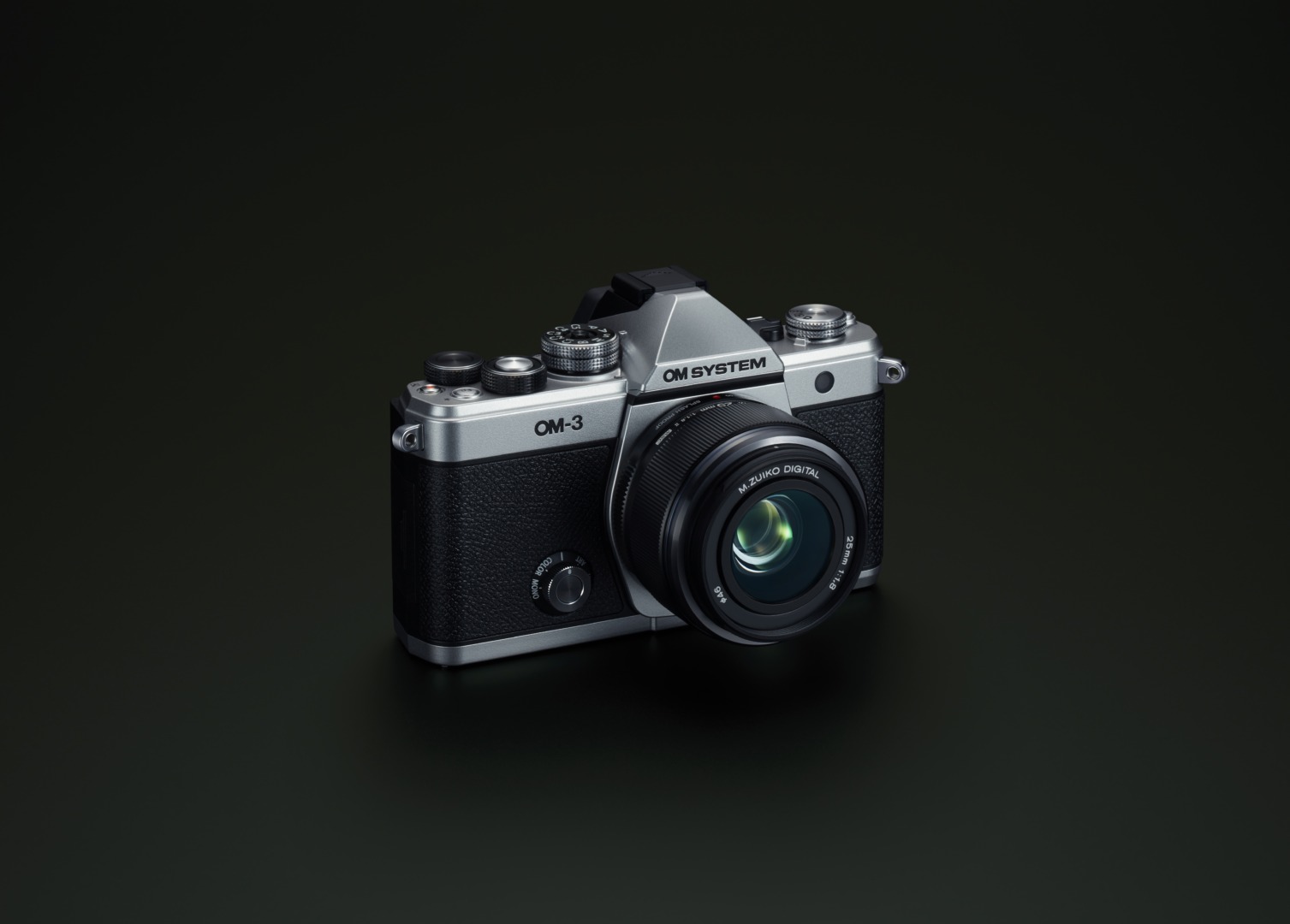
The loan OM-3 I’ve been living with for several weeks is now a familiar friend. It’s fair to say we’ve got to know each other reasonably well over the review period. This camera, from OM System, is a retro-styled body that seems to take its design cues straight from Olympus’s film cameras of old — it’s unmistakably reminiscent of the classic OM-series. In the new OM Systems world it sits between the flagship OM-1 II and the more affordable OM-5 II, providing the main features of the OM-1 in a smaller body, along with a handful of extra creative features neither sibling gets.

It’s worth noting, incidentally, that this is the first genuinely new camera released under the OM System badge: the OM-1 II, for all that it carries the OM System name, was really just an upgrade to the Olympus OM-1.
First impressions
Tipping the scales at 496g including battery and card, the OM-3 is a genuinely light camera — though on first sight it looks wider than it actually is. Placed next to an OM-1, the two are almost identical in size; the difference is almost entirely down to the handgrip. Surprisingly, even without a front grip, I found it comfortable to hold for extended periods, helped considerably by the built-in rear thumb rest.
The camera takes the BLX-1 battery, the same 7.2V, 2280mAh cell used across OM System’s newer bodies. It’s supplied with a one-metre USB-C charging cable but, notably, no mains plug or charging block — those have to be bought separately, either from OM System or from any number of after market suppliers. This, of course, is now almost universal in the digital camera world.
Battery life is quoted as 590 shots in standard mode, rising to an impressive 1,040 shots in quick sleep mode, though OM System doesn’t break the figure down by viewfinder versus screen use. I found one battery was fine for a full day’s shooting, but I always kept a spare in the bag just in case. A power bank is also a perfectly good way to top up in the field if you’re relying on just the one battery.
Viewed from the front, the left side of the body houses the single SD card slot; the right side carries the microphone, headphone, and USB-C ports.
Content creator tool
OM System seems to market the OM-3 as a professional content creator’s tool, yet it has only the one slot, for an SDHS card. According to the internet, that apparently places it as an amateur’s camera. To be taken seriously as a professional tool, we’re told, it needs two card slots. Which strikes me as a funny piece of logic when you remember that the Canon F-1s and Nikon F2s professionals relied on for decades, each held precisely one roll of film at a time. By that reasoning, their two-card-slot digital descendants only became fit for professional use the day someone bolted on a second slot.
Not only that, but, wearing my Leica hat, I am only too well aware that the Q3 range, which has professional pretensions, is also a one-slot pony, condemned by those in-the-know to amateur status.
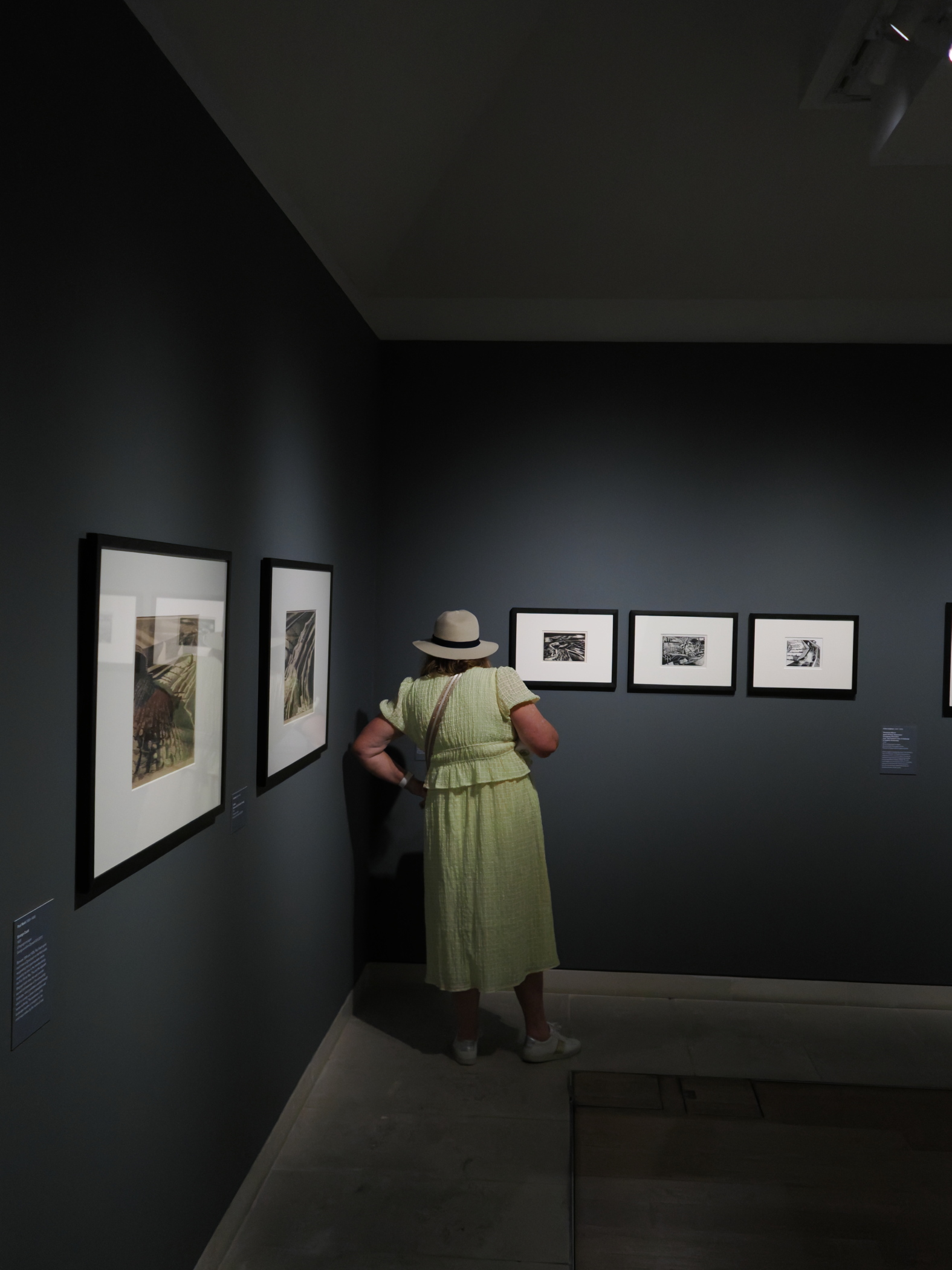
Where it sits in the family, and how the viewfinder and screen compare
The OM-3 is packaged with a 2.36-million-dot OLED viewfinder — the same as the OM-5’s, but a clear step down from the OM-1’s 5-million-plus-dot finder. In normal use it’s perfectly acceptable, but it’s a shame, nevertheless, given the price point.
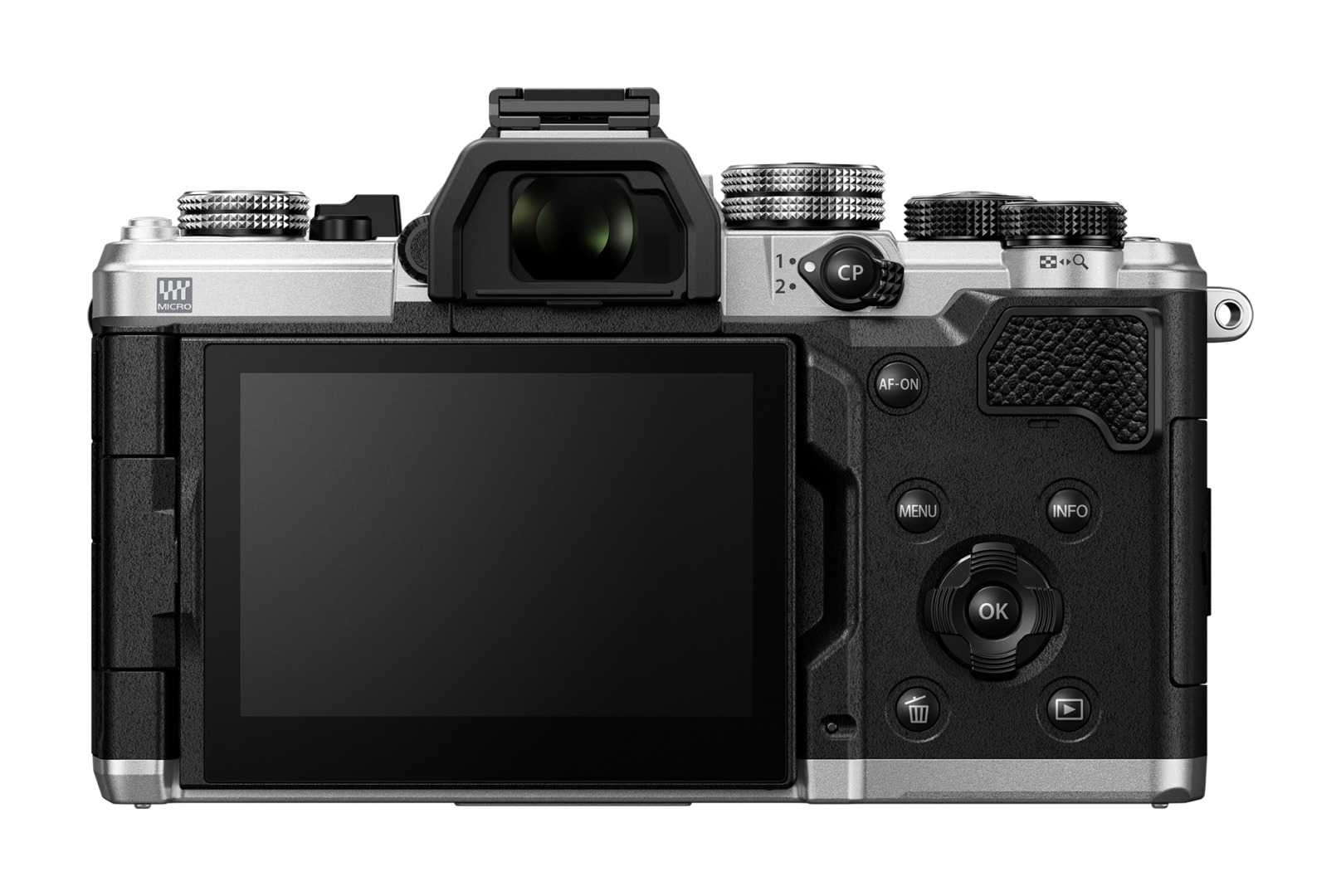
The rear screen is a vari-angle, 1.62-million-dot touchscreen. Personally, I would have preferred a tilt screen: it’s harder to hold the camera steady with the screen extended out to the side, and it also makes it much harder to disguise the fact that you’re taking a picture. The screen is very useable even in the bright conditions of the test, making it easy to check critical focus in the field.
Body and controls
The Creative Dial
The OM-3 reintroduces the creative mode dial first seen on the beloved Olympus Pen-F, giving direct access to four creative functions: Colour, Monochrome, Creator, and Art. Turn it, and a row of image-style options appears along the base of the rear screen or viewfinder; turning the rear control dial steps through each effect, with the display updating to preview it. Within Colour and Monochrome specifically, you can build up to four of your own “recipes” apiece, using the camera’s own tools to adjust sharpness, curves, contrast, and so on. These can be uploaded to or shared with other users via OM Workspace.
One slight issue I found is that once you have a creative mode selected, I couldn’t call up a different one without first switching the mode dial off and back on again.
It’s worth being clear that these effects are applied only to the JPEG. You can apply them retrospectively to your raw images using OM System’s free OM Workspace editing software.
Top plate layout
Viewed from the rear, the power switch sits on the left of the top plate, along with the stills/video quick-access dial and the button that switches between viewfinder and rear screen. The quick-access dial is a genuinely useful touch for content creators, since it saves diving into menus purely to switch between stills and video.
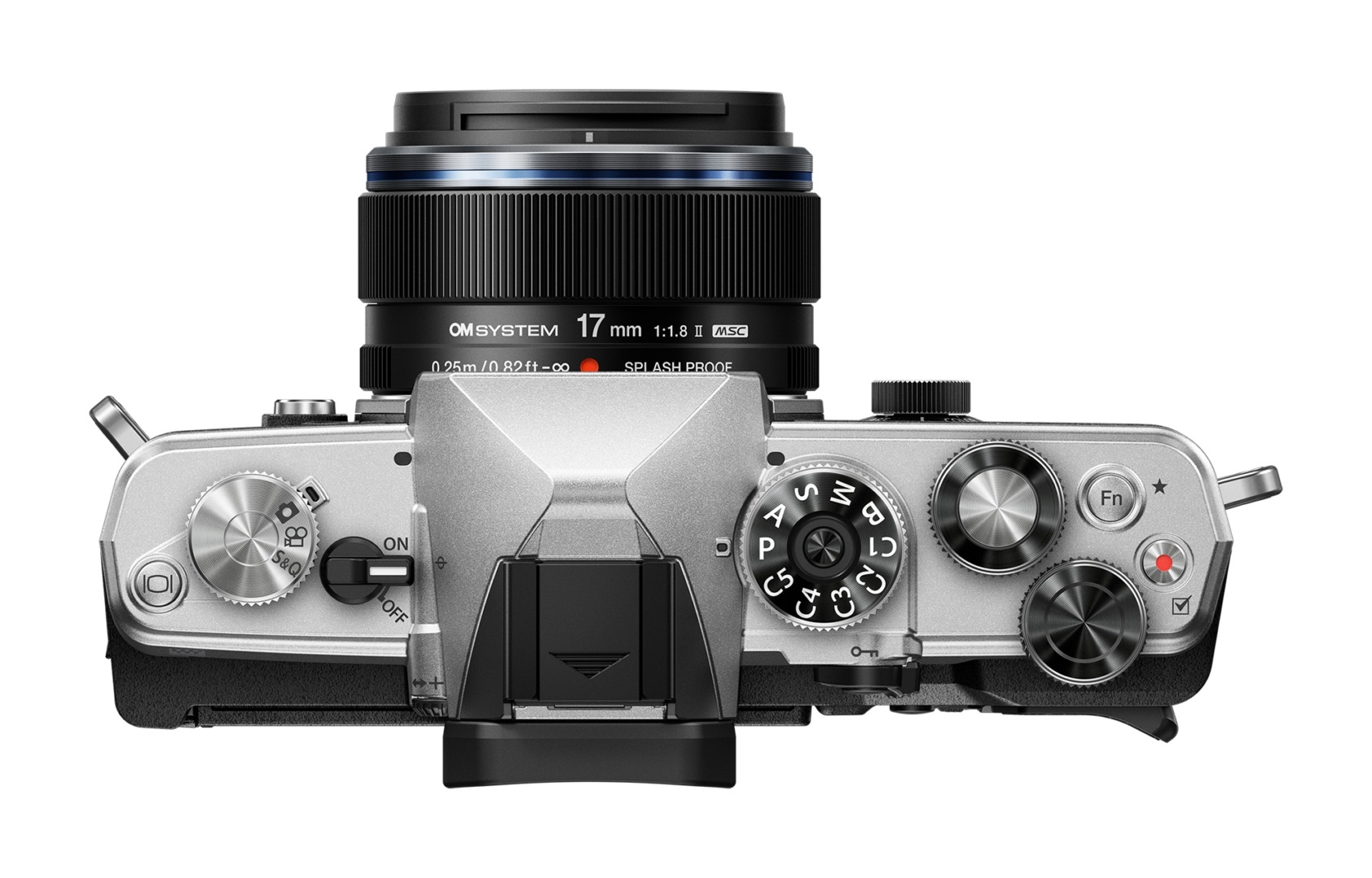
The right-hand side houses the PASM dial, two control dials, a function button, and a record button. The front control dial wraps around the shutter release. For anyone with no interest in video, that record button can be reprogrammed for something more useful — for this test, I set it up to trigger subject-recognition autofocus. It would have been nice to have easier access to drive modes from the top plate, as on the OM-1 and OM-5, and there’s no option to assign a function button to that task either. The alternative is to access the quick menu page, where the drive options are available, but this means taking your eye from the viewfinder, rather than muscle memory finding the assigned button. You can, however, assign your favourite settings for various photographic situations to any of the five custom positions on the PASM dial.
All four of the metal, knurled top-plate dials share a pronounced raised pattern that makes them easy to turn with gloves on, and all have enough resistance that nothing shifted accidentally throughout testing — including repeated handling in and out of camera bags. The two control dials adjust shutter speed, aperture, and exposure compensation depending on the PASM mode and how you’ve configured them; in S mode, for instance, you can set the rear dial to control shutter speed instead of the usual front dial. The PASM dial itself locks via a centre button.
Shutter speed range
Shutter speeds range from 1/8000s–60s in mechanical, with up to 1/32,000s available in electronic, plus Bulb.
Autofocus
Autofocus can be triggered either by a half-press of the shutter or via the rear AF-on button for back-button focus. The sensor is covered by no fewer than 1,053 phase-detection and contrast-detection points, with extensive set-up options depending on the subject. For most of this test I used the back-button option, reserving the shutter button for triggering focus only in continuous AF mode alongside one of the burst drive settings for action shots. The autofocus section of the menu runs to no fewer than seven pages, though the settings you use most can be pinned to the My Menu page for instant recall. It would have been nice to have a joystick for moving the focus point around, but this has been omitted here, and you’re left with the D-pad.
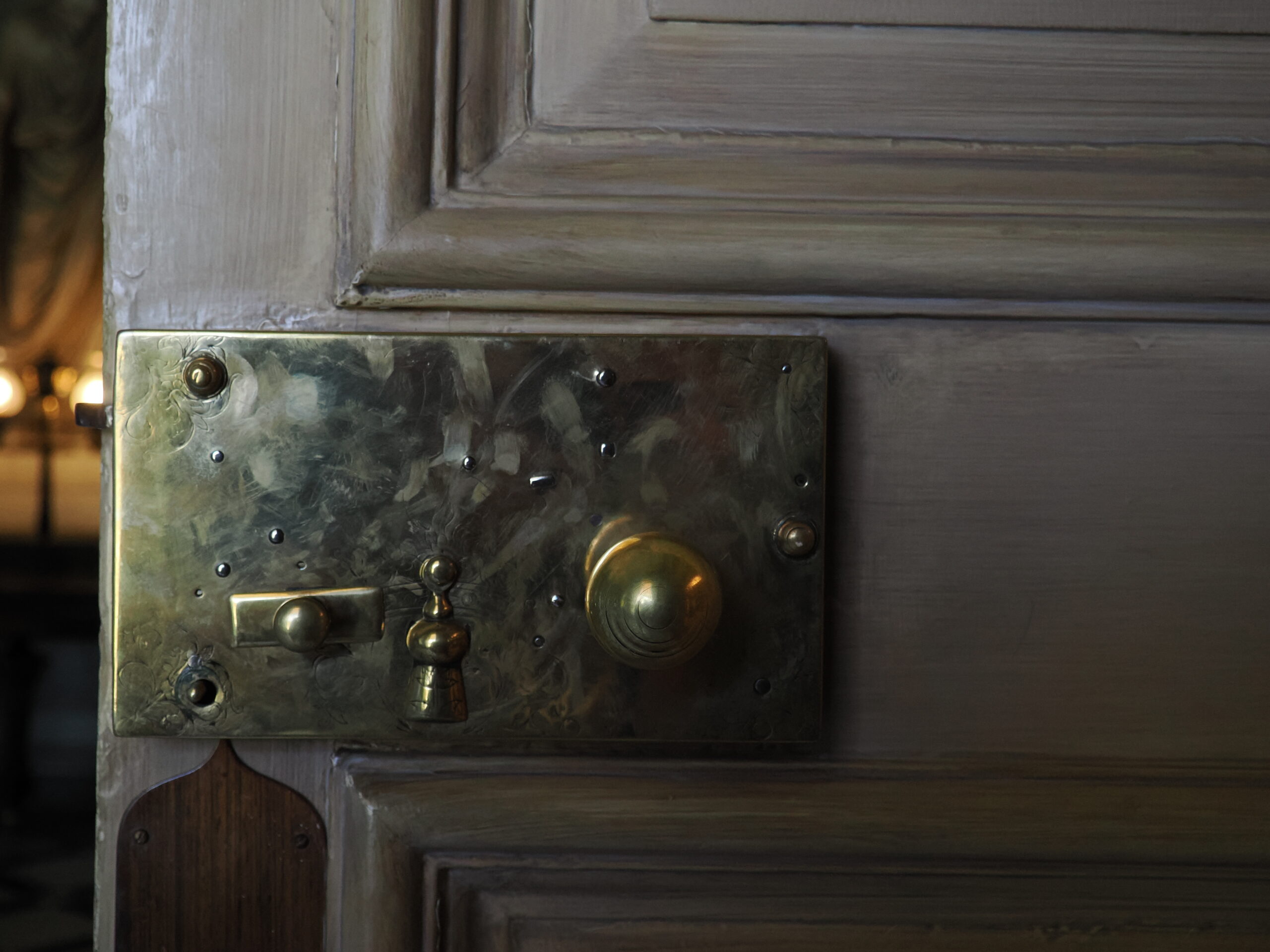
In everyday use, OM System’s hybrid focus system gave reliable performance in all but the trickiest lighting. For the bulk of my shooting, I relied on a small area central focus point or face detection rather than working through the full menu of subject-detection categories. These categories cover cars, F1 cars, motorcycles, rally cars, planes, trains (steam, bullet, and standard), birds, animals, and humans/faces.
It’s worth being precise about what this does and doesn’t do, though: OM System state there is auto-subject recognition, but in practice I found if it was set to cars for instance then it struggled when birds were the subject. For certainty, the correct subject needed to be selected manually.
Image stabilisation, dust reduction, and weather sealing
The camera is equipped with 5-axis stabilisation, providing up to 7.5 stops with Sync IS lenses and 6.5 stops using in-body stabilisation alone.
Dust reduction relies on a supersonic wave filter vibrating more than 30,000 times a second on start-up, which keeps the sensor free of dust in most situations.
The body is IP53 weather-sealed, which — paired with one of OM System’s Pro lenses or a WR lens from the standard range — makes it usable in most conditions except heavy rain. My test camera was supplied with the 17mm f/1.8 WR lens, which, given the sensor’s 2x crop factor, gives a 35mm-equivalent full-frame field of view. See our article on what the numbers mean when it comes to weather sealing.
Finding your way around the menus
The main menu is extensive, covering seven sections in total — two for shooting, one for autofocus, one for video, two for camera setup, and one for My Menu — each with a further five or six subsections. It sounds unwieldy written down like that, but in practice it’s easy enough to navigate: the front control dial moves between the top-level sections, the rear control dial moves between subsection pages, and the four-way rear controller plus the OK button handle individual adjustments.
The Quick Menu, accessed via the OK button in the centre of the D-pad, gives fast access to everything most photographers want to change in the field. A single press of the menu button instead brings up My Menu — a page of settings you’ve chosen yourself, handy for items you don’t use often enough to justify a function button but still want quickly to hand. A double press of the menu button, or a turn of the rear command dial, takes you on to the full menu, and if you’ve set up more than one My Menu page, scrolling the rear command dial cycles through them.
Favourites
As previously mentioned, you can also create up to five individual user profiles containing your favourite settings for particular subjects or situations — wildlife, street, and portrait work being the obvious examples — with instant recall from the PASM dial.
The viewfinder itself can be set to show as much or as little information as you want. A strip across the base always shows battery status, mode, shutter speed, aperture, exposure compensation, ISO, and white balance; this can be supplemented with a histogram, drive mode, and other overlays, cycled through by repeated presses of the info button, right down to a final, distraction-free state with nothing shown at all. When a zoom lens is fitted, the display even shows which way to turn the lens barrel and the current focal length — a handy touch if you’re switching between systems.
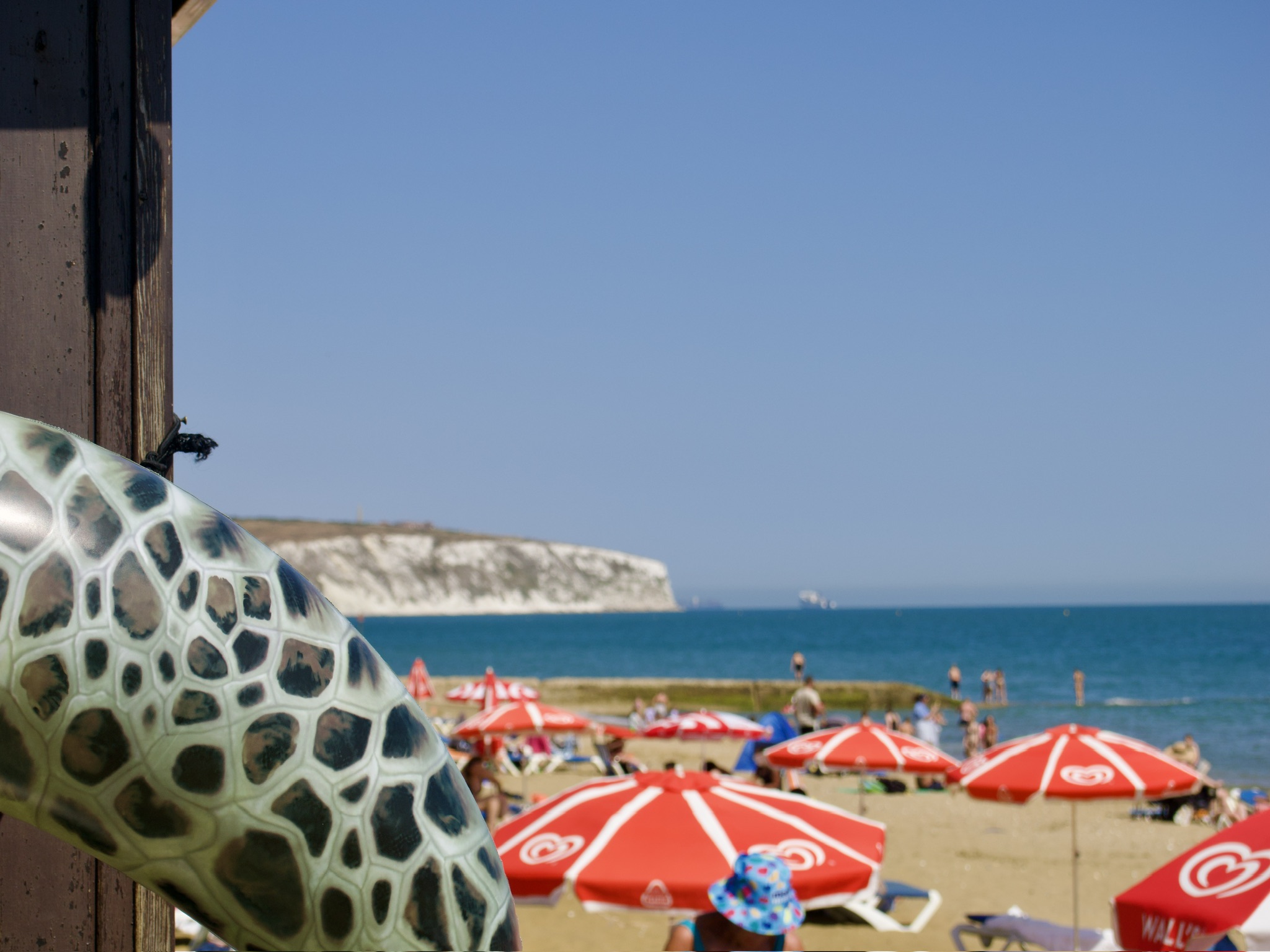
Image quality
Image quality is on a par with the flagship OM-1, and for good reason: the two cameras share the same stacked BSI Live MOS 20.4MP Micro Four Thirds sensor, paired with a TruePic X image processor. You can shoot ORF raw, JPEG, or a combination of both, and there are two high-resolution modes beyond the standard 20.4MP capture — a handheld mode producing a 50MP image and a tripod mode producing an 80MP image, both clearly aimed at landscape work. The sensor’s native aspect ratio is 4:3, with 1:1, 16:9, and 3:4 also supported.

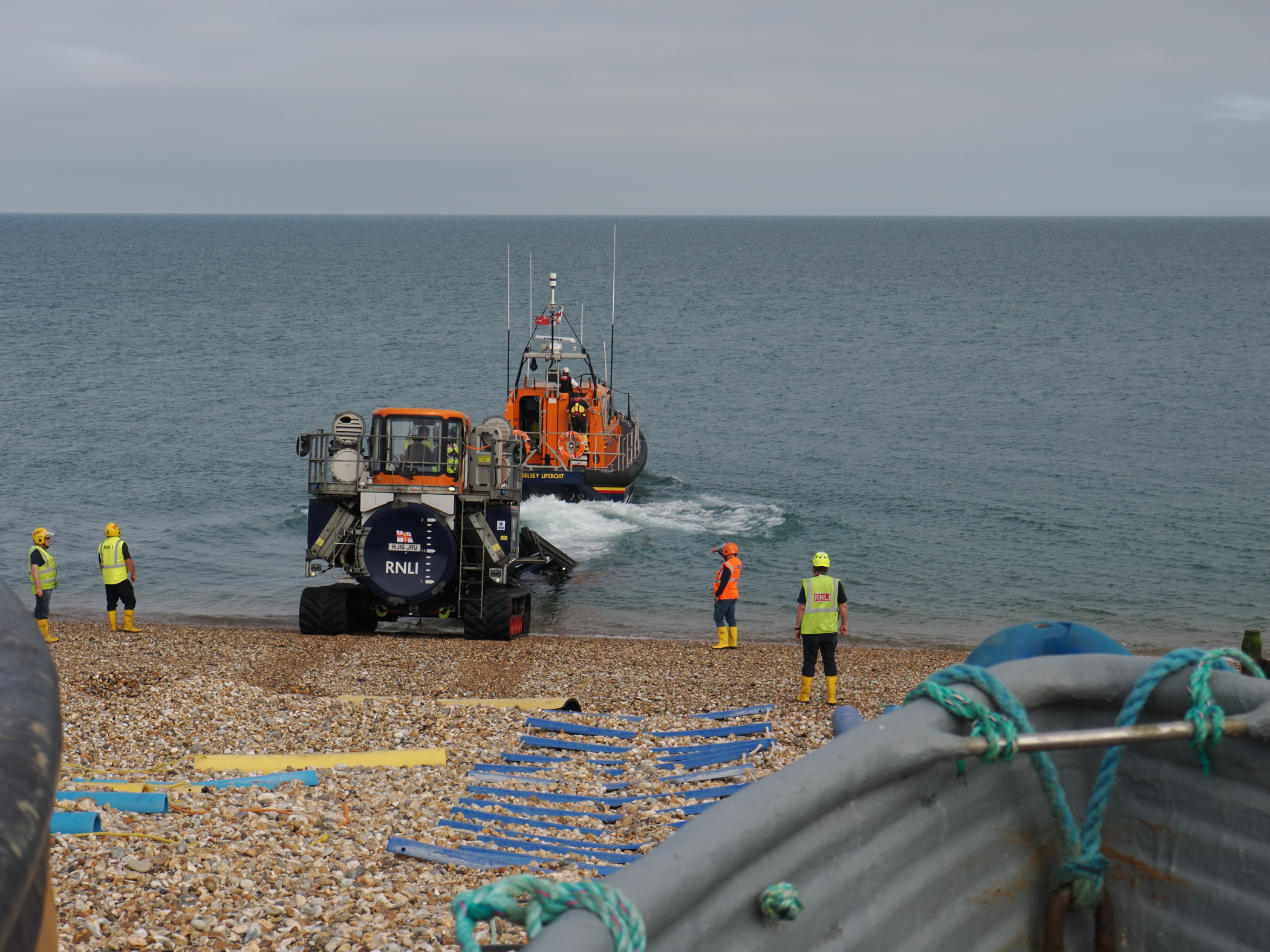
Stabilisation, as noted above, extends up to 7.5 stops depending on the lens fitted. The camera also offers pre-capture, which is perfect for wildlife or sports: it takes a series of images before the shutter is fully pressed, letting you go back and keep the perfect shot even if the moment happened a fraction before you reacted. High-speed shooting tops out at 50fps with continuous autofocus or 120fps with single autofocus.
Digital zoom
The OM-3 has a x2 digital zoom option that works with any lens attached, effectively doubling your reach if you find yourself under-lensed for the situation. Image quality from the digital zoom held up well in my testing, and selecting it overlays a white frame in the viewfinder for accurate composition.
Metering
The sensor uses a 324-zone Multi-pattern Sensing System, with Centre-weighted, ESP (OM System’s own evaluative metering), Highlight, Shadow, and Spot options, and a working range of -2 to 20 EV at f/2.8 and ISO 100.
ISO
Native ISO runs from 200 to 25,600, with 80 and 100 available as pull settings and 102,400 as an extended push setting. Auto ISO can be set with a minimum shutter speed floor. Noise starts to creep in above ISO 16,000, and several wildlife photographers I know who’ve moved over to OM System lean on OM Workspace, Lightroom, or DxO to clean things up in post at the top end of that range.
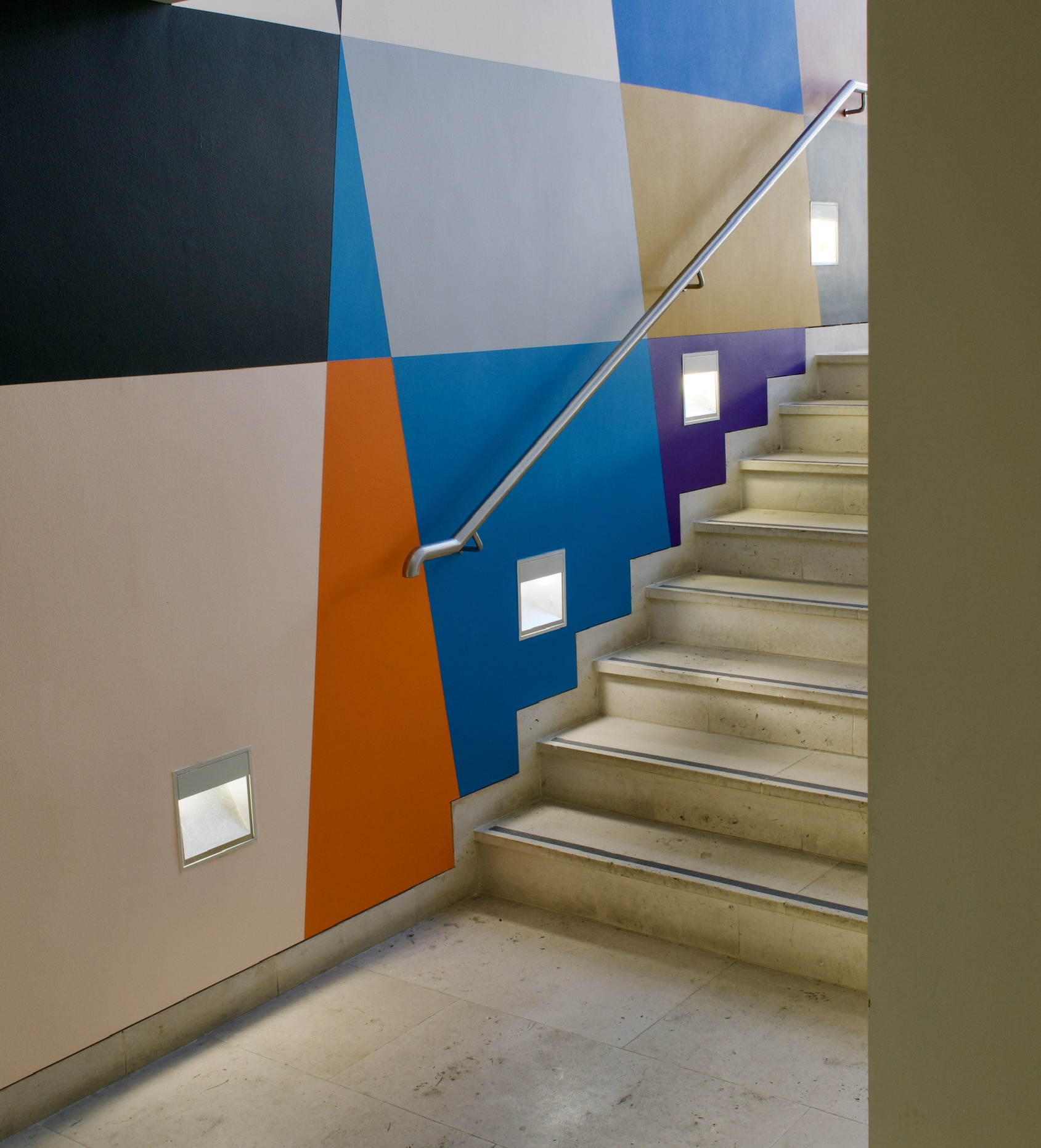
Computational photography
The OM-3’s computational modes cover focus stacking, multiple exposure, bulb, and composite shooting, all with quick access in the field.
Live ND supports six levels, from ND2 to ND64, working by compositing multiple frames to simulate long exposures even in bright conditions. It lets you achieve slow-shutter effects with any lens and without the hassle of physical filters, though you can still use one alongside it if you prefer.
Live GND balances high-contrast scenes by compositing the bright and dark areas of a frame into one finished image. You can adjust the GND step (2, 4, or 8), the filter type (Soft, Medium, Hard), and the boundary position while holding the camera to your eye. Unlike a physical filter, Live GND works with any lens, including super-wide and fisheye optics, which makes it a genuinely useful landscape tool.
Bulb mode defaults to a maximum of 8 minutes for long exposures but can be extended to 30 minutes in the settings menu.
Composite mode is especially useful, letting you take a long exposure and simply close the shutter when the effect you want is reached. Press the shutter to start, watch the image build live on the rear screen, and press again to stop — taking the guesswork out of things like light trails or fireworks.
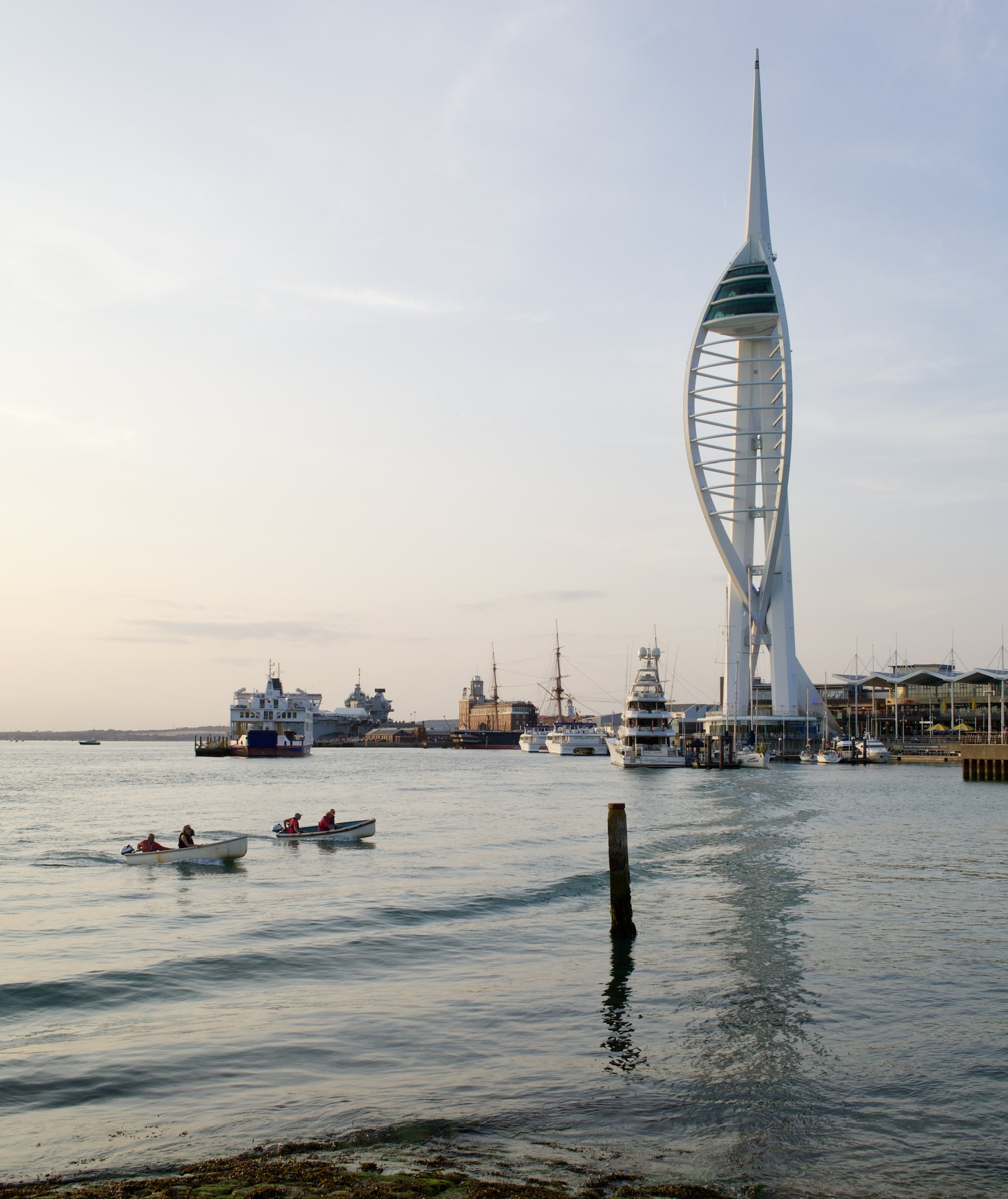
Focus stacking
Focus stacking shifts focus across multiple frames and composites them into a single image with extraordinary depth of field, without needing to stop the aperture down. It’s normally a macro tool, but it works just as well for sweeping landscapes where every plane needs to stay sharp. Composited images are saved as JPEGs with a slightly narrower angle of view than the source frames, with on-screen guides showing the eventual crop as you shoot.
Multiple exposure records up to two frames on a single image by default, though selecting the mode again after the first exposure lets you add further frames to the composition. It works either with a new starting frame or an existing image already on the card.
Art Filters
The camera comes with art filters built in, and applies them to the JPEG’s, most I felt were gimmicky, but the soft focus and water colour filters produce some nice effects.

The filter effects you have access to are, Bleach Bypass, Cross Process, Diorama, Dramatic Tone, Gentle Sepia, Grainy Film, Instant Film, Key Line, Light Tone, Pale & Light Color, Partial Color*, Pin Hole, Pop Art, Soft Focus, Vintage, Water Color
Video
For those who need it, the OM-3 can record 4K at up to 60p, or Full HD at up to 240p. I didn’t test any of the video capabilities during this review, so I can’t offer a view on real-world performance, but it does have OM Cinema video profiles that can be applied in-camera. Switching between shooting modes is effortlessly smooth thanks to the dedicated Still/Video/S&Q dial on the top plate, whether you’re after cinematic footage or slow-and-quick-motion storytelling.

OM Workspace
OM System’s companion editing software, OM Workspace — originally supplied on disc with every Olympus camera — is now a free download from the OM System website. It comes with a genuinely complete package of tools: noise reduction, trimming and tilt correction, exposure compensation, white balance and colour correction (saturation, brightness, hue), clarity, dehaze, tone curve adjustment, highlight and shadow recovery, contrast and tone correction, Art Filter and colour filter application, shading and distortion correction, fisheye compensation, keystone correction, sharpness and unsharp mask controls, red-eye correction, and basic video editing (combining, cutting, and extracting clips).
[Editorial note] It’s the only way to apply the Creative Dial’s colour and monochrome recipes to your raw files after the fact.
Verdict
The OM-3 is perfect for anyone wanting a relatively small, lightweight, everyday-carry camera capable of genuinely great results. The absence of a handgrip keeps the whole set-up slim and easy to carry in a small bag, and paired with either the excellent M.Zuiko 17mm f/1.8 or 25mm f/1.8 weather-sealed primes, it’s happy to be used in most weathers.
Micro Four Thirds has always been the sensible one at the party. Launched by Olympus and Panasonic back in 2008, it dispensed with the mirror box and shrank the sensor to roughly a quarter the area of full frame, and in doing so, shrank everything else too — bodies, lenses, tripods, the whole business of carrying a camera around. The trade-off is a smaller sensor; the reward is a genuinely portable system where even the exotic lenses, 300mm f/4 included, fit in a jacket pocket.
Olympus withdrew from cameras in 2020, and the imaging business was reborn as OM Digital Solutions, trading as OM System. Some purists mourned the name change; the lenses tell a different story. The M.Zuiko range — still badged Olympus on many optics — has continued largely uninterrupted, refined rather than reinvented, with PRO-series glass that remains genuinely weather-sealed and genuinely sharp. OM System has leaned hard into stabilisation and computational cleverness, areas where a smaller sensor can punch well above its size. It is not chasing full frame’s shallow depth of field; it is chasing something more useful for many of us — a complete, credible system you can actually carry every day. Prices for the OM-3 are currently £1699.00, $1699.00 exc tax, €1699.00 for the body only.
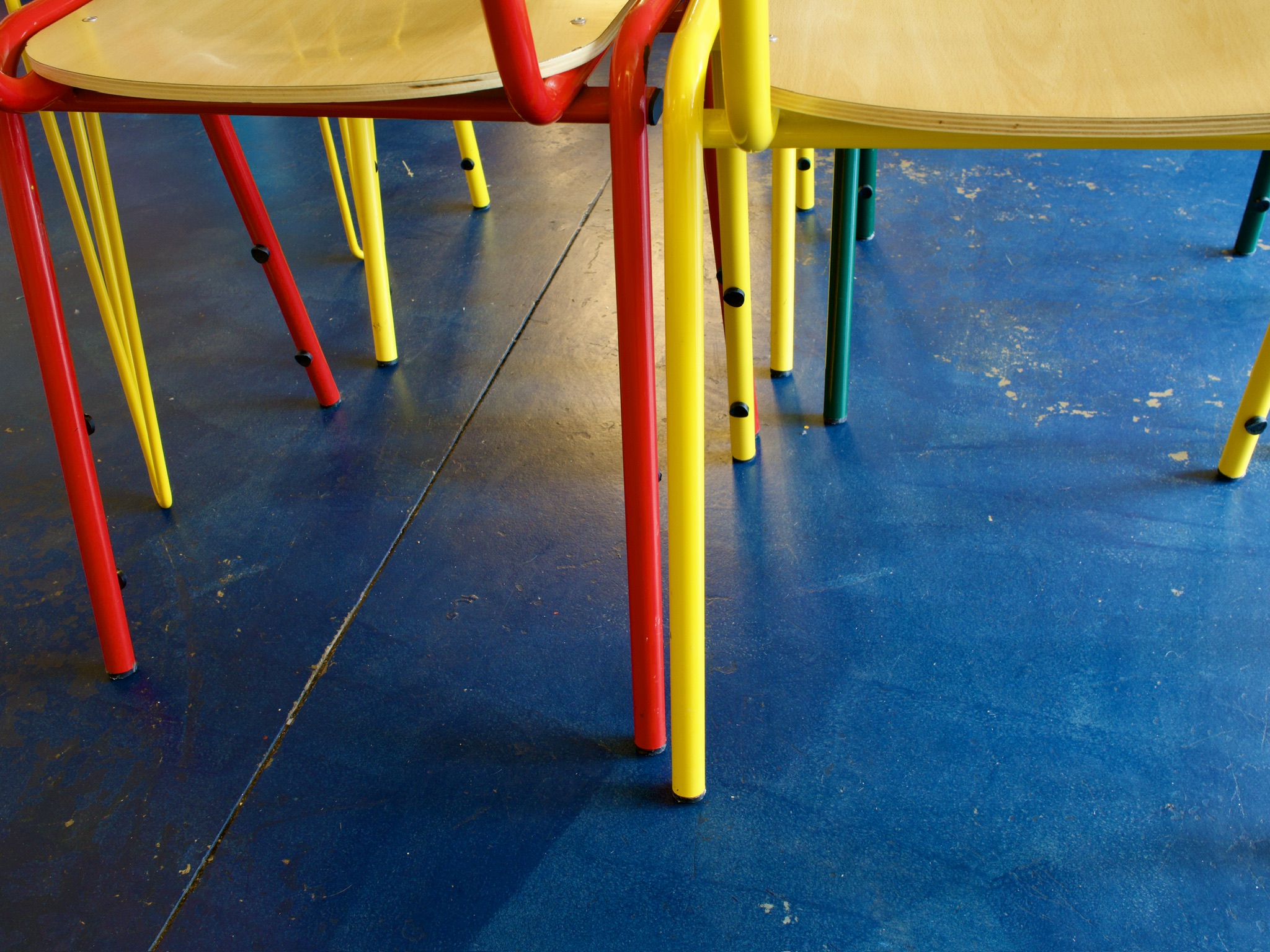

M.Zuiko MFT lens line-up
Focal lengths below are the native Micro Four Thirds figures marked on the lens barrel; multiply by two for the full-frame-equivalent angle of view (a 25mm lens, for example, frames like a 50mm on full frame). Prices are current manufacturer RRPs as listed on OM System’s UK, US and German online stores and will vary by retailer and promotion. This is the current, in-production M.Zuiko line-up; a handful of older Olympus-era optics (the 14mm f/2.5 pancake and the 9mm/15mm body-cap lenses among them) have been discontinued and are omitted.
Prime lenses
| Lens | Focal length | Max aperture | Stabilisation | GBP | USD | EUR |
|---|---|---|---|---|---|---|
| M.Zuiko ED 8mm F1.8 Fisheye PRO | 8mm | f/1.8 | No (body IS only) | £899* | $1,099.99 | €999 |
| M.Zuiko ED 12mm F2.0 | 12mm | f/2.0 | No (body IS only) | £729 | $549.99 | €849 |
| M.Zuiko ED 17mm F1.2 PRO | 17mm | f/1.2 | No (body IS only) | £1,099 | $1,299.99 | €1,199 |
| M.Zuiko 17mm F1.8 II | 17mm | f/1.8 | No (body IS only) | £479 | $549.99 | €529 |
| M.Zuiko ED 20mm F1.4 PRO | 20mm | f/1.4 | No (body IS only) | £649 | $649.99 | €609 |
| M.Zuiko ED 25mm F1.2 PRO | 25mm | f/1.2 | No (body IS only) | £1,249 | $1,299.99 | €1,219 |
| M.Zuiko 25mm F1.8 II | 25mm | f/1.8 | No (body IS only) | £399 | $449.99 | €449 |
| M.Zuiko ED 30mm F3.5 Macro | 30mm | f/3.5 | No (body IS only) | £349 | $299.99 | €369 |
| M.Zuiko ED 45mm F1.2 PRO | 45mm | f/1.2 | No (body IS only) | £1,249 | $1,299.99 | €1,229 |
| M.Zuiko 45mm F1.8 | 45mm | f/1.8 | No (body IS only) | £299 | $279.99 | €349 |
| M.Zuiko ED 60mm F2.8 Macro | 60mm | f/2.8 | No (body IS only) | £449 | $549.99 | €499 |
| M.Zuiko ED 75mm F1.8 | 75mm | f/1.8 | No (body IS only) | £899 | $899.99 | €1,049 |
| M.Zuiko ED 90mm F3.5 Macro IS PRO | 90mm | f/3.5 | Yes, lens IS (Sync IS) | £1,149 | $1,599.99 | €1,449 |
| M.Zuiko ED 300mm F4.0 IS PRO | 300mm | f/4.0 | Yes, lens IS (Sync IS) | £2,399 | $3,299.99 | €2,799 |
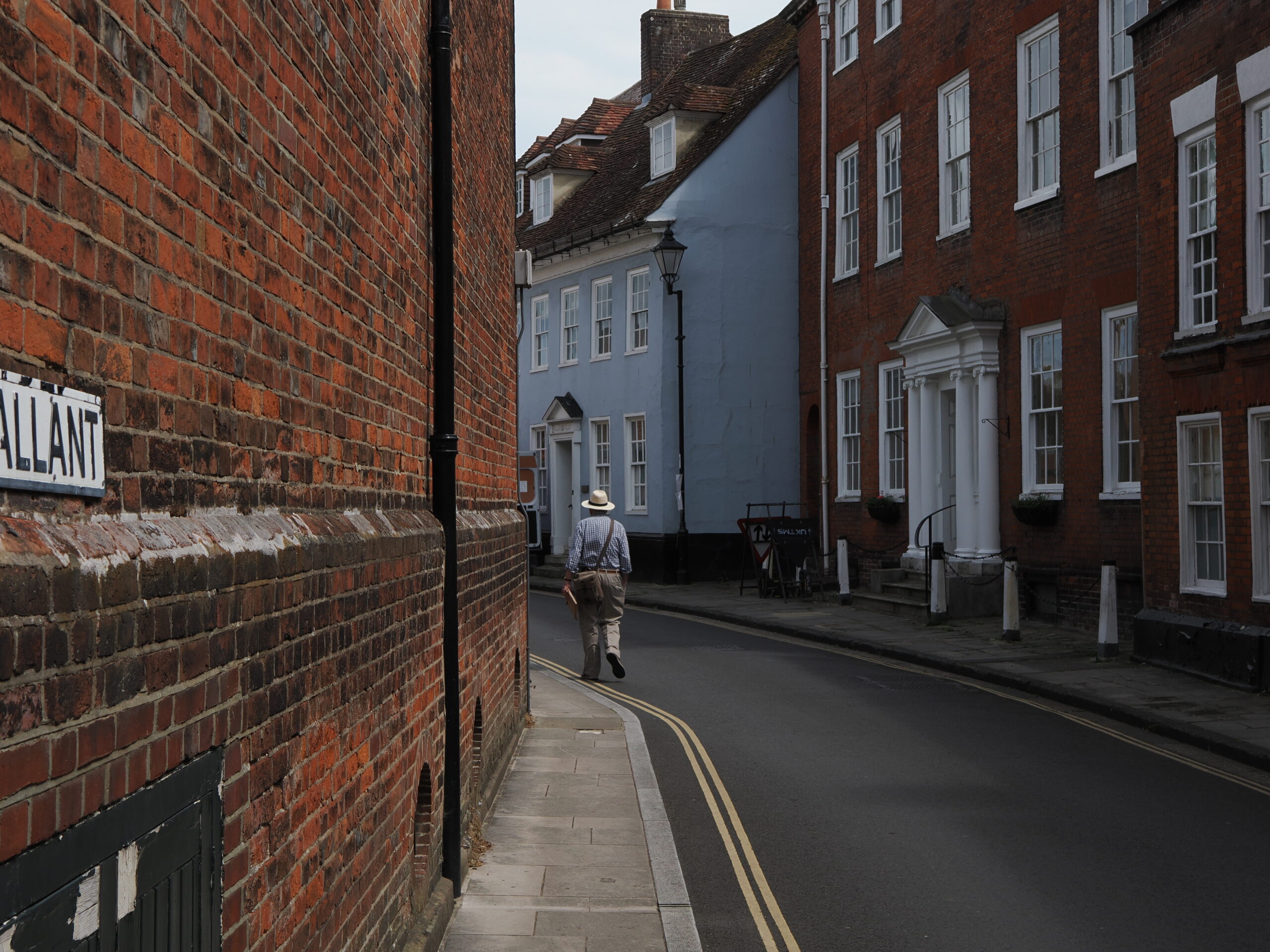
Zoom lenses
| Lens | Focal length | Max aperture | Stabilisation | GBP | USD | EUR |
|---|---|---|---|---|---|---|
| M.Zuiko ED 7-14mm F2.8 PRO | 7-14mm | f/2.8 (constant) | No (body IS only) | £1,249 | $1,499.99 | €1,199 |
| M.Zuiko ED 8-25mm F4.0 PRO | 8-25mm | f/4.0 (constant) | No (body IS only) | £949 | $899.99 | €969 |
| M.Zuiko ED 9-18mm F4.0-5.6 II | 9-18mm | f/4.0-5.6 | No (body IS only) | £599 | $689.99 | €599 |
| M.Zuiko ED 12-40mm F2.8 PRO II | 12-40mm | f/2.8 (constant) | No (body IS only) | £999 | $999.99 | €899 |
| M.Zuiko ED 12-45mm F4.0 PRO | 12-45mm | f/4.0 (constant) | No (body IS only) | £699 | $649.99 | €699 |
| M.Zuiko ED 12-100mm F4.0 IS PRO | 12-100mm | f/4.0 (constant) | Yes, lens IS (Sync IS) | £1,199 | $1,499.99 | €1,249 |
| M.Zuiko ED 12-200mm F3.5-6.3 | 12-200mm | f/3.5-6.3 | No (body IS only) | £899 | $899.99 | €839 |
| M.Zuiko ED 40-150mm F4.0-5.6 R | 40-150mm | f/4.0-5.6 | No (body IS only) | £249 | $169.99 | €279 |
| M.Zuiko ED 40-150mm F4.0 PRO | 40-150mm | f/4.0 (constant) | No (body IS only) | £749 | $799.99 | €749 |
| M.Zuiko ED 40-150mm F2.8 PRO | 40-150mm | f/2.8 (constant) | No (body IS only) | £1,199 | $1,499.99 | €1,249 |
| M.Zuiko ED 50-200mm F2.8 IS PRO | 50-200mm | f/2.8 (constant) | Yes, lens IS (Sync IS) | £2,999 | $3,399.99 | €3,499 |
| M.Zuiko ED 75-300mm F4.8-6.7 II | 75-300mm | f/4.8-6.7 | No (body IS only) | £539 | $549.99 | €529 |
| M.Zuiko ED 100-400mm F5.0-6.3 IS II | 100-400mm | f/5.0-6.3 | Yes, lens IS (Sync IS) | £1,199 | $1,699.99 | €1,399 |
| M.Zuiko ED 150-400mm F4.5 TC1.25X IS PRO | 150-400mm | f/4.5 | Yes, lens IS (Sync IS) | £6,499 | $8,599.99 | €7,449 |
| M.Zuiko ED 150-600mm F5.0-6.3 IS | 150-600mm | f/5.0-6.3 | Yes, lens IS (Sync IS) | £2,499 | $2,399.99 | €2,399 |
Note on stabilisation: most current OM System bodies include 5-axis in-body image stabilisation (IBIS). Lenses marked “No (body IS only)” still stabilise fully through the body; those marked “Yes” add optical IS in the lens itself, which OM System’s Sync IS combines with the body’s system for even greater effect — useful on the longer telephotos above. The OM user also has access to the vast range of Panasonics MFT lens offerings
Further reading
| Macfilos Articles | Other Links |
|---|---|
| Olympus PEN-F: A compact retronaut that tempts to Micro Four Thirds – The dial and design lineage the OM-3 borrows directly from | DPReview: OM System OM-3 review – An independent long-term test of the same body |
| OM System: Old memories, optical masterpieces and obscure mistakes – A longer look back at the Olympus-to-OM System transition | Amateur Photographer: So good I had to buy one! – A reviewer’s verdict strong enough to become a purchase |
| OM System Old and New: Through Italy with an Olympus OM-4 and an OM-5 – Film and digital OM bodies compared on the road | PetaPixel: A Classic Reborn – On how faithfully the OM-3 revives the OM-series look |
| Longleat with the Olympus M.Zuiko ED 75mm f/1.8 – Field notes on one of the primes in the table above | ePHOTOzine: OM System OM-3 camera review – A detailed section-by-section technical breakdown |
| Olympus OM-D E-M1 Mk.II and a bunch of lenses – How the current M.Zuiko range performed on an earlier flagship | TechRadar: OM System OM-3 review – A mainstream buyer’s-guide take on the same camera |
| Micro four-thirds: Is it getting too big for its roots? – The portability debate this review’s verdict returns to | DPReview Forums: My Final OM-3 Review – One owner’s long-term forum verdict, for a reader’s-eye view |
Make a donation to help with our running costs
Did you know that Macfilos is run by five photography enthusiasts based in the UK, USA and Europe? We cover all the substantial costs of running the site, and we do not carry advertising because it spoils readers’ enjoyment. Any amount, however small, will be appreciated, and we will write to acknowledge your generosity.
Comments: Please add a comment to this article. Our comments section is a thriving community and everyone is treated with respect. In addition, please identify yourself (and add an email address, which will not be published, if you would like to see answers to your posting). Our system will automatically delete any “anonymous” posts on the basis that they are likely to be spam.
Excellent summary. IMHO, the Micro 4/3 format is way underrated regarding newer cameras for several reasons:
1) Lens and sensor quality are excellent
2) Image stabilization makes images sharper
3) Noise control, in camera and in post processing, is really good, allowing higher ISOs with great results, so you don’t need a tripod, even for most night shots and allowing higher shutter speeds for routine shooting.
4) Post processing applications which provide image expansion (when more pixels are needed) are also really good.
The combination of these attributes allow enlarging and cropping which only a few years ago would result in marginal images.
I think 90% of photographers (shooting with a camera) do not need a full format any more, and I believe the attributes above apply even better to APS-C cameras. Full format can benefit large fine art prints but the vast majority of images these days are shown on computer displays or projected at low relative resolution.
I would love to see Leica return to the APS-C format, combining outstanding lenses with great image sensing.