
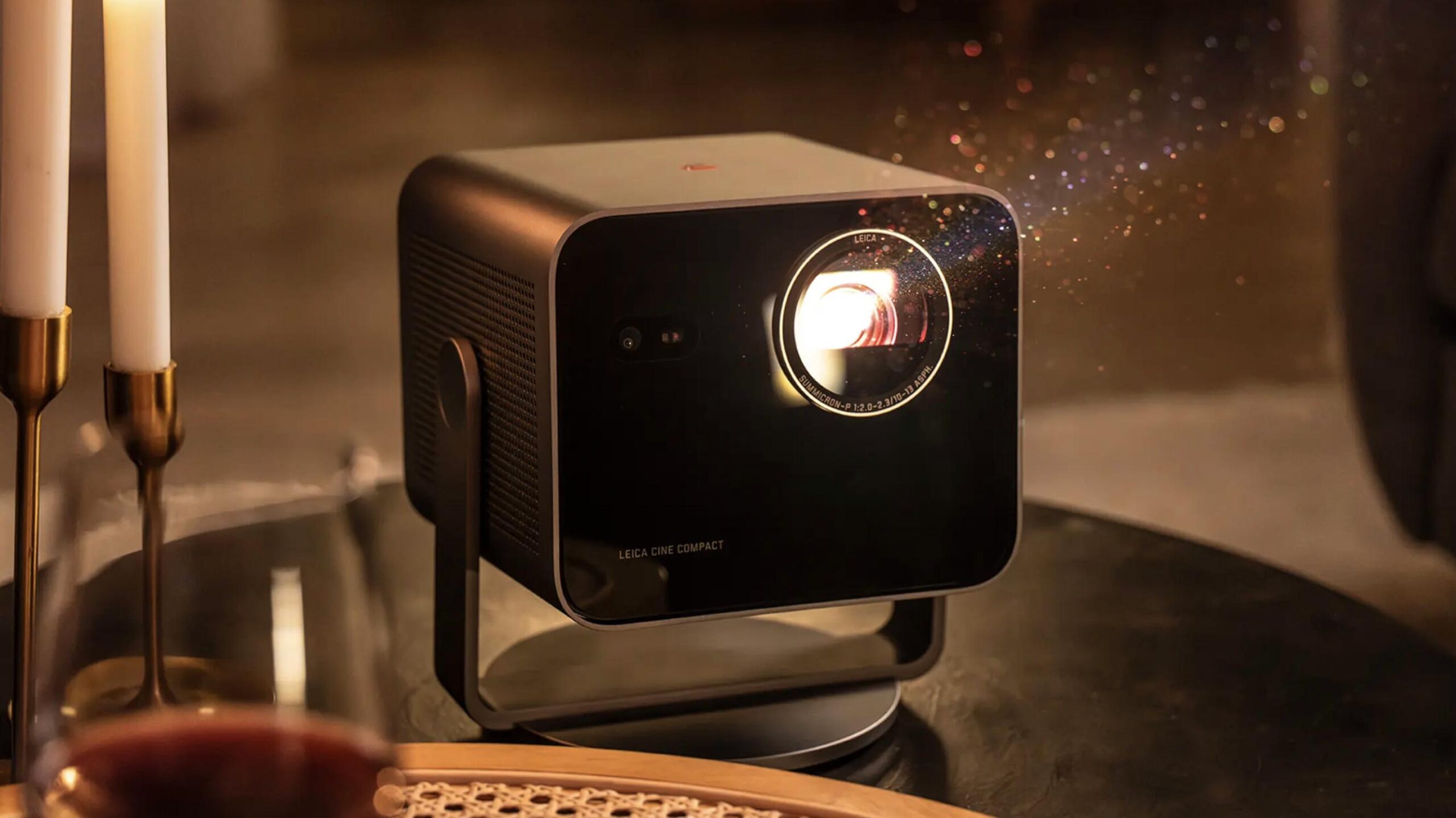
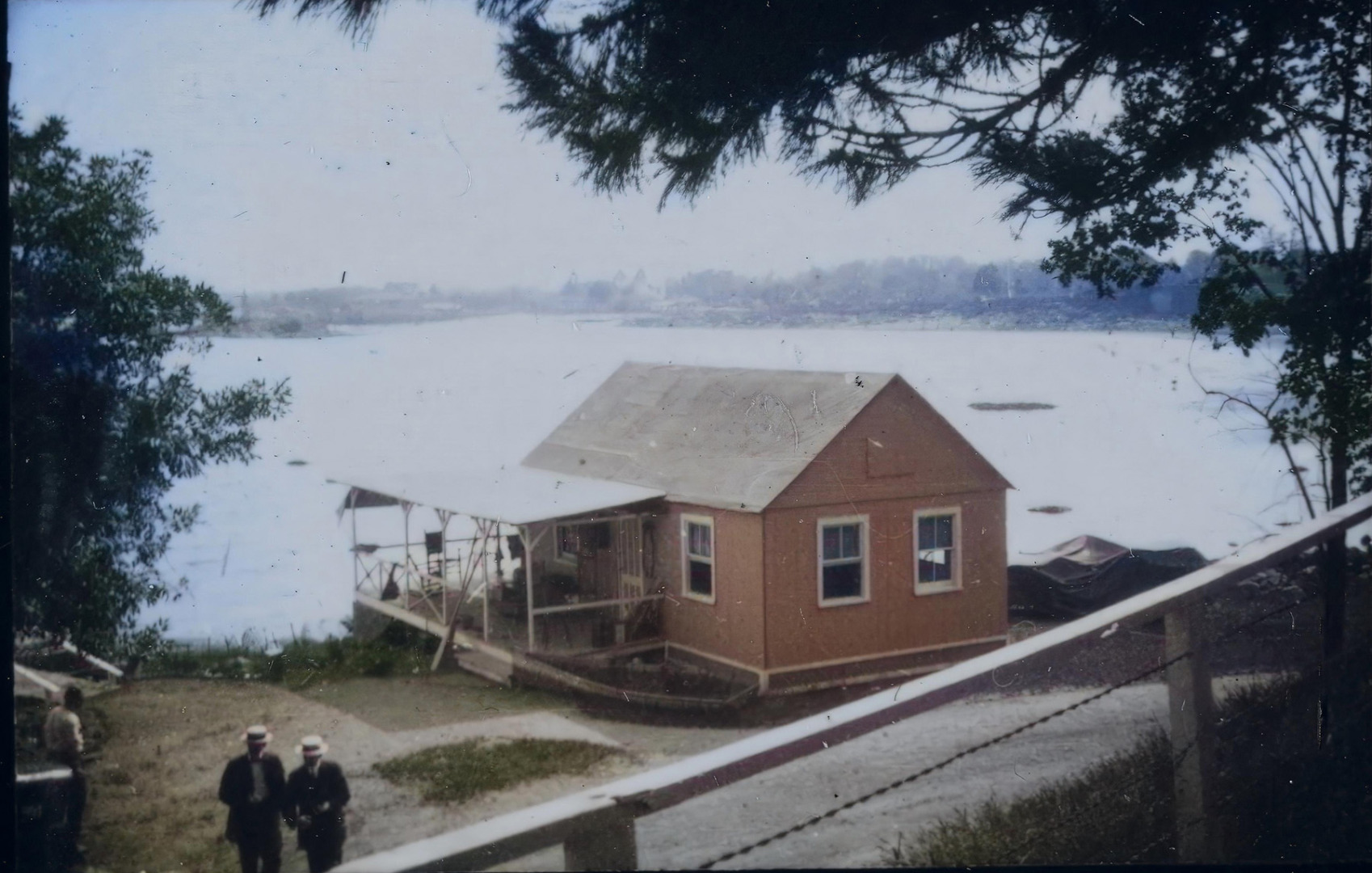
The other week, I had a real treat. I hooked up a USB thumb drive to a Leica Cine Compact 1 to watch a slide show of the images from the world’s first Leica vacation. It was 122 years ago, Ernst Leitz II took an Ur-Leica on a trip to the United States. He shot 220 images, which the Leica company has shared with the Leica Society International (LSI) in an attempt to nail down the locations of all the pictures. What an experience — looking at a Leica photograph, taken over a century ago, on a modern Leica Cine Compact projector.
I was watching a unique and important piece of history on a large screen. I felt almost like being there. Here is one image that I have cleaned up and colourised. Can you tell me where this is? Knowing its provenance, could you be anything other than amazed at seeing this on a large screen in your living room?
And then, two days ago, neighbours who had just returned from a holiday to Patagonia and Easter Island were easily persuaded to bring along their iPad with 75 images. True, these were iPhone images, but spectacular, nonetheless. We all sat around in near daylight viewing these images, enthralled, for 45 minutes. Sadly, I did not think to photograph us, watching with rapt attention.
Single-throw slide projectors
During my film days (I started photographing at age nine, 74 years ago) my family prized their colour slides. Colour film was pricier than monochrome, and we used it for special events. We actually had some well-preserved Kodachrome slides from the 1930s that we enjoyed looking at. But mostly we started using colour transparencies in the 1950s on holidays or special occasions.
However, to see a 35mm mounted colour transparency, you needed either a hand-held viewer, or a projector.
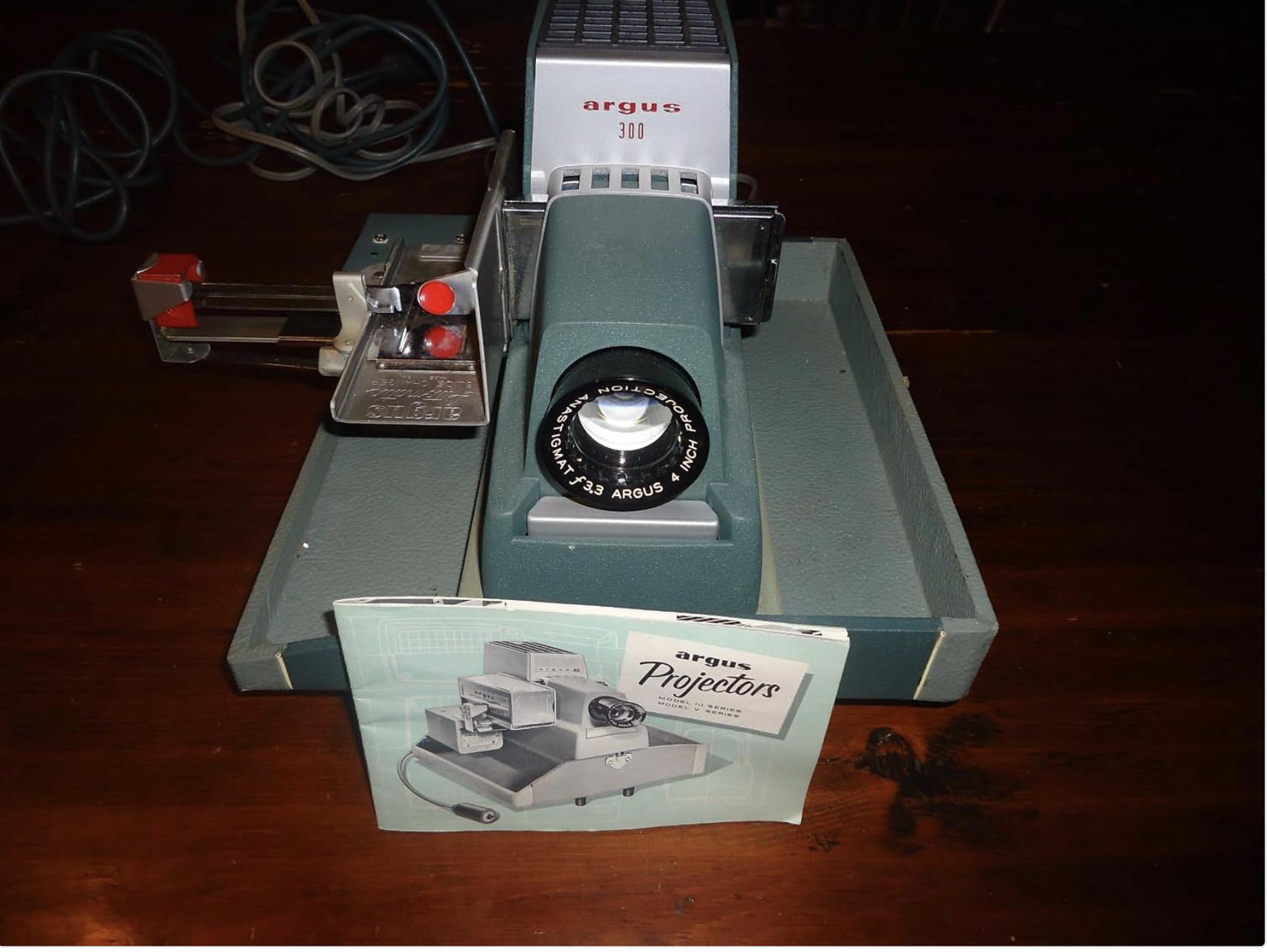
Leitz, Kodak, Agfa/Ansco made single-throw projectors for transparencies. You put one slide into the mechanism and pushed or swung it into the projection path, removing the previous slide in the process. It was a laborious process, but projectors and lenses were at least adequate to show off the image.
Our family finally opted for an Argus 300, which employed aluminium magazines that you loaded, semi-permanently. It also offered a manual option. It was a handy little projector for use with our small, erectable tripod screen.
Enter the Kodak Carousel projector
Years later, in 1961 to be exact, Kodak introduced its landmark Carousel projector. We slide-projection aficionados in the US used this Kodak series of projectors exclusively until digital came along.
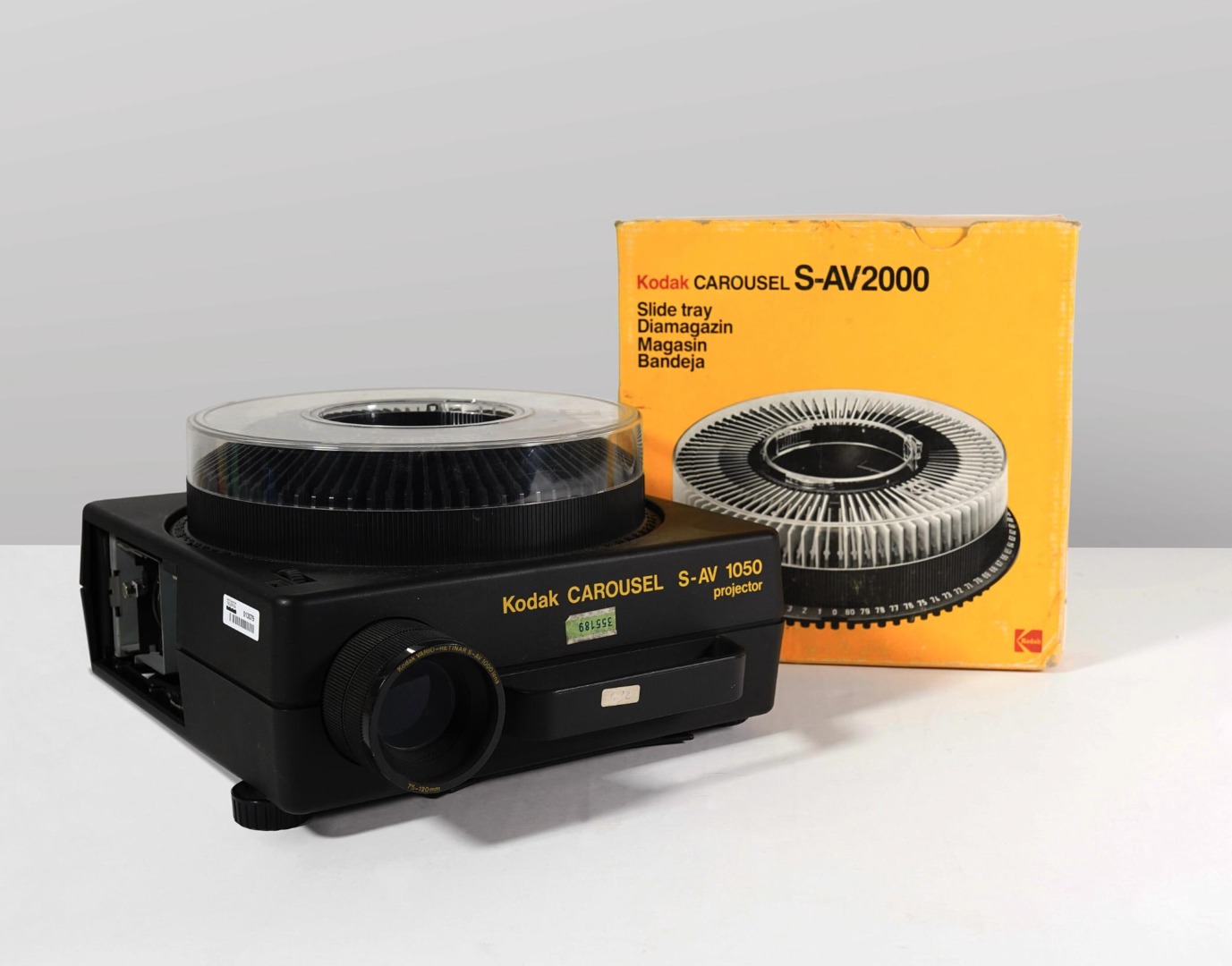
Somewhere along the line I acquired a 6.5 foot x 6.5 foot hanging screen that I placed over a double bookcase. I had to find wide-angle lenses for the Kodak units because of the rather close quarters in that room. Even though we might have invited guests for the event, this was a slide show, not a home-theatre presentation.
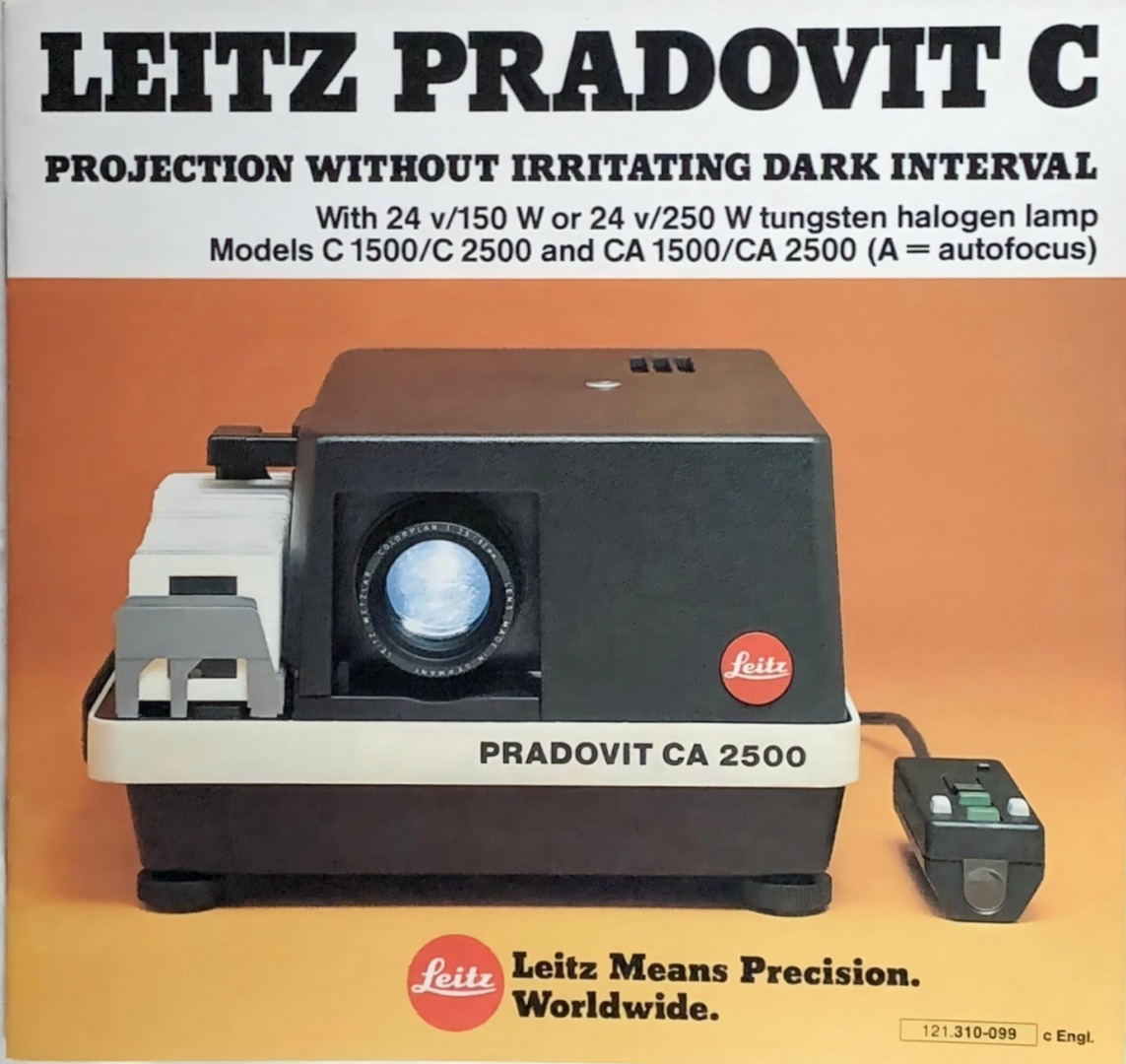
Leitz made a series of excellent Pradovit projectors with straight trays during the same years that Kodak made Carousels. These Leitz products really never caught on in the United States.
My wife Julie and I competed yearly in an international slide salon — so this type of photography was very significant for us. We even won some prizes along the way.
Then digital came along. I still shot film, including colour positive film, side by side with digital for some years, until the end of Kodachrome in 2010.
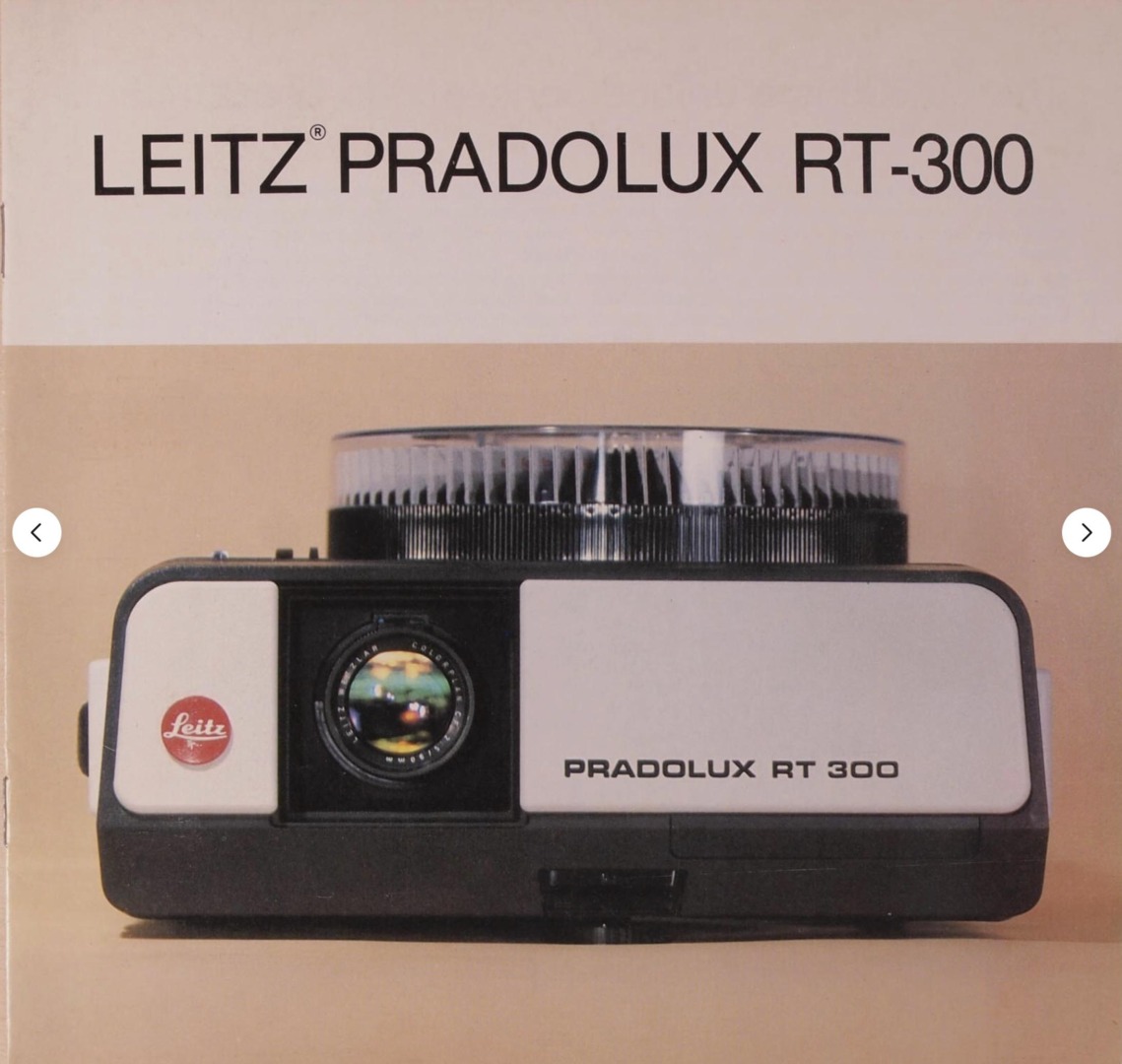
Currently, even though I am no longer using film, almost every winter my family reviews our 50 or so carousels on our Leitz RT-300 projector (a wonderful machine!). We review our medium-format slides on a Rollei model.
A room with a view
We have what is referred to in the US as a walk-out basement room, giving direct access to the outside from the lower level of our home. It’s the ideal place to set up our large old projection screen, which sits above double doors ready to be pulled down for a slide show. Every winter night, after dinner, when it is dark, we go downstairs and view a couple of carousels.
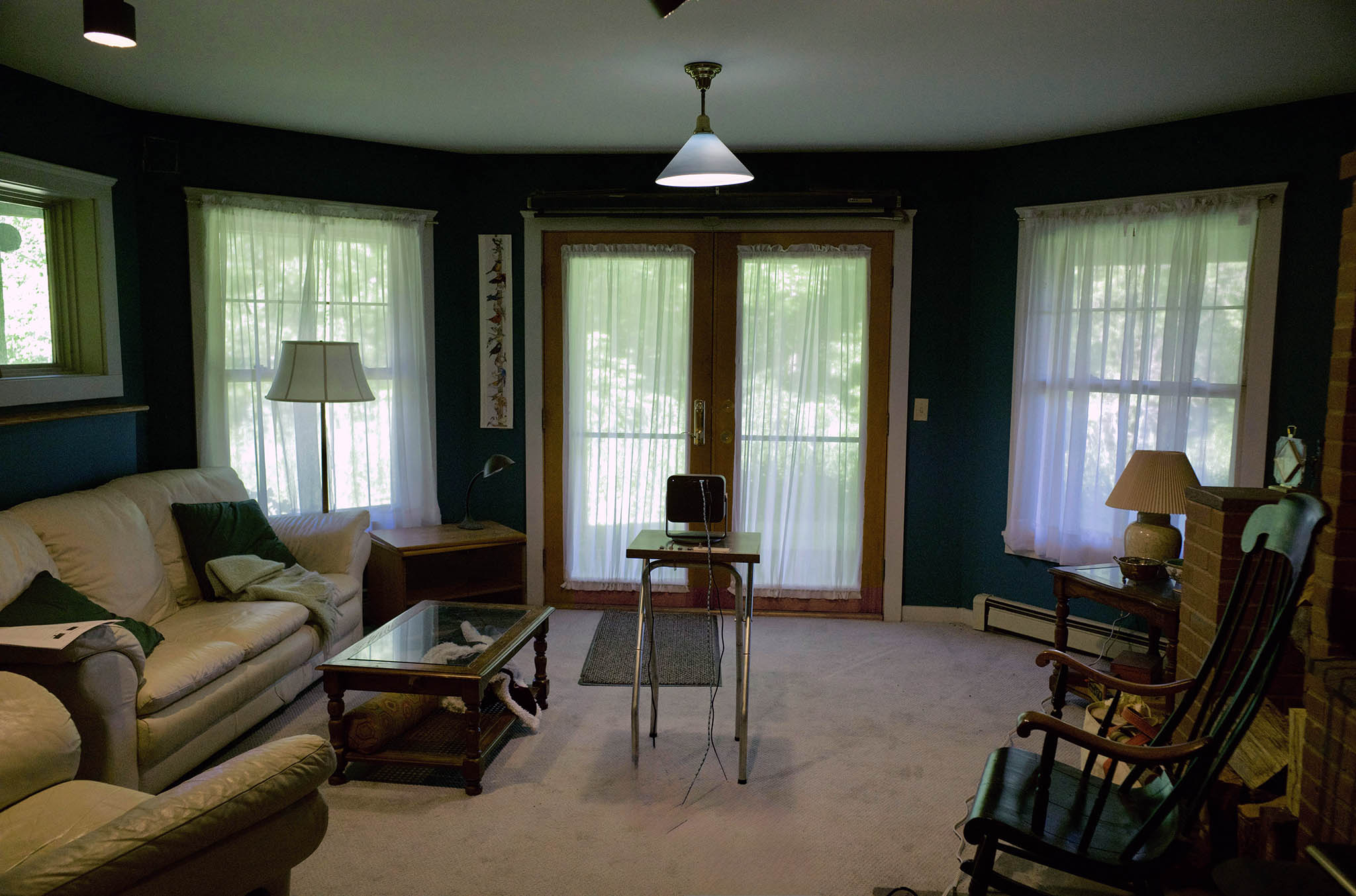
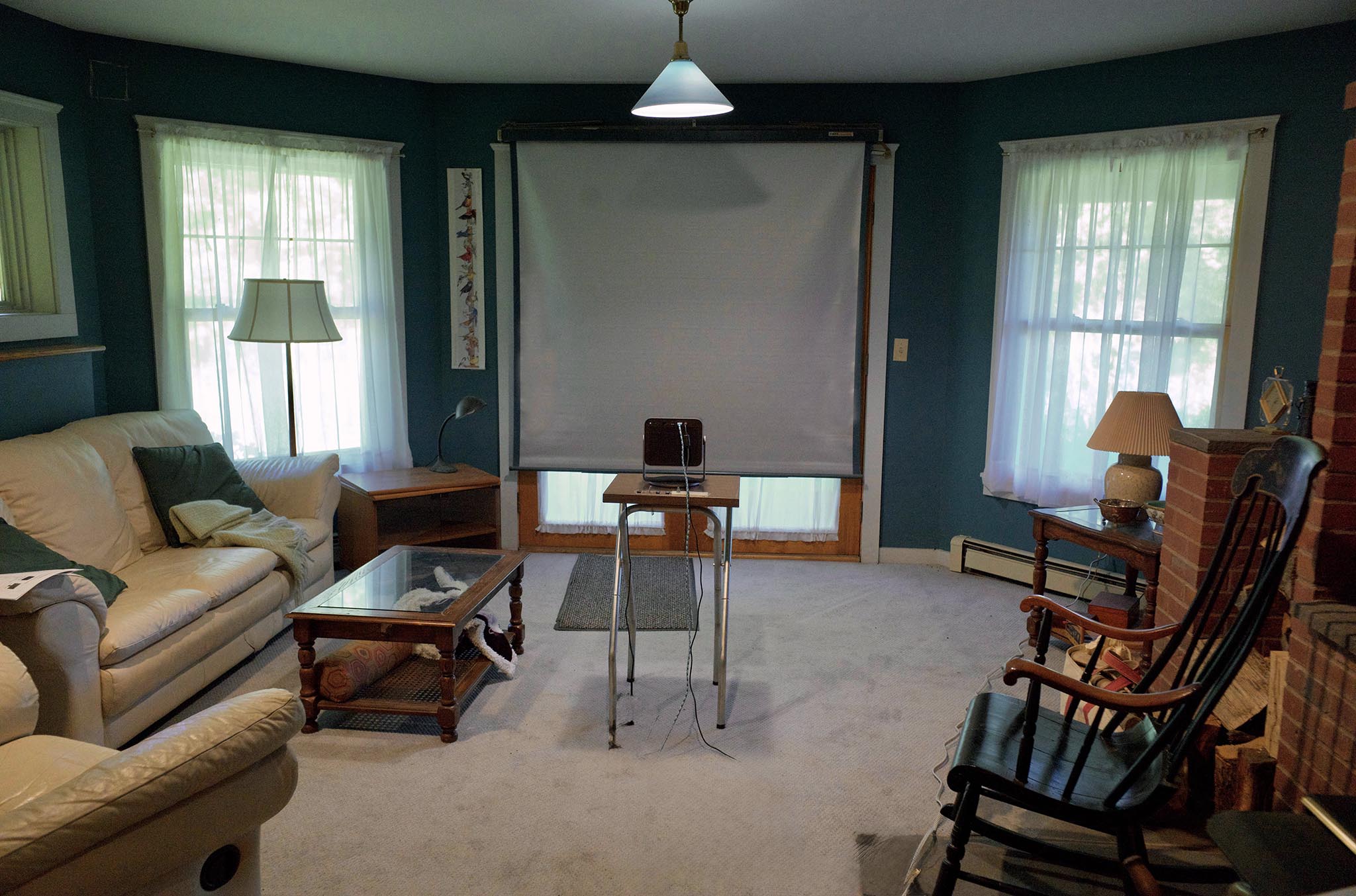
Above is our set-up. Note: this misses by some margin the definition of a “home theatre”. Google defines that entity as follows:
A home theatre (or home cinema) is an entertainment setup designed to replicate the immersive audio and visual experience of a commercial cinema. It typically combines a large display (such as a large-screen TV or projector) with a multichannel surround sound audio system.
Digital projector
For quite some time now I have wanted to try a digital projector in our modest set-up, one that I could put on a table to project our images. I have never felt any need to upgrade this set up into a home theatre. Julie and I have thousands of digital images that we only get to see on our computers, iPads, or occasionally in print.
I had considered previous Leica digital projectors, but rejected them as simply too expensive. However, the more reasonable cost of the new Cine Compact 1 called out to me. I contacted Leica USA, pitching a review of this projector in return for a loan, and they quickly agreed.
Viewfinder Editor, Bill Rosauer, also endorsed this review decision wholeheartedly. But he attached a requirement that I address the needs of readers wanting to equip a home theatre, or to use this product to upgrade what they already had. This was a different order of thinking about the Cine Compact 1’s role than how it was originally envisaged.
Leica Cine Compact 1
The projector arrived post-haste. We set it up in our viewing area, rapidly becoming familiar with it and its controls. Leica had sent a demo unit without a manual (soon corrected online). But we were able to intuit most of the steps required to get started: read this as “simple to set up”.
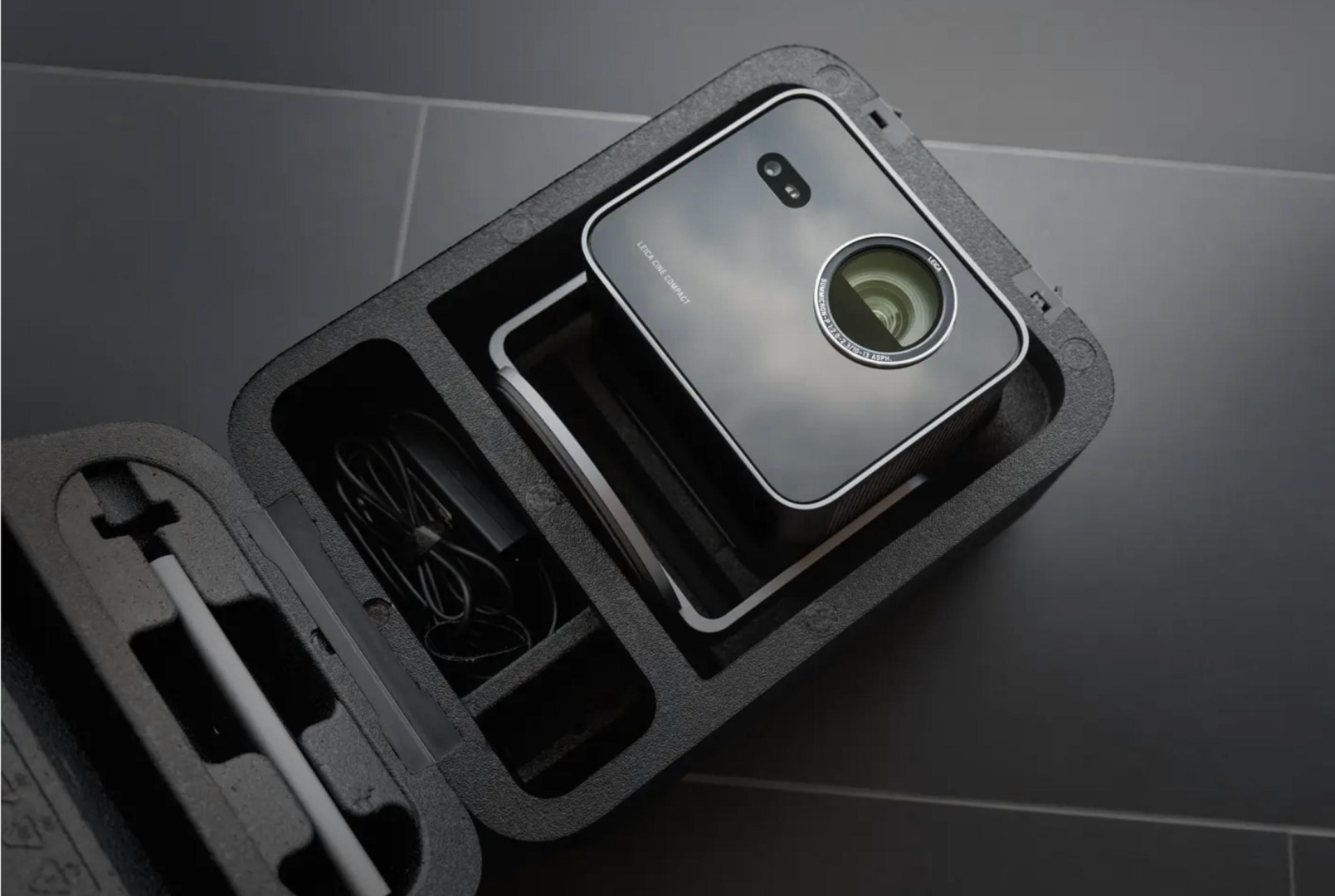
First, we connected it to the same Wi-Fi as the rest of our equipment. Then, we selected Apple AirPlay to allow full resolution sharing of our images from our Apple devices. These included iPads and iPhones, as well as an iMac computer, where we filed videos. I was soon able to cast my iMac screen onto the screen via the projector.
Other transfer options, such USB and HDMI, were available to us as well. You can also hook up an external HD with images in JPEG and other common formats, but unfortunately not RAW. In home-theatre fashion, the remote supplied with the Leica Cine Compact 1 has dedicated buttons to access Netflix, YouTube, Amazon Prime Video, and Disney+.
From an Android device’s control centre, the Screen Cast, Smart View, or Wireless Projection icon is said to work much like AirPlay. However, as a non-Android household, we had no way of confirming this. The projector comes with the Hisense VDIAA app built in, should you want to use this.
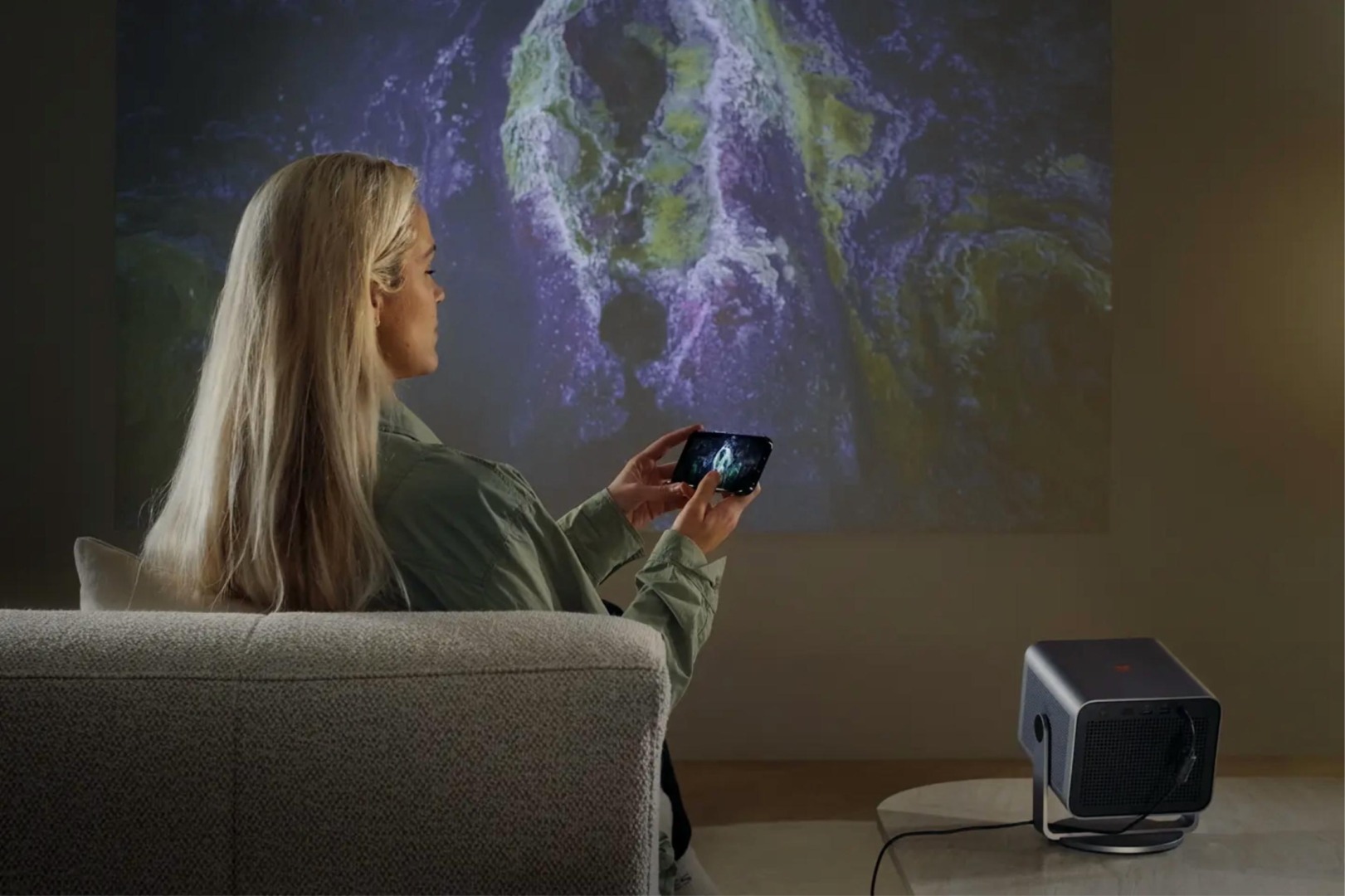
Julie and I struggled a bit to cast images from her Windows 11 computer screen, ending up with a streaming program — AirParrot3 — which worked. Clearly, viewing our images was more straightforward with Mac devices.
The Leica Cine Compact 1 delivers the goods
Our digital “slide” images came out spectacularly well!
Here, in our set-up, is one of the first ones, an image that I took of a momma-grizzly and her cub with my Epson R-D1 in the early 2000s. The size and brilliance of the projected image on our 6.5 × 6.5 screen was certainly the equal of any of our transparencies being projected.
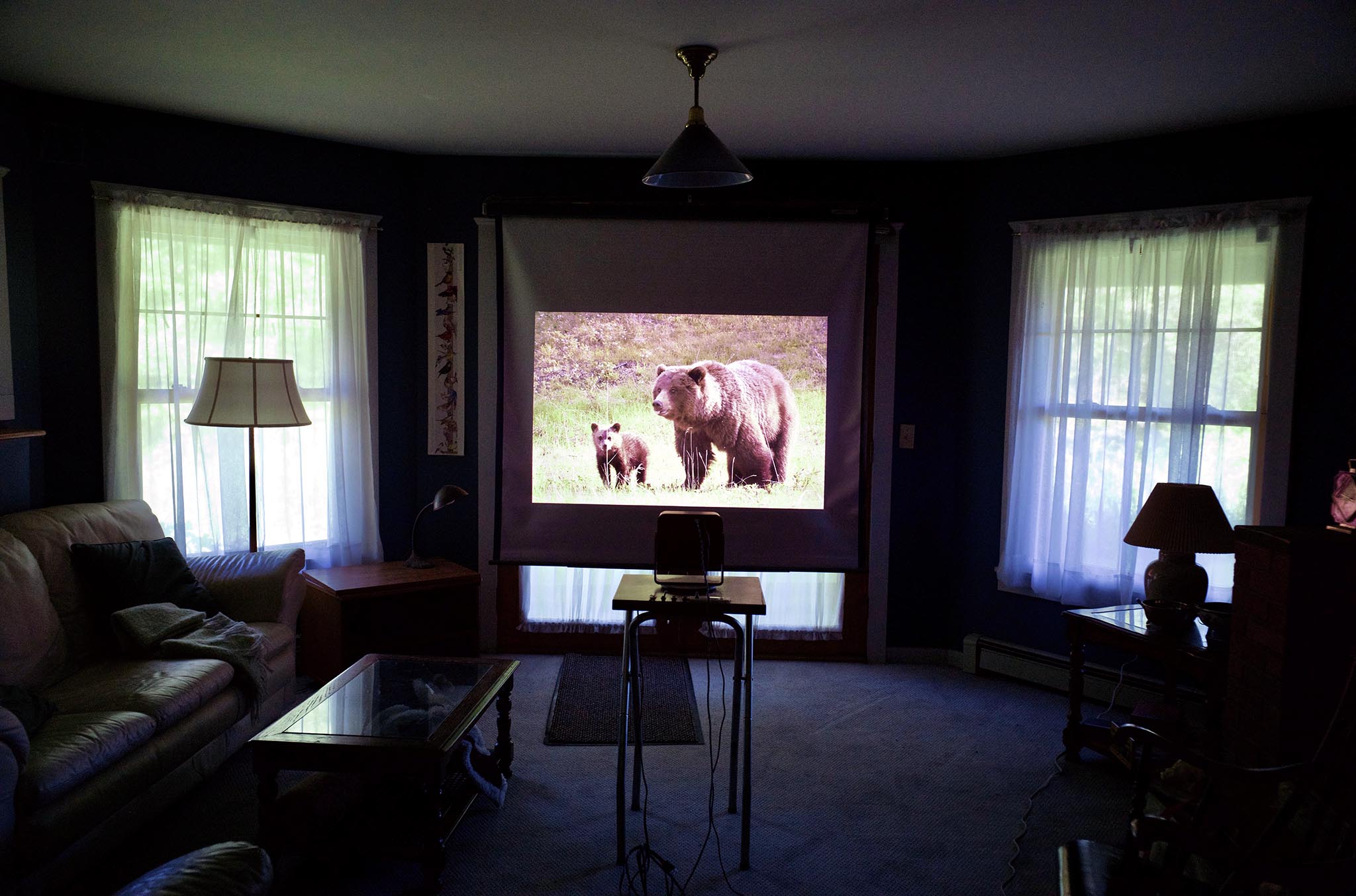
Julie and I variously tried out movies, music-videos, and hi-res audio files. I watched the FIFA World Cup preliminaries — wow! The sound was excellent, and the visuals were stunning. We did not need to have a fully darkened room; the set-up could be used at almost any hour unless direct sunlight was streaming in. The auto-keystone correction worked superbly.
But back to Bill Rosauer’s thoughts for a moment. Can this unit be used for a home theatre?
Digital “slide projector” or home theatre centre?
I would say of course it could, but only in a small to medium-sized room.
The projector is very short-throw in comparison to old 35mm projectors. It is therefore easy to get a large image in tight quarters. However, that property defines the size of the room in which you can use it optimally. In my set-up, the projector is only 6 feet (1.83 metres) from the screen. There are modest internal zoom/trim operations that could be used to adjust this, but the projector does it automatically.
That 6-foot distance maximizes the projector’s brightness.
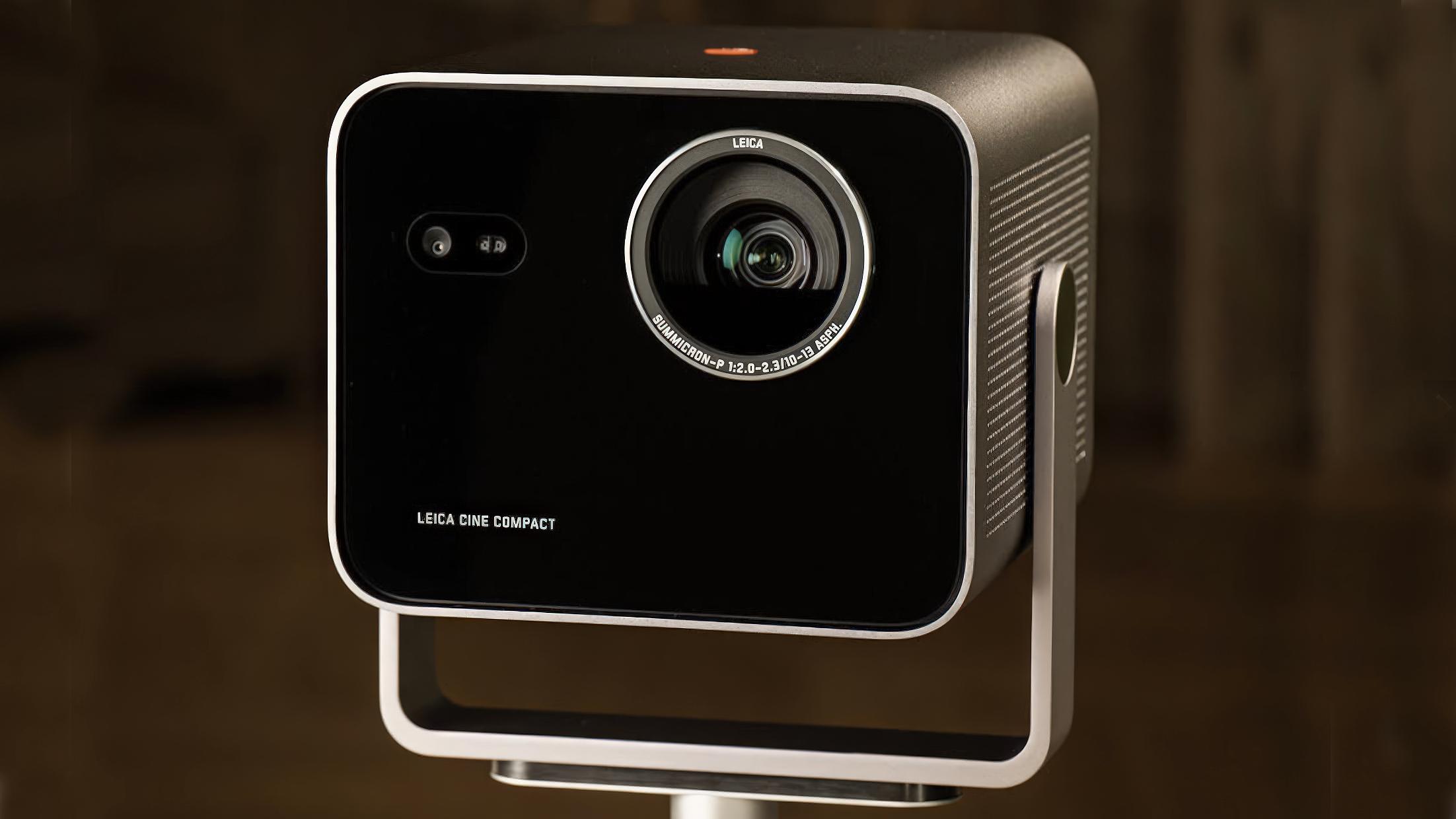
The Leica Cine Compact 1 does not offer surround sound (outputs for this are available in Leica’s larger projectors). But as emphasised above, the unit is capable of producing excellent audio. So yes, a modest home cinema, but those wanting more options for larger rooms need to look at Leica’s other digital projectors.
This is not a quality issue with this compact model, but one of lumens produced.
A flexible solution
I suspect Leica wants its Cine Compact 1 to be regarded as a flexible projection unit. Easy enough to stow away and then to bring out for viewing use by up to a dozen people in a smallish room, or possibly more in a larger, darkened one. Of course, it could be used for a permanent set-up too.
Leica suggests with their advertising that the image could be projected onto walls, inside or outside, even the ceiling. These are compelling use cases. No need, therefore, for a dedicated installation.
The weight of the unit is slightly shy of 10 pounds (4.54 kg), making it quite portable.
Different strokes…
My family is in a different cultural corner to many households, in not having a television, nor generally watching movies. We get our screen fix from our computers, or our sharing of images with others, as on Flickr.com. Viewing images was my stated reason for interest in this unit, and that has been generously satisfied here!
It may be much more than your father’s updated slide projector, but it is indeed also exactly such an update.
Leica makes this Cine Compact 1 in partnership with the Chinese firm Hisense. They also collaborated with Hisense on the earlier and more powerful Cine Play 1, and the even earlier higher-powered projector Cine 1. There is thus a family of Leica projectors to choose from, based upon need and finances.
From what I read, only about 1/3 of people with a home theatre use projection. We have no idea how many use their home cinema for dedicated image viewing, but Google AI states, “less than 1% to 5%”. Let that sink in, for a moment. What percentage of us used projectors for slides 20 years ago? Or for Gen-Z Leica users, did your parents do this? I will bet it was much higher than five percent.
Building on a legacy
It seems natural to me that Leica, formerly Leitz, with its storied history of projection devices, would wish to continue this legacy today. Perhaps they want to greatly increase the percentage of people looking at their Leica images this way. Leica’s aim for this market might be only implicit in what they are selling, but why not make this much more explicit? Why not make such a market?
With the Leica Cine Compact 1, they are marketing another, less expensive, home theatre device. But they are also marketing a digital slide projector, and have done a great job with this little device. We are Leica photographers, whose images are important to us. Why keep them hidden on our phone or computer?
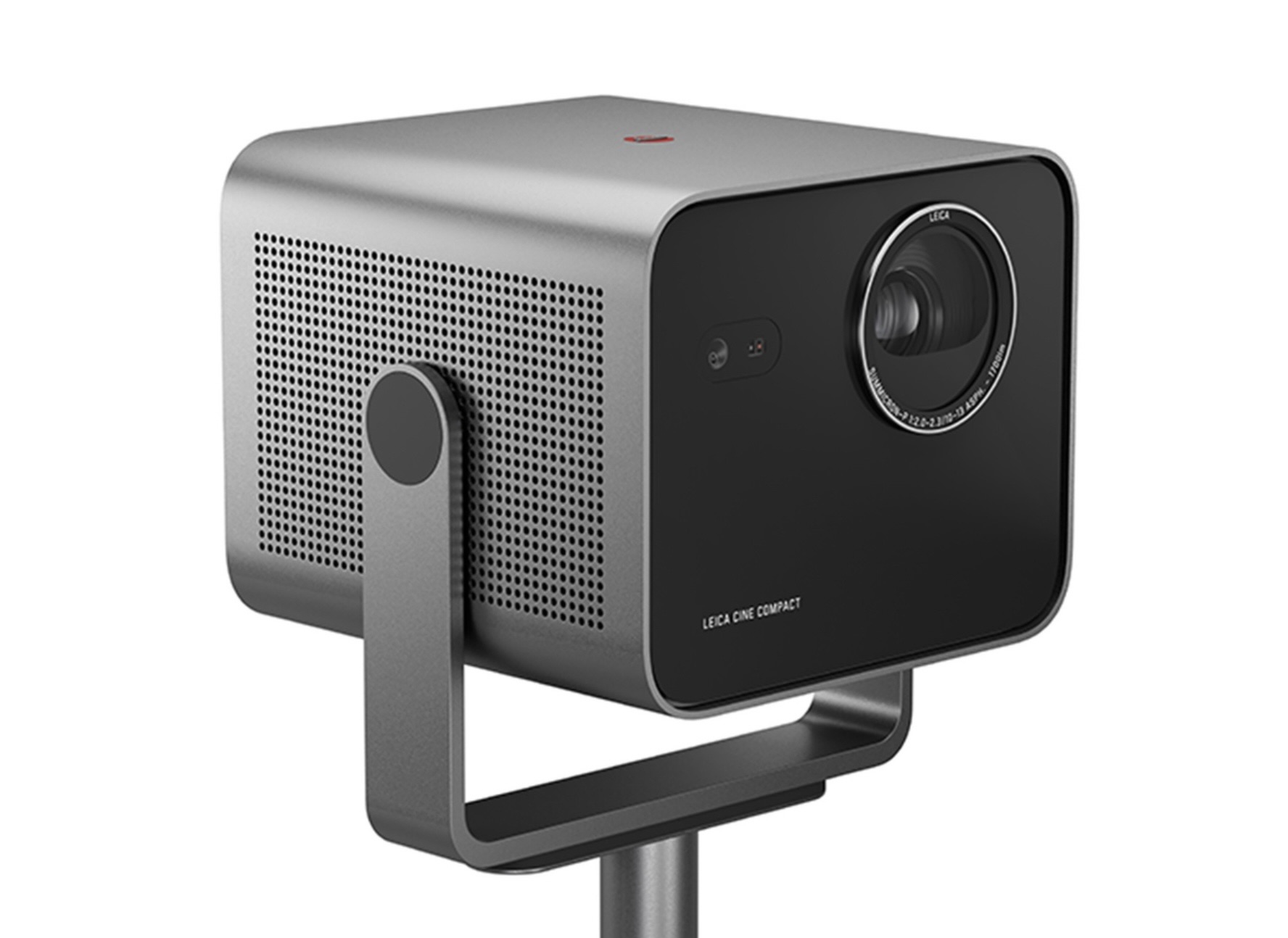

I am actually shocked that Leica has not been more actively marketing their projector series to the larger audience of Leica photographers — not merely those with a home cinema, or those who need a projector for their work. Like they used to. Their current advertising only hints at the sort of use that attracted me, almost instantly, to the Cine Compact 1.
A plea
Camera → Image Processing → Projection seems a natural sequence. It’s similar to the sequence we used with transparencies. This Leica Cine Compact 1 is what has been needed for years, and this point ought to be more prominent in their advertising.
I wrote this article basically to say, “Hey, what happened to the social desire to show our images as a slide show, and why hasn’t anyone accommodated this currently?” Our social fabric is fraying, and this could help bring it back. The well-timed arrival of the Cine Compact 1 gives real impetus to my thoughts. The fact that Leica USA was so enthusiastic about my proposal to write about the Cine Compact 1 indicates that several of us were likely on the same page.
Retail cost for the Cine Compact 1 is $1,995, excl. tax | £1,450 inc. tax | €1,645, inc.tax.
| More from Ed Schwartzreich | Leica Cine Projector |
| A life in colour slides | Converting film slides to digital |
Make a donation to help with our running costs
Did you know that Macfilos is run by five photography enthusiasts based in the UK, USA and Europe? We cover all the substantial costs of running the site, and we do not carry advertising because it spoils readers’ enjoyment. Any amount, however small, will be appreciated, and we will write to acknowledge your generosity.
Hello,
Nice review. I’m also a cine compact user but it doesn’t recognize my external drives (SSD in ex-fat format), I can read only drives only in FAT32, so may I ask you if you succeed to connect an external drive in ex-fat format? Or another format maybe. Thank you in advance, Adrien
I’ve got the full sized cine play 1 and love it. We did a photo slide show the other night, such a great way to look at photos. The color and lens as expected from Leica is wonderful.
I just do not know why more people don’t do this.
Thank you Ed, that is an impressive set up and a great review, I have looked at these devices before and experienced the itch to put my hand in my pocket and invest.
However, something always stops me, and it is this:
Around 15 years ago, I bought a NEC Multisync PA272w as the front end for my MacPro [Trashcan] and now my silicon MacMini, (I considered and tried a Mac Studio, but decided that the Mini has plenty of power) and also, my wife and I do have a television which gets used for a couple of hours of live TV, Netflix or Prime during a typical evening, the time to zone out and relax before bed. I swivel the display so that it is in full view from our easy chairs, and let the screen saver play through my thousand or so photography folders that I keep on an auxiliary SSD. To my mind the principle advantage to this arrangement is that I can update, one component at a time, as and when needed.
I also, keep my music on the SSD, and burn CD’s for use in the car with an old, but new when purchased, Apple CD/DVD writer.
Of course, I keep several backups that slumber in different locations, such as my son’s house in Anglesey and my old 1930’s safe, which sits in my hall, here in London. I ensure that these are kept up to date, and my son uses a similar arrangement, he looks after my backup and I look after his.
This display represents an excellent and simple way to view everything, it is bright, does not vignette or experience any fringing, I also use it to read news articles and blogs, such as the wonderful Macfilos, following which I can praise, criticize or whinge to my heart’s content… All without any further set-up.
So, although the Cine Compact 1, is mightily impressive for what is for Leica, a modest outlay, it is just something that I will not be pursuing.
The rabbit hole that is currently taking my time is the beautiful and jewel like Leica iiig that I have just bought. It is the same age as me, 70 and the Version 1 collapsible Summicron that it came with is slightly older at 73 [the coated, non radioactive version] and is also stunning, I have since cogitated that lens selection is quite modest, particularly when compared with the film M’s, but the hunt for different lenses, from pinhole through to telephoto is to say the least, interesting.
For digital imaging, I have a Leica Q2 that I bought on the day that it appeared, one day I might change it for a digital M of some sort, but for now is sufficient.
Personally I regard this arrangement as portable and capable, whilst using the screensaver as described above, means that it is running 24 hours a day. When I get up at 3 am, for some reason, I can sit and watch it for an hour or so and then return to bed to drift off again.
Thank you, Stephen. I used to use the screen of my iMac that way, but most often it was only me viewing. Sharing meant inviting someone else into my office.
Right now I have invited my daughter, a long-distance hiker who is recently back from hiking, biking, and canoe’ing Kauaʻi, to show her images of this trip. Her significant other took them on his phone (making images is not her things) but she has let me know that these are spectacular. That’s the kind of things I had in mind.
Ed
Very interesting, Ed. But a lot of slide shows were characterised by sloppy or total lack of editing. Guests would doze off in the gloomy light. Shows need to be slickly edited, with well-matched sound track and short in duration. Or with appropriate intervals. Regardless of projector types. That calls for skills that need to be learned. I think that is why you find such a low uptake of the latest projectors.
When I was writing this article, Bill Rosauer, LSI’s Viewfinder Editor, said he would ask his son Dan, who has a home theater, to comment.
Here is what Dan has to say. I think this rounds out my article for those who do not think exactly upon the lines that I do. Many thanks, Dan.
“To add a little to Ed’s article regarding the home cinema prospects of the Cine Compact, this projector is the budget friendly
model in the range of projectors Leica is making in conjunction with Hisense. It has a decent 1700 lumen light output, while the next step up (the Cine Play 1) has nearly double the light output at up to 3000 lumens. The highest price in their range is the
Cine 1, which is an ultra short throw projector so not exactly apples to apples to the other 2. I obviously haven’t seen the projector myself to know how the visuals compare to my JVC or the Sony I’ve owned in the past. While light output is important, the most important factor in image quality is black level and contrast ratio. Both the Cine Play and Cine Compact list a modest 1500:1 contrast ratio, but real world viewing would be the best judge of the picture. They are also all 3 laser projectors
(individual laser sources for the Red, Blue, and Green colors), which is a step up from the standard bulb based projectors of the past.
All of them have decent specs and should make for a good home theater experience, but if you are setting up a dedicated theater space and have the budget, the Cine Play 1 seems like a better option for the extra $1000 ($2995 vs $1995 for the Cine Compact 1). The step up gets you the additional brightness as mentioned, which will help for larger screens and rooms that aren’t 100% light controlled, as well as give you better specular highlights for 4K and HDR content which is very common in movies now. It
also has a larger optical zoom range which will help with placement, and better gaming specs with ultra low lag and up to 240hz at 1080p refresh rate.
All 3 projectors offer a good array of HDR mode compatibility, offering Dolby Vision, HDR10, HDR10+, and HLG. That is pretty good in the home theater space, most projector are not able to achieve Dolby Vision compatibility.
The benefits of the Cine Compact 1 besides the cheaper entry price are the size and portability, while still giving you a great image with the Leica optics. My take would be if you are only planning on using the projector occasionally and would like flexibility in where it can be installed, the Cine Compact 1 could be a good option, and comparatively the $1995 price point is pretty competitive in the market. If you are setting up a permanent theater, have a larger screen, or need to combat some light in the room, the step up to the Cine Play 1 is well worth the additional cost, and the $2995 asking price is still reasonable for this
product category.”