
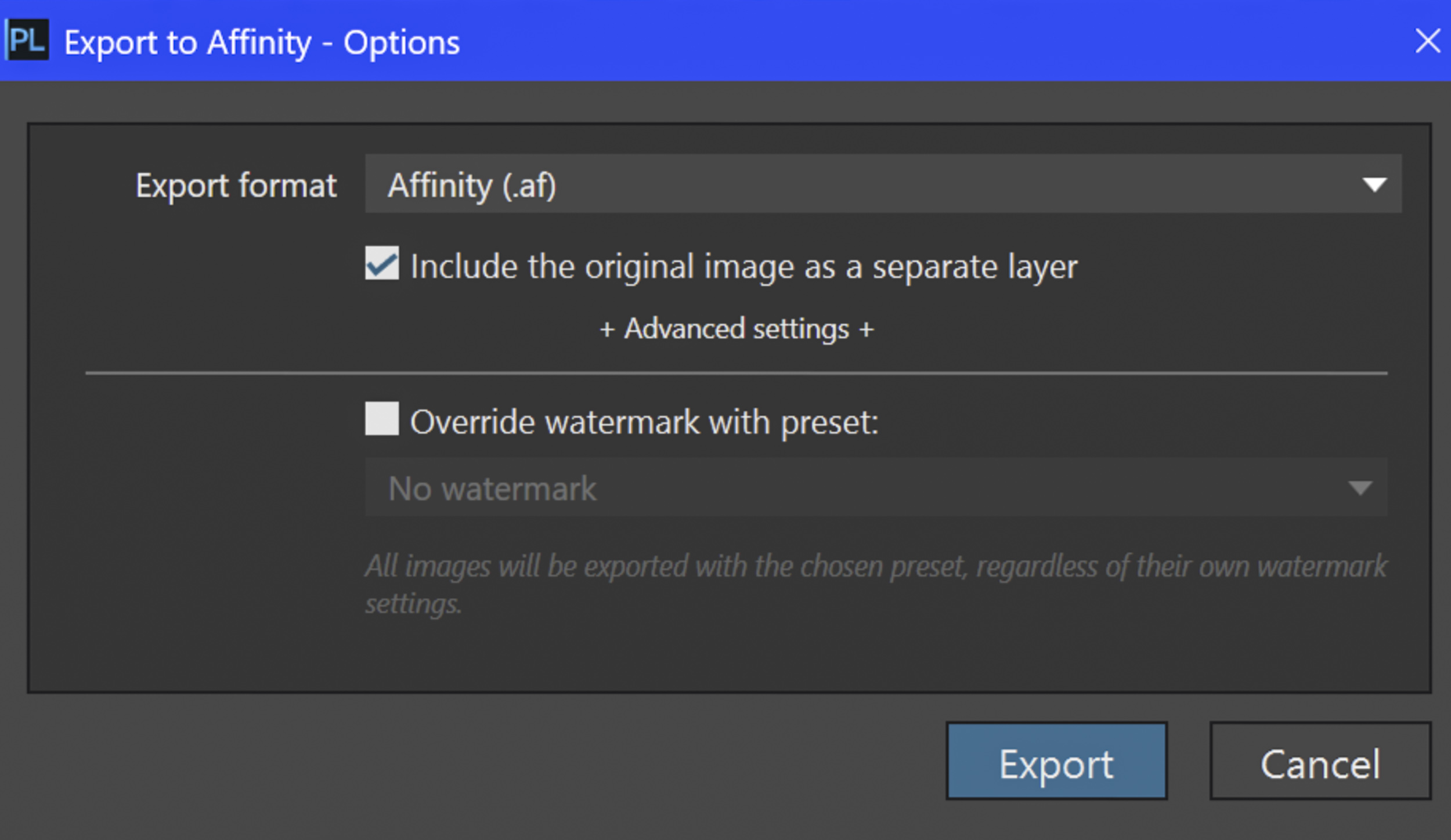

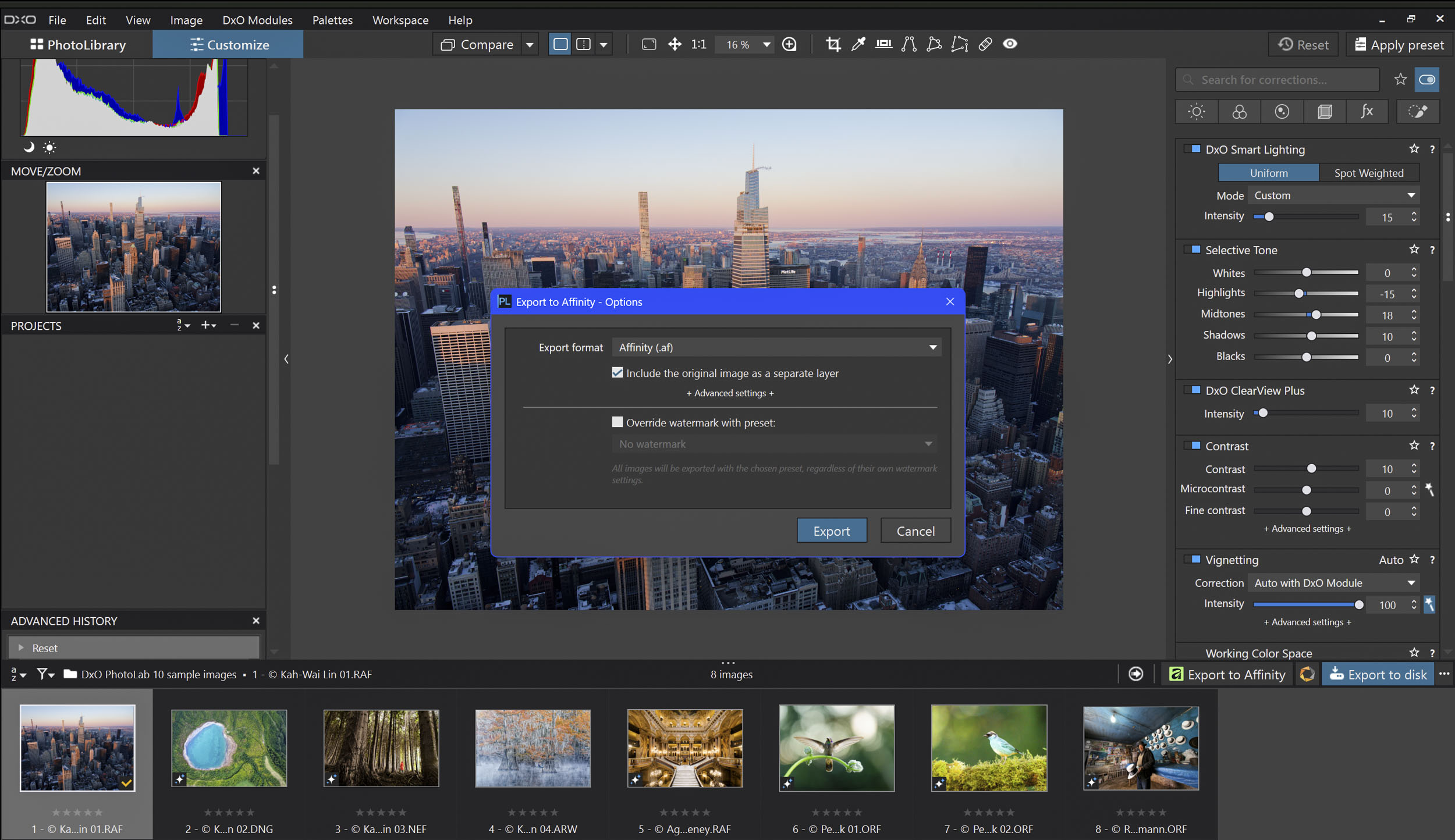
DxO Labs and Affinity by Canva have announced a partnership built around Affinity’s native .af file format. The first result is PhotoLab 10.1, released today as a free update for all PhotoLab 10 owners. It adds a single-click export that sends a developed RAW file straight into a layered Affinity document. Anyone who has shuffled TIFFs between a RAW developer and a separate editor will see the appeal. The more interesting part, though, is what DxO says comes next…
How it works
According to DxO, PhotoLab remains the “source of truth” for RAW development, while Affinity takes over the layer-based work that follows. That covers local retouching, compositing, vector graphics, type and page layout, none of which a RAW developer is designed to handle.
Each export creates a native Affinity document containing the fully processed image. Users can also include the original, unprocessed photograph as a second layer. DxO presents this as a clean reference for masking, blending, or comparison during later editing.
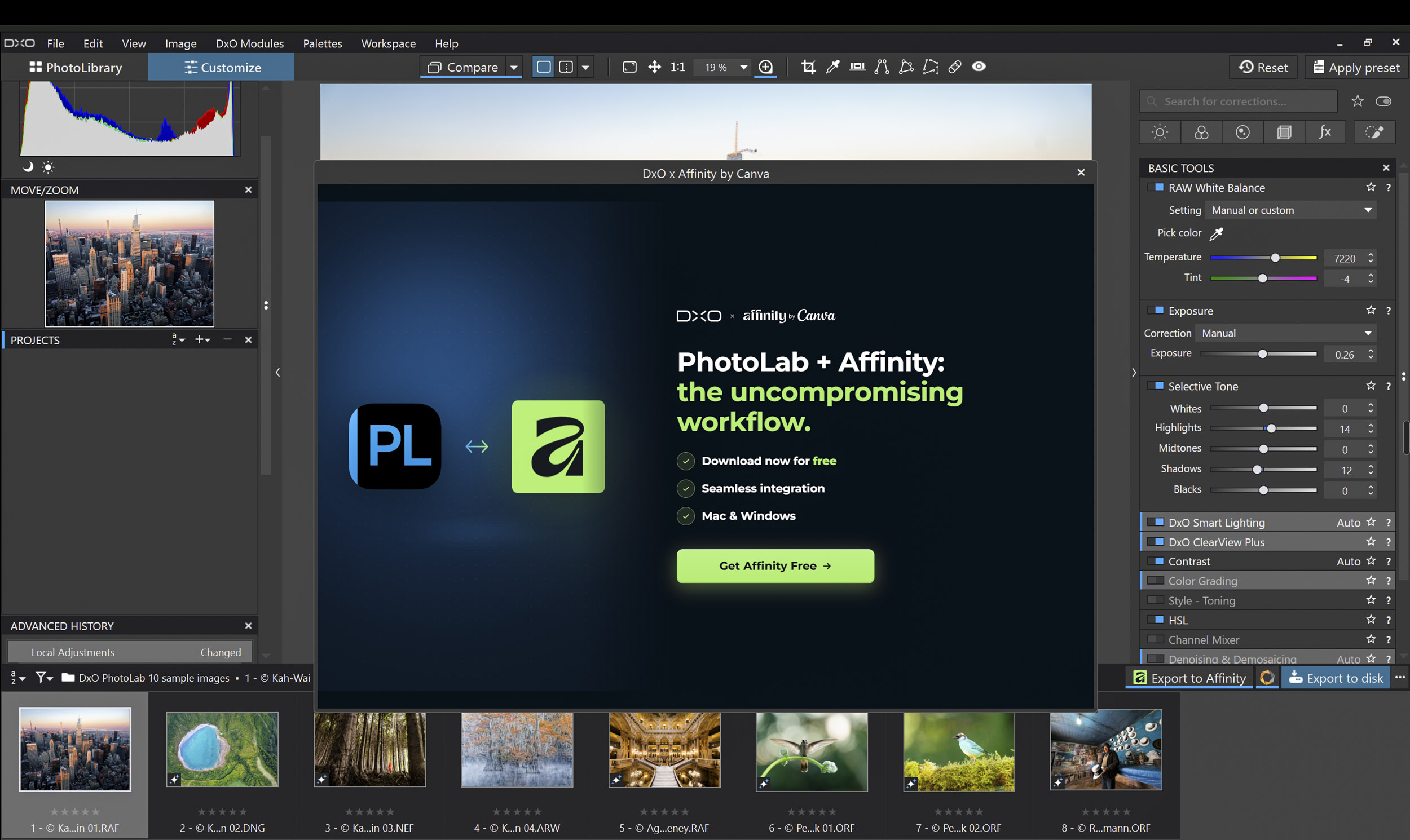
Affinity’s Pixel, Vector and Layout studios all share the .af format. In principle, then, a photograph can move from retouching to a finished page without ever changing file type. Photographers who don’t yet use Affinity are guided through creating a free Canva account and installing the app without leaving PhotoLab.
The companies’ view
Jérôme Ménière, DxO’s founder and chief executive, said the company had spent more than twenty years concentrating on RAW image quality. He argued that the retouching, compositing and layout stages deserved “a partner of the same calibre”. PhotoLab users, he said, now have a complete professional workflow from RAW file to finished page, with no subscription required.
Duncan Clark, CEO of Pro Design at Canva, said photographers and designers had been asking for simpler workflows rather than “fighting to get different products to talk to each other”. He described the partnership as further evidence that a new generation of creative tools is responding to that demand.
The release describes the pairing as combining DxO’s “science-led” RAW processing with Affinity’s professional editing and design tools.
What comes next
DxO says the partnership will extend across its range, starting with Nik Collection, its suite of plug-ins for black-and-white conversion, film emulation and creative finishing. The company also promises further .af workflow enhancements in PhotoLab before the end of the year. It has not said what these will be.
Affinity itself is free on macOS and Windows and requires only a Canva account. An iPad version is due in November.
Availability
PhotoLab 10.1 is available now for macOS and Windows as a free update to PhotoLab 10. A 30-day trial can be downloaded from DxO’s website, and Affinity is available from affinity.studio.
For PhotoLab users who already rely on Affinity, the new export removes a step. How much it adds beyond PhotoLab’s existing export routes will become clearer once photographers have had time to try it.
Further reading
Make a donation to help with our running costs
Did you know that Macfilos is run by five photography enthusiasts based in the UK, USA and Europe? We cover all the substantial costs of running the site, and we do not carry advertising because it spoils readers’ enjoyment. Any amount, however small, will be appreciated, and we will write to acknowledge your generosity.
Comments: Please add a comment to this article. Our comments section is a thriving community and everyone is treated with respect. In addition, please identify yourself (and add an email address, which will not be published, if you would like to see answers to your posting). Our system will automatically delete any “anonymous” posts on the basis that they are likely to be spam.